QCode.MY Knowledge Base
  • How-to Tutorials
    • How to create Google Business Review
    • How to change Slug/Username
    • How to create Resume
    • How to create a Static QR Code
    • How to create a QR Code
    • How to create WhatsApp QR Code
    • How to create Business Profile
    • How to create Restaurant Menu
    • How to create Biolink page
    • How to view your Leads
    • How to add Google Maps
    • How to add a Sub-User
    • How to delete a QR Code
    • How to create App Download
    • How to create Product Catalog
    • How to add/change Working Hours
    • How to add a PDF File in Business Profile
    • How to view your Account/Billing Details
    • How to create Email QR Code
    • How to add a Template as a Sub-user
    • How to add WhatsApp order
    • How to register an account
    • How to create File Upload
    • How to compress images to make your page load faster
    • How to Bulk Create QR Code
    • How to set up a Pin Code
    • How to create Leads Form QR Code
    • How to create a vCard
    • How to change your Account Information
  • Updates
    • QCode.MY Changelog
  • FAQs
    • Plan Changes and Billing with Stripe
Powered by eniston
  1. Overview
  2. How-to Tutorials
  3. How to view your Leads

How to view your Leads

1. Navigate to https://qcode.my/dashboard/qrcodes

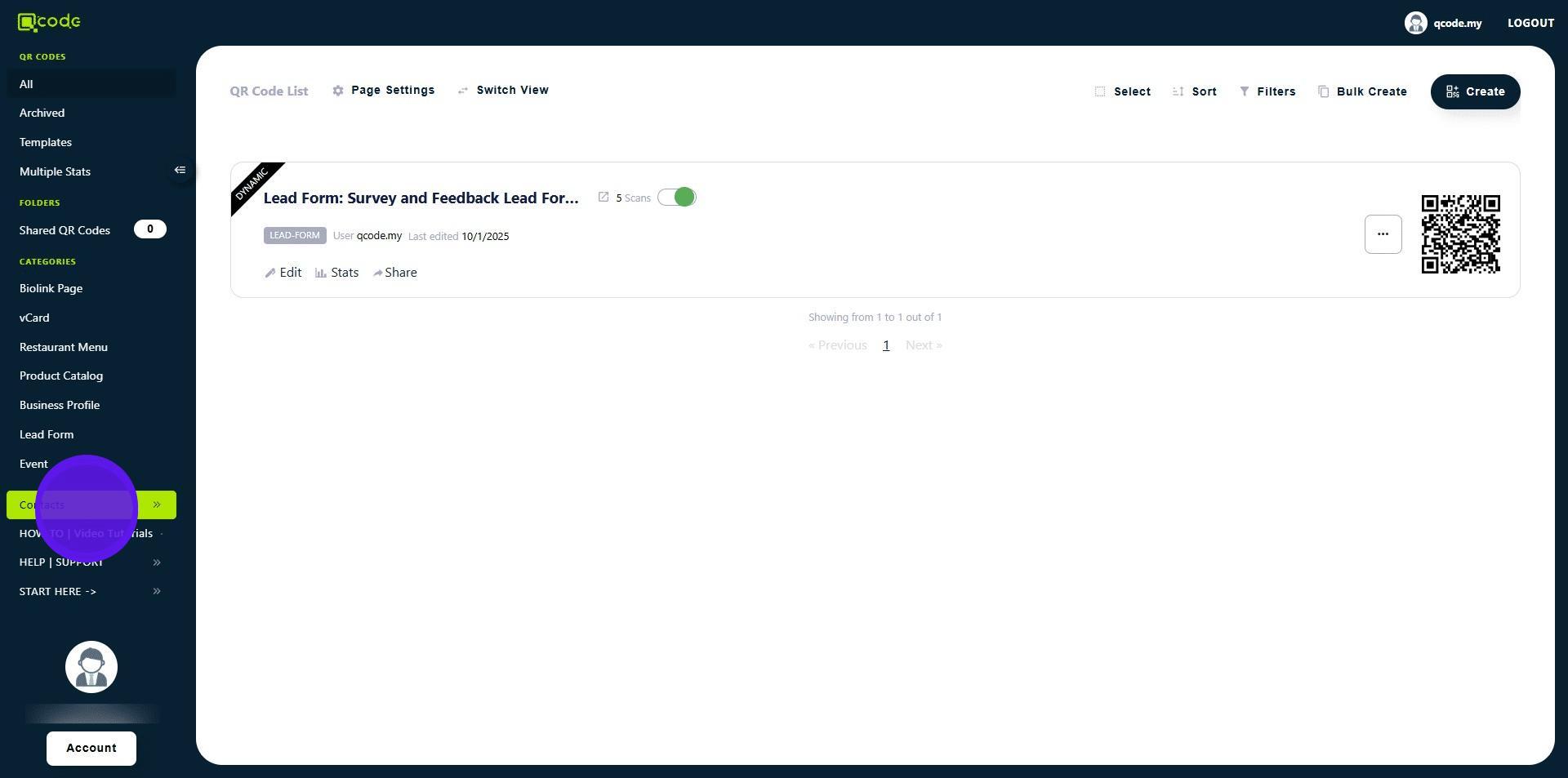
2. Click on Contacts to open its menu
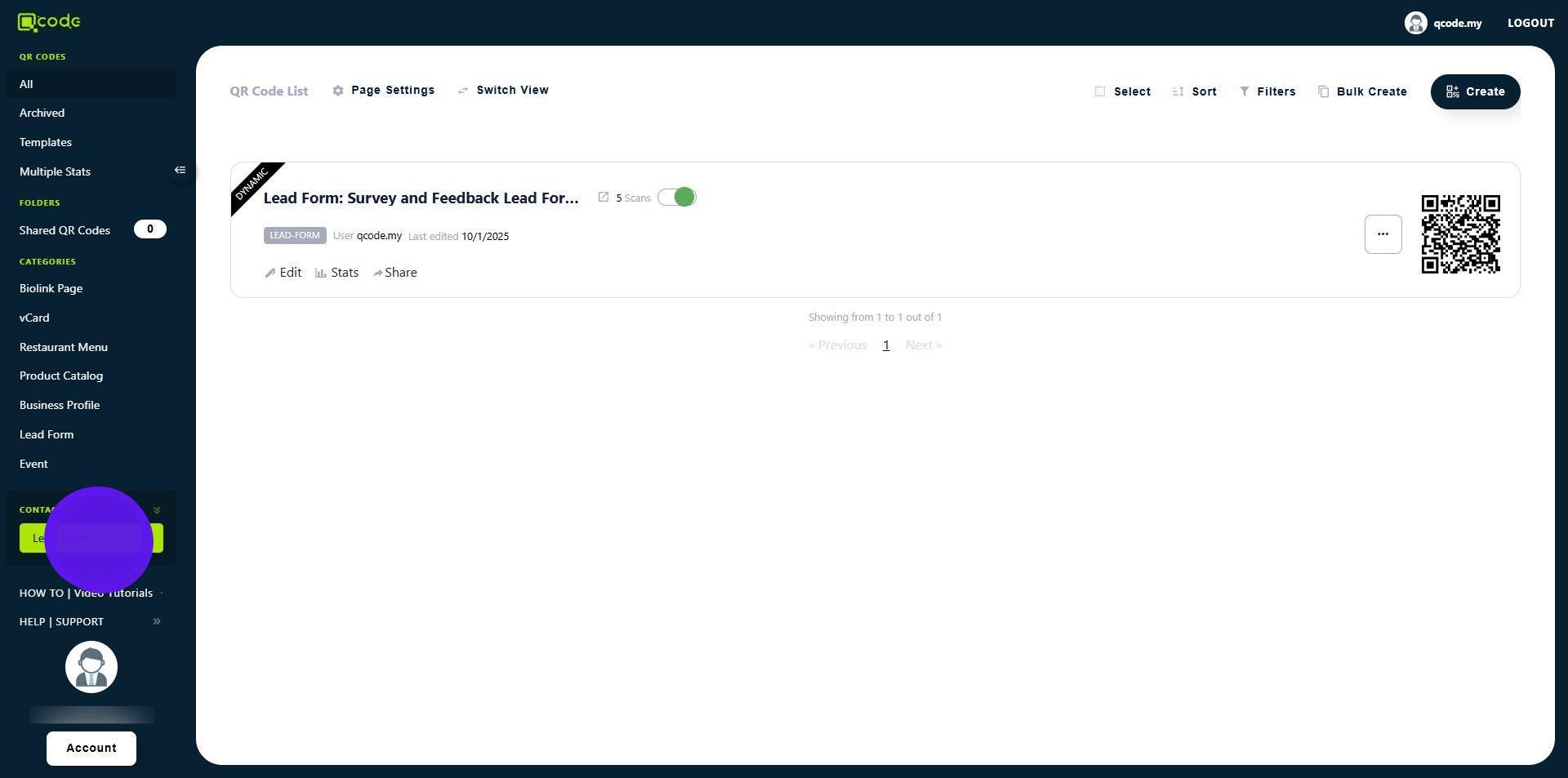
3. Click on Leads Form
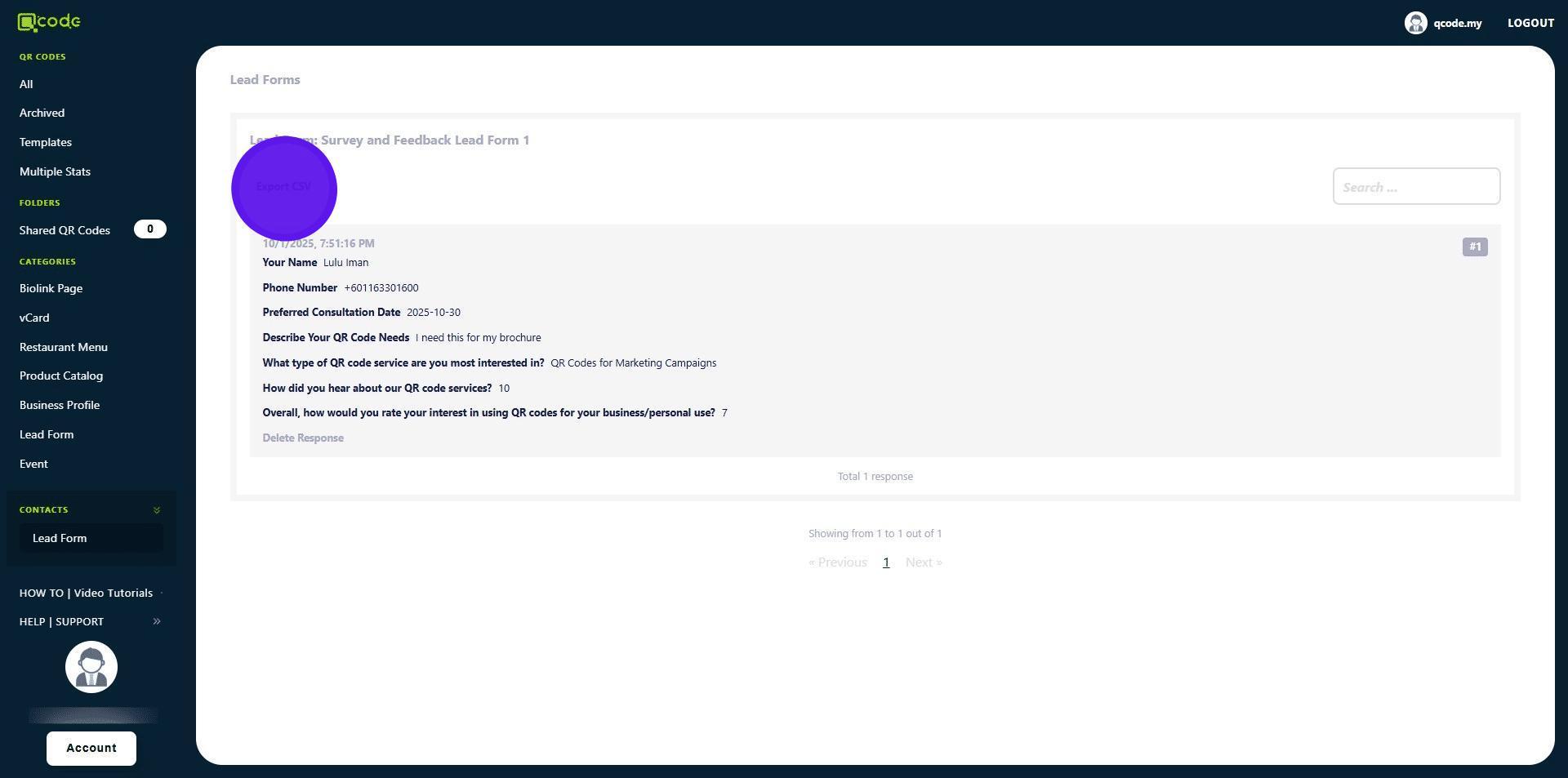
4. Click on Export CSV to export your Leads as CSV
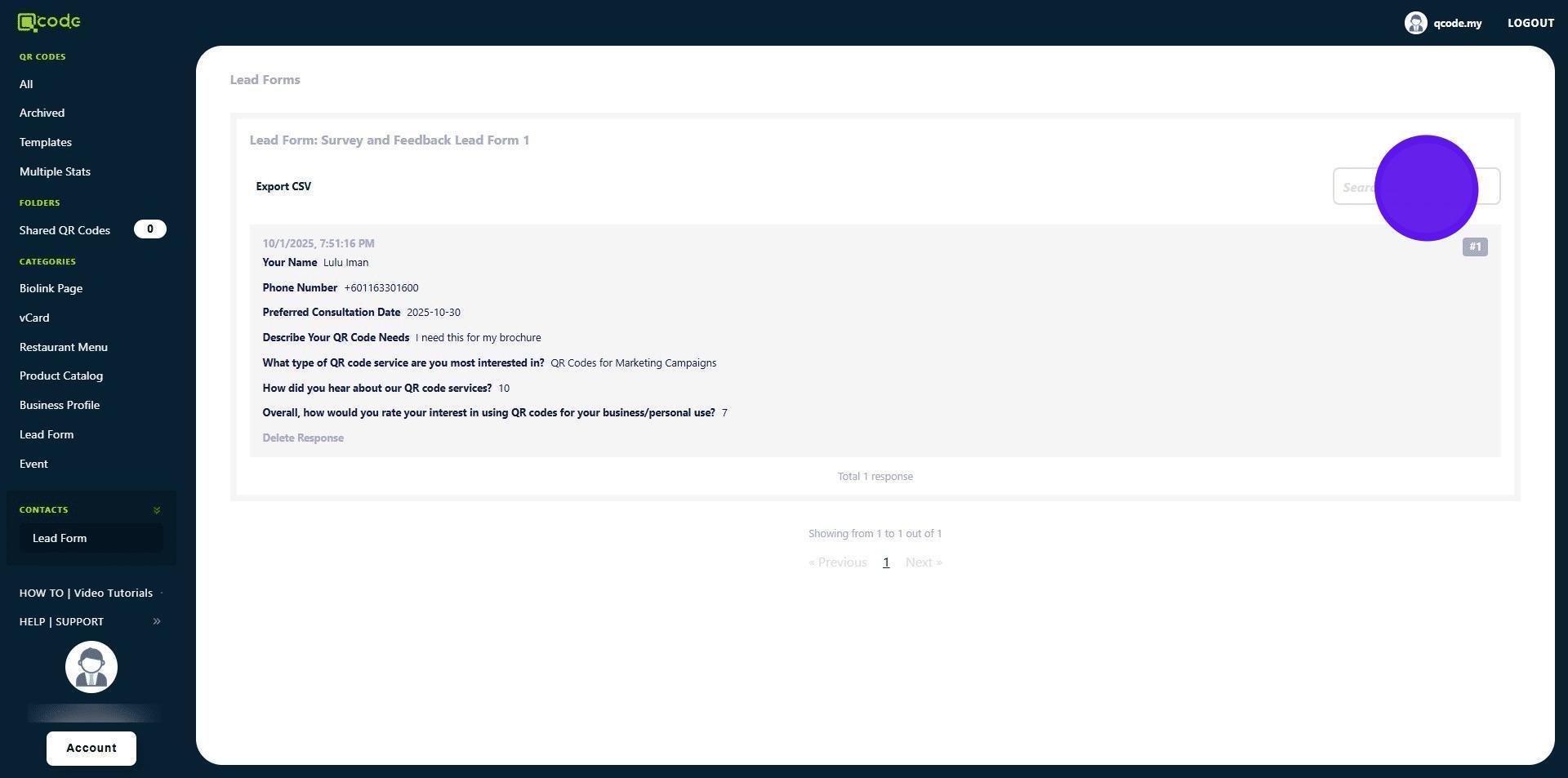
5. Click here to search your Leads
Well done you have made it 🚀


Was this article helpful?
© 2026 QCode.MY Knowledge Base