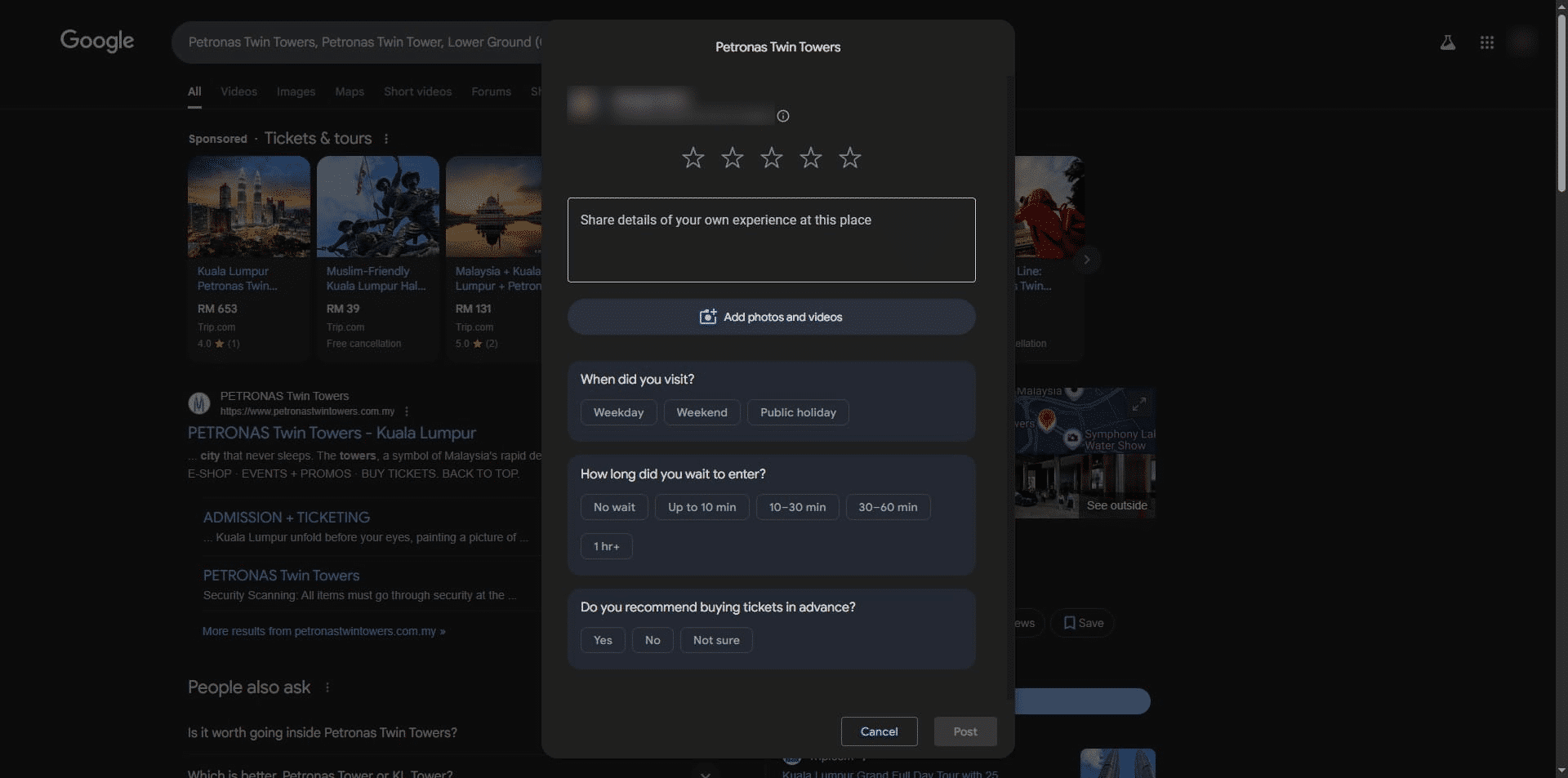
How to create Google Business Review
Creating a Google Business Review is a straightforward yet impactful process for enhancing your business's online reputation and visibility. Leveraging customer feedback can build trust, improve search rankings and attract new potential clients. Here's a concise guide to help you generate a Google Business Review QR Code, making it easier for customers to leave reviews effortlessly:
1. Navigate to https://qcode.my/dashboard/qrcodes
2. Click on Create to start creating your Google Business Review QR Code
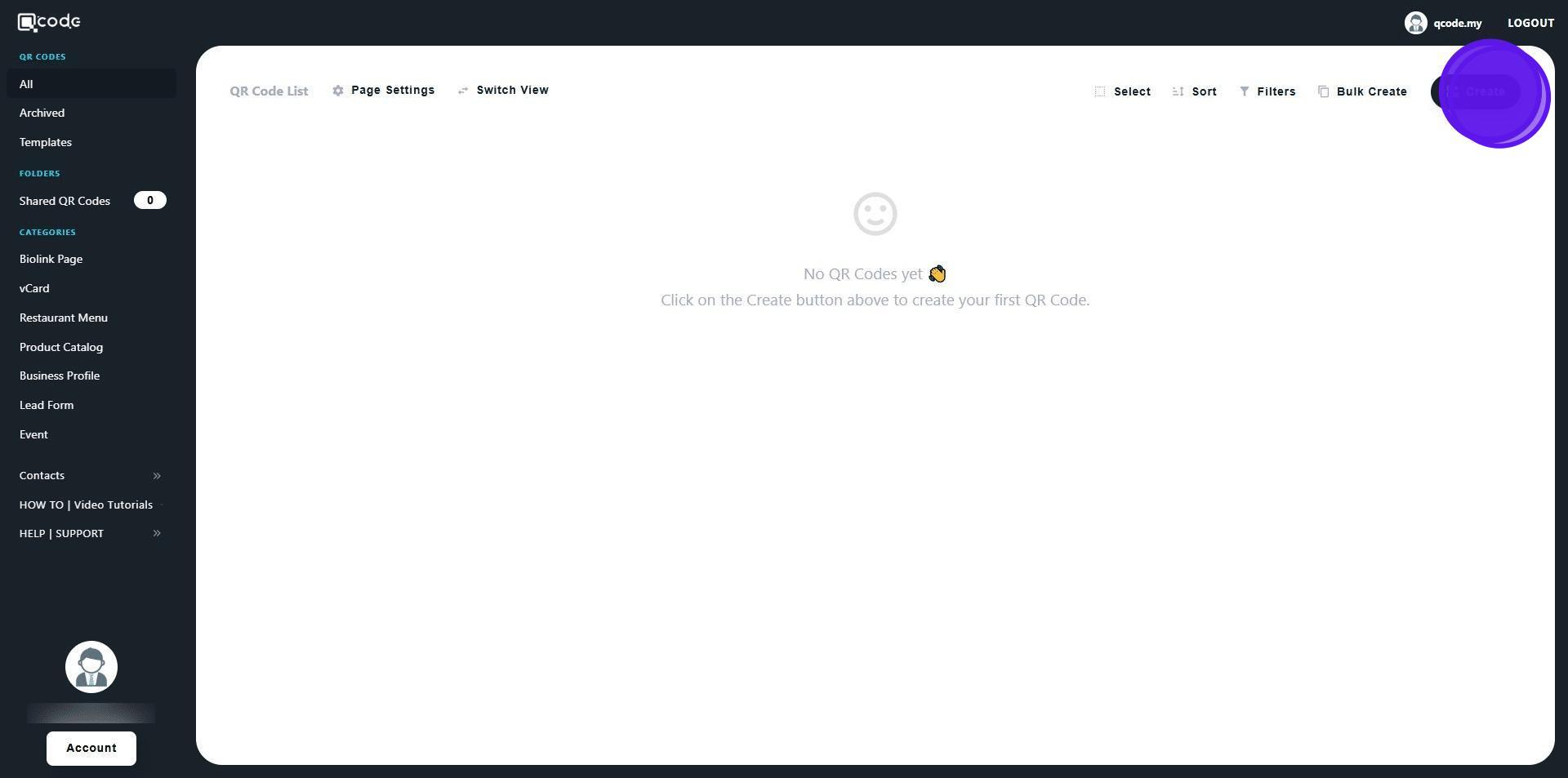
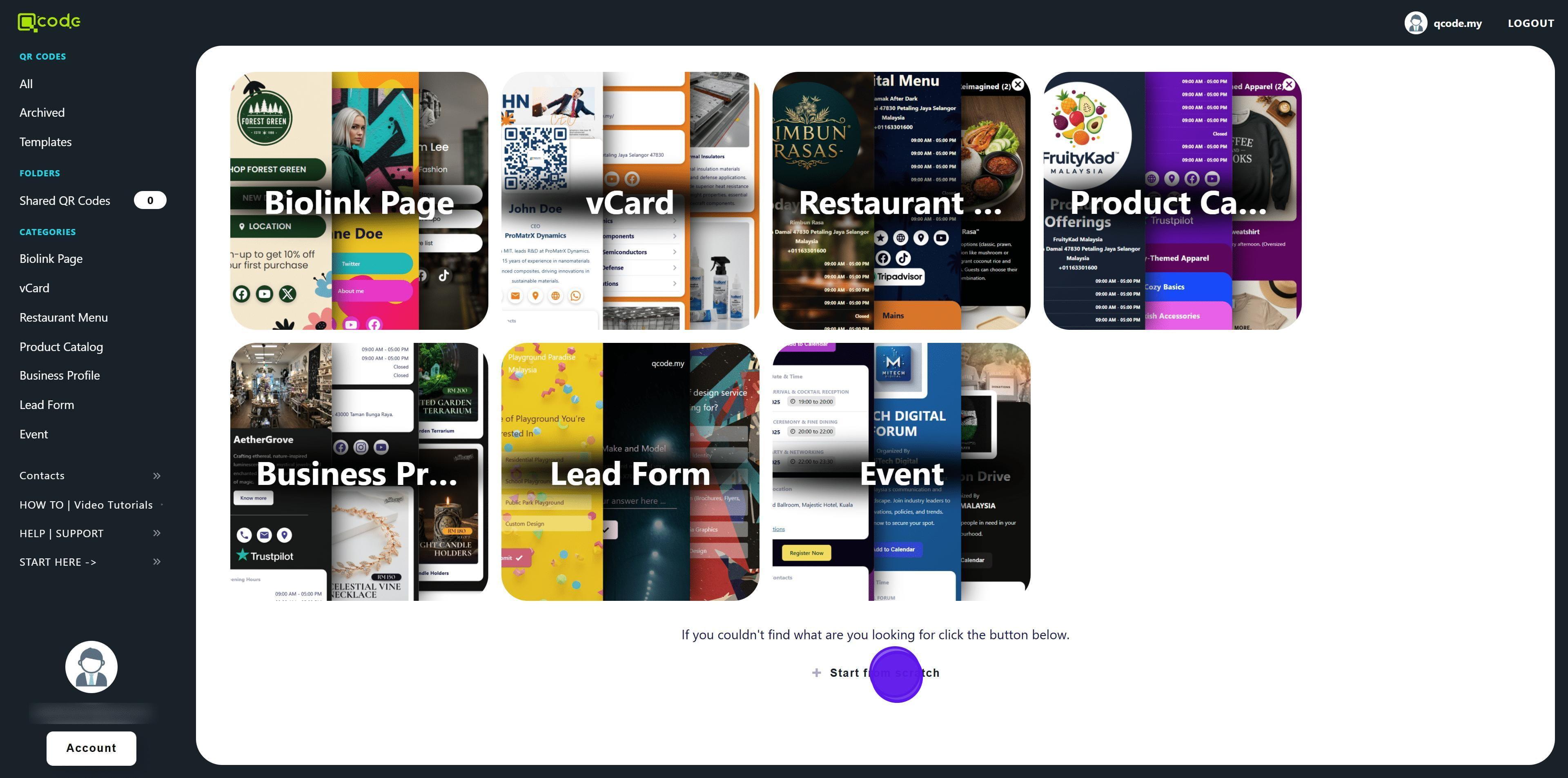
3. Click on Start from scratch
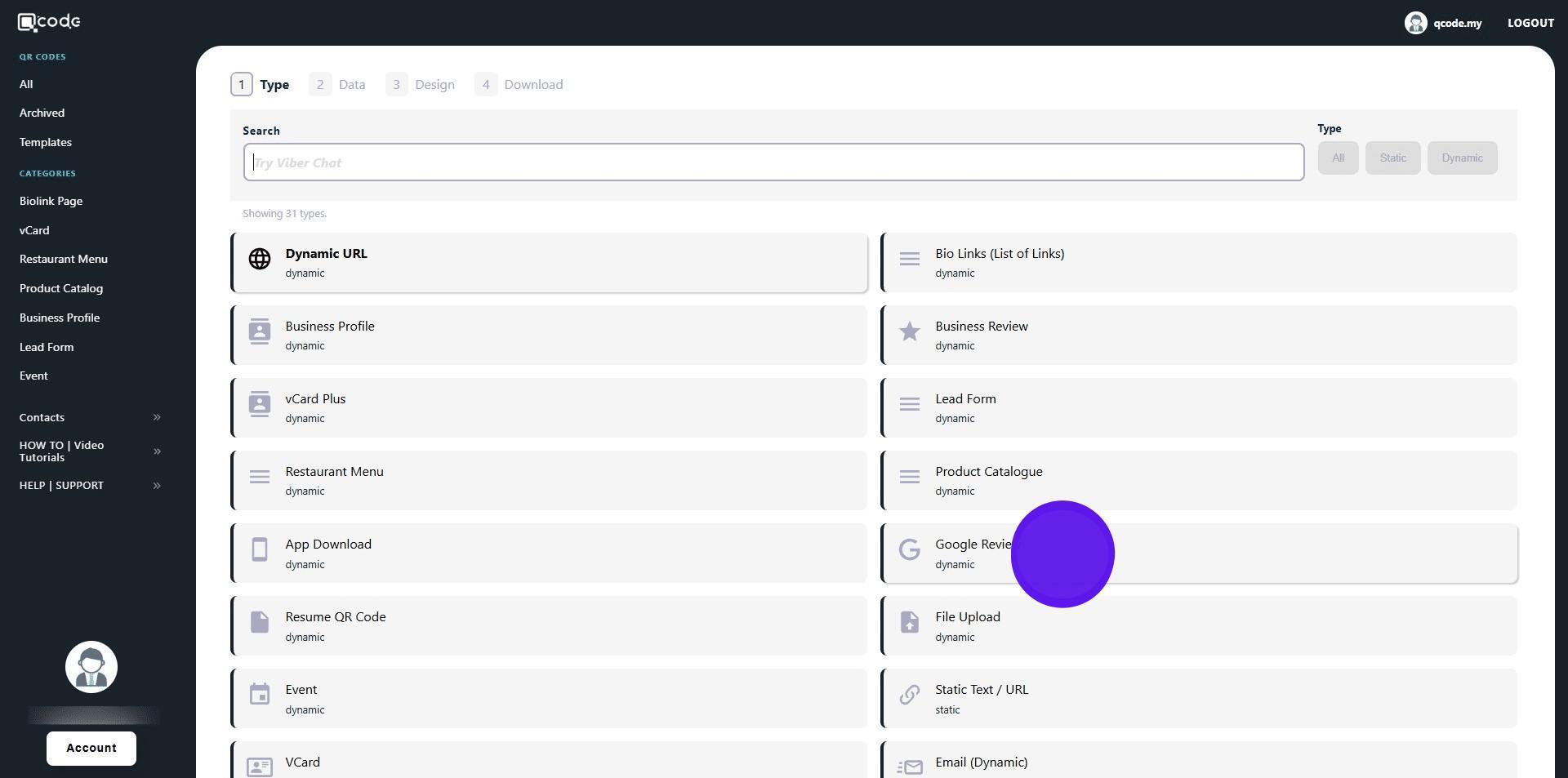
4. Select Google Business Review
5. Enter your business here
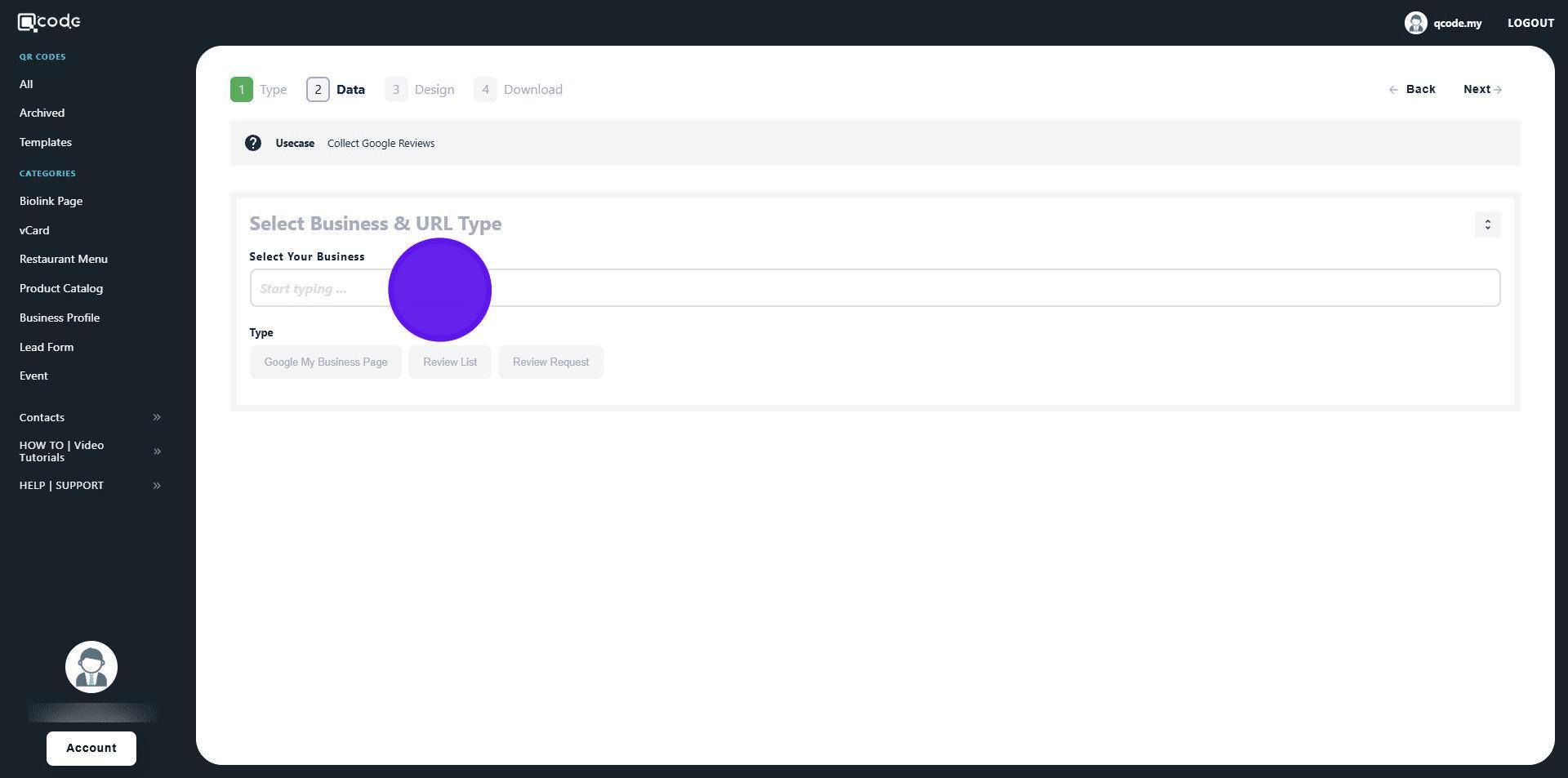
6. Click on your desired type
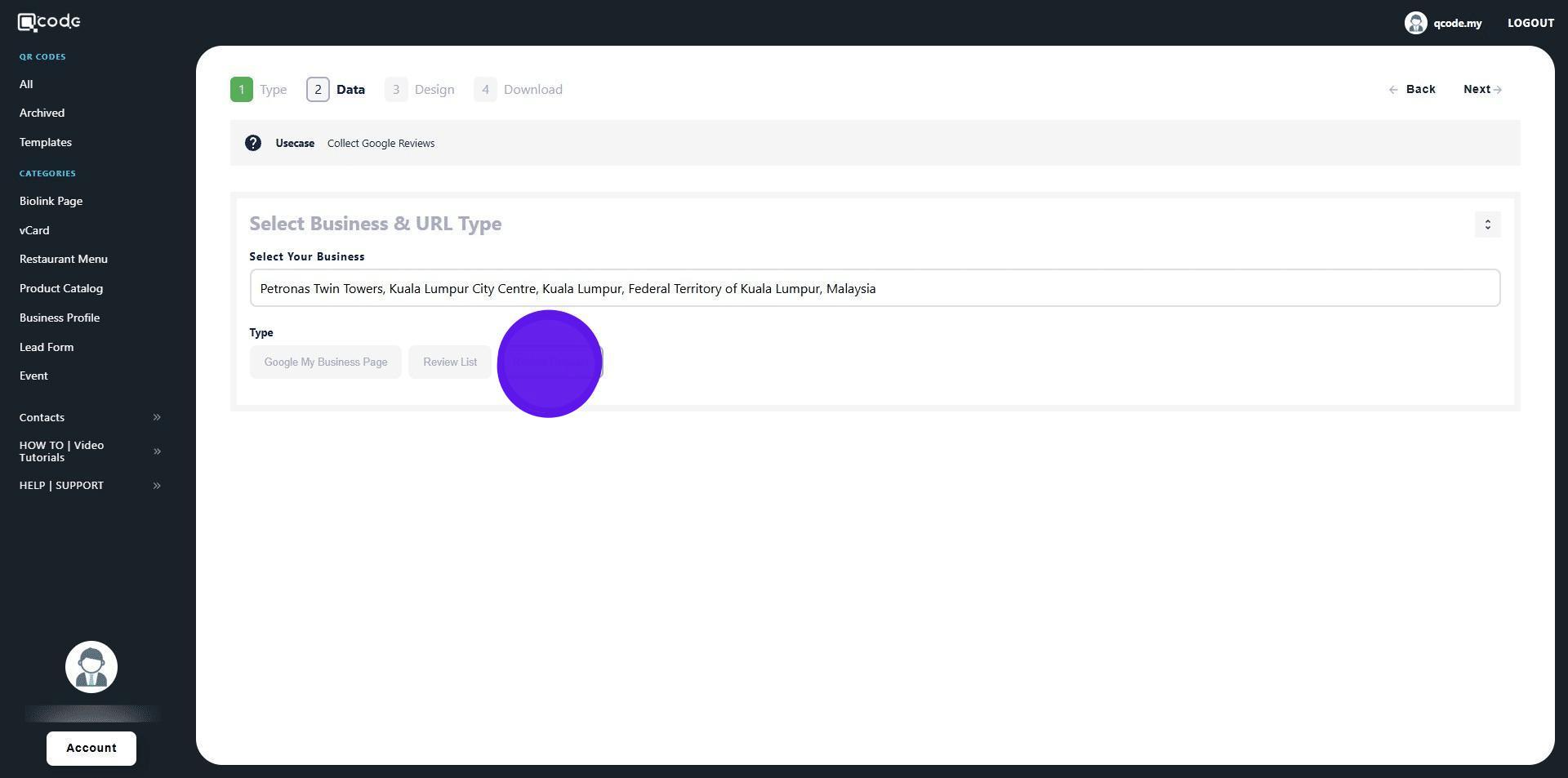
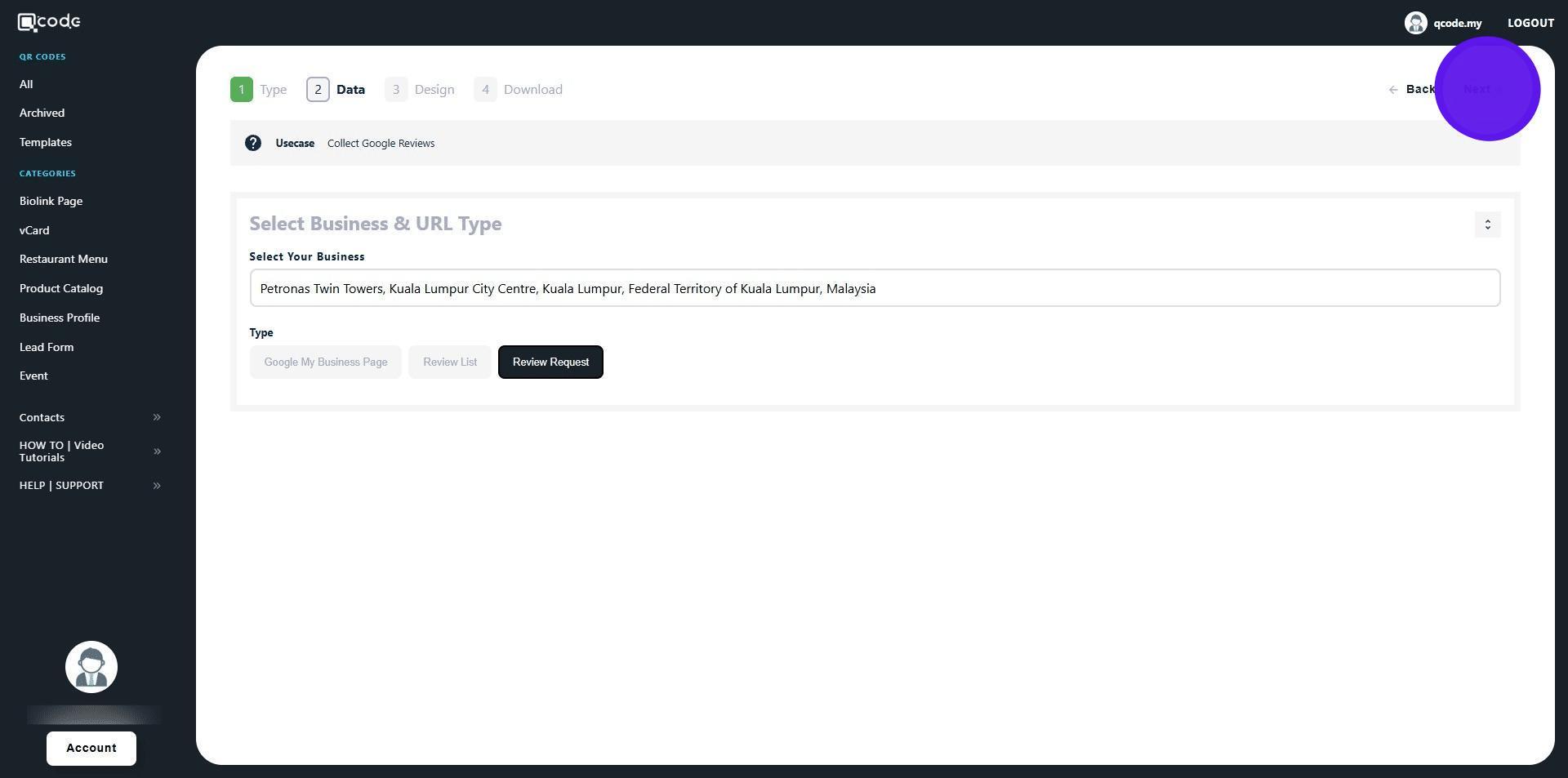
7. Click on Next to move to the next page
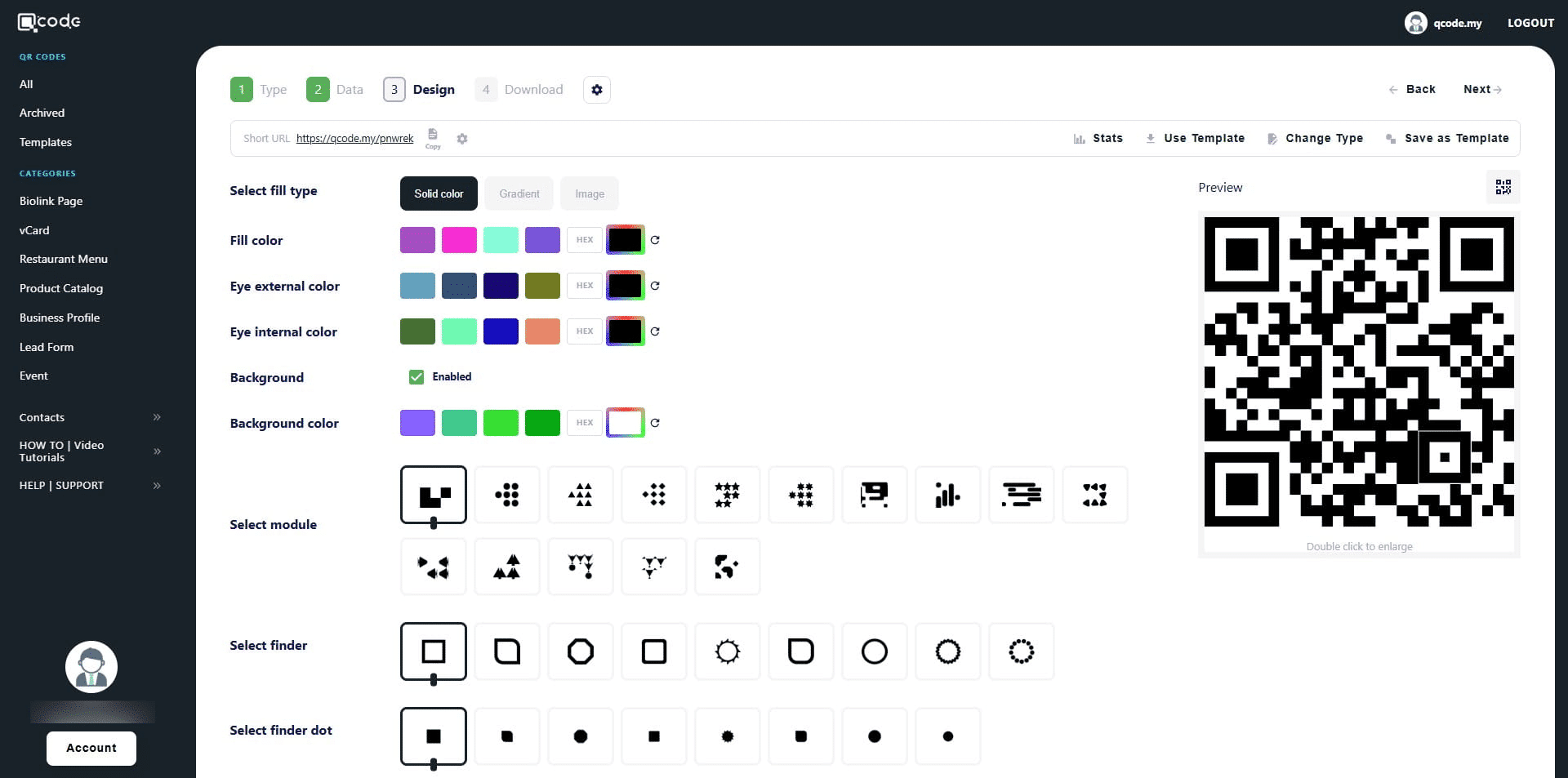
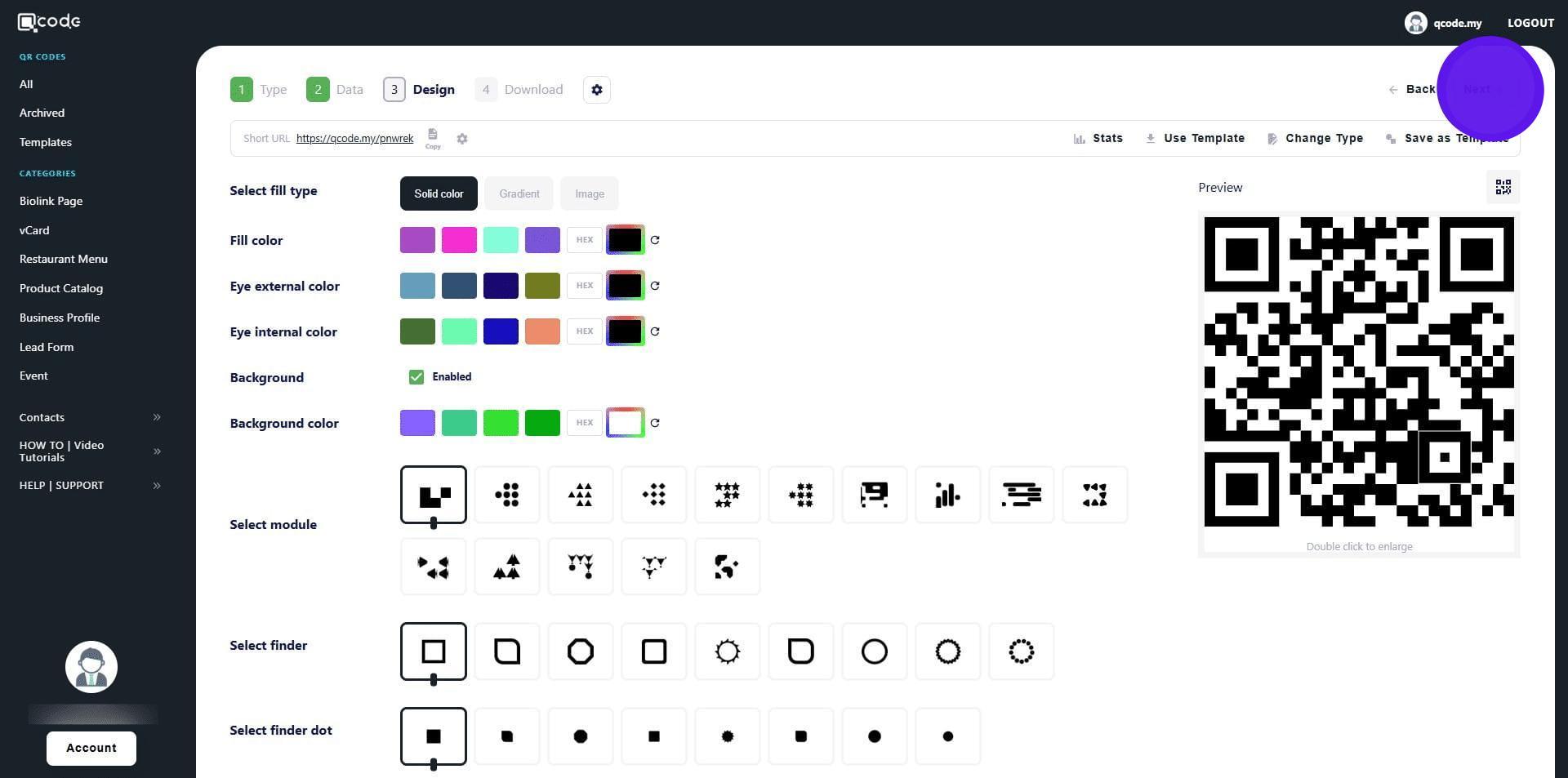
8. This section is where you can design your QR Code.
Click the link here to learn more: https://kb.imoolah.network/guides/YUFgbQ5mkC4Zy2JfZH25
9. Click on Next to move to the final section
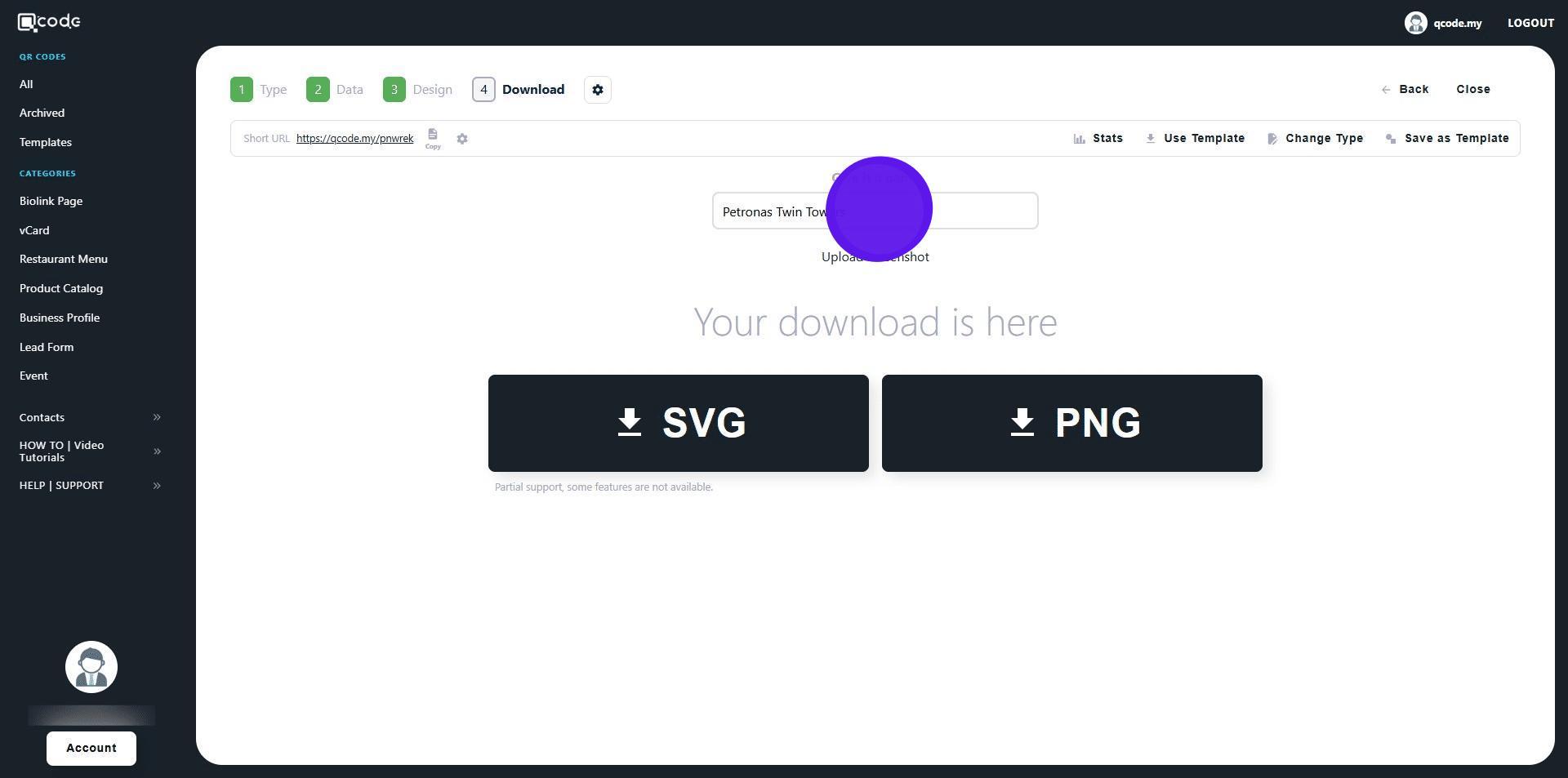
10. Click here to give your QR Code a name
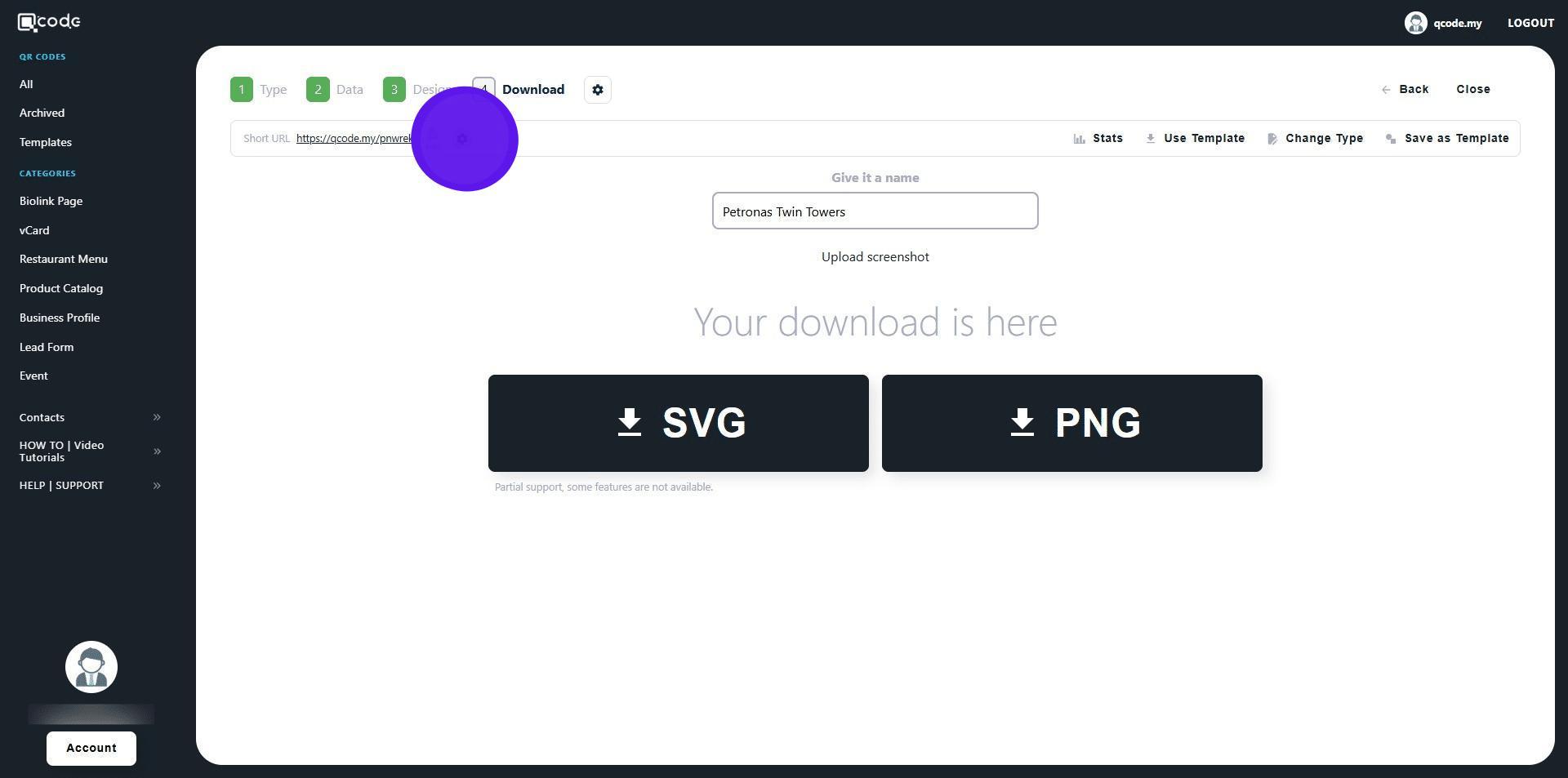
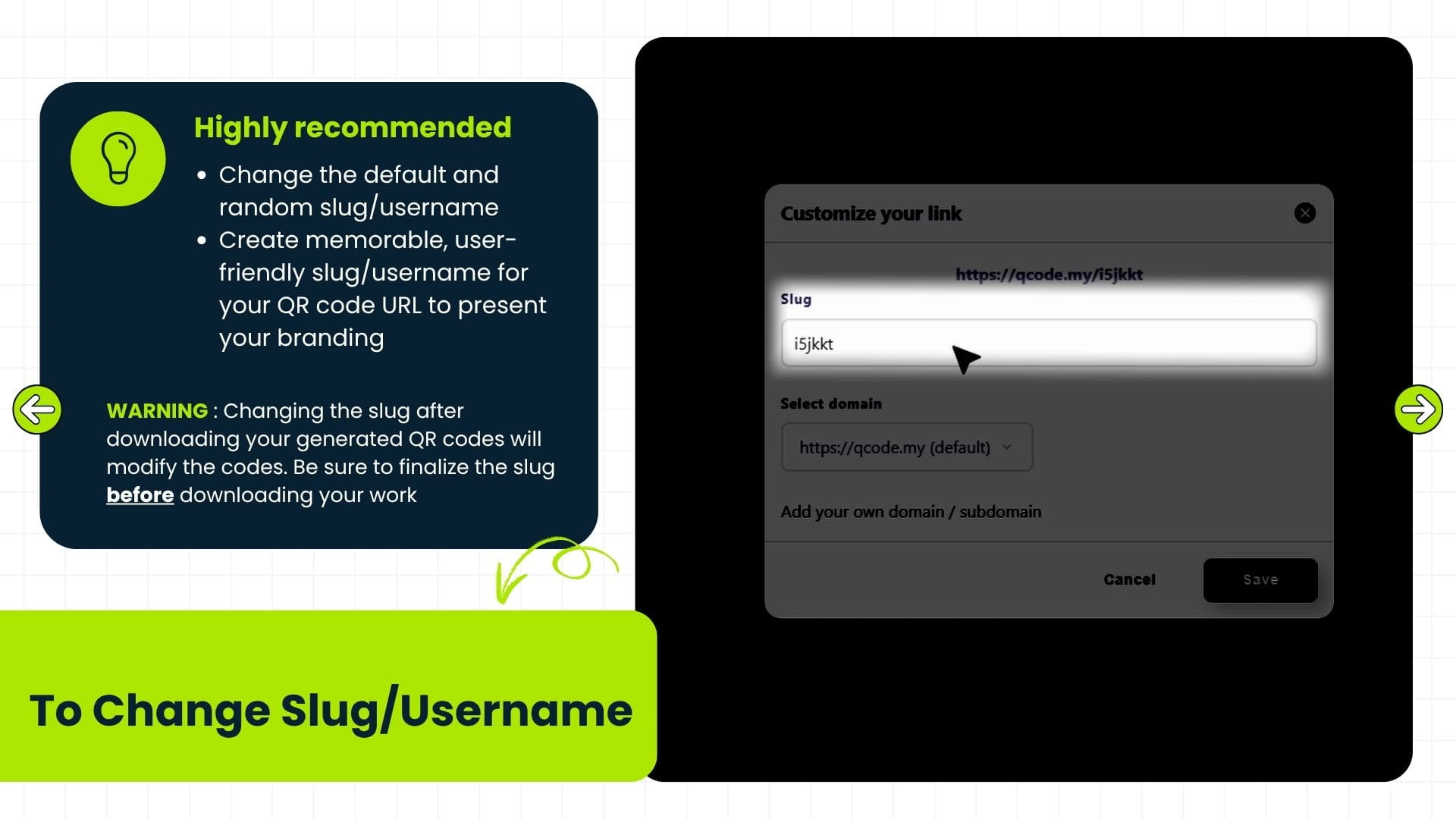
11. Click the cog icon to change your Slug/Username.
Click the link here to learn more: https://kb.imoolah.network/guides/WyWZY38vTRTbItuows4P
12. Changing the slug after downloading your generated QR codes will modify the codes. Be sure to finalize the slug before downloading your work
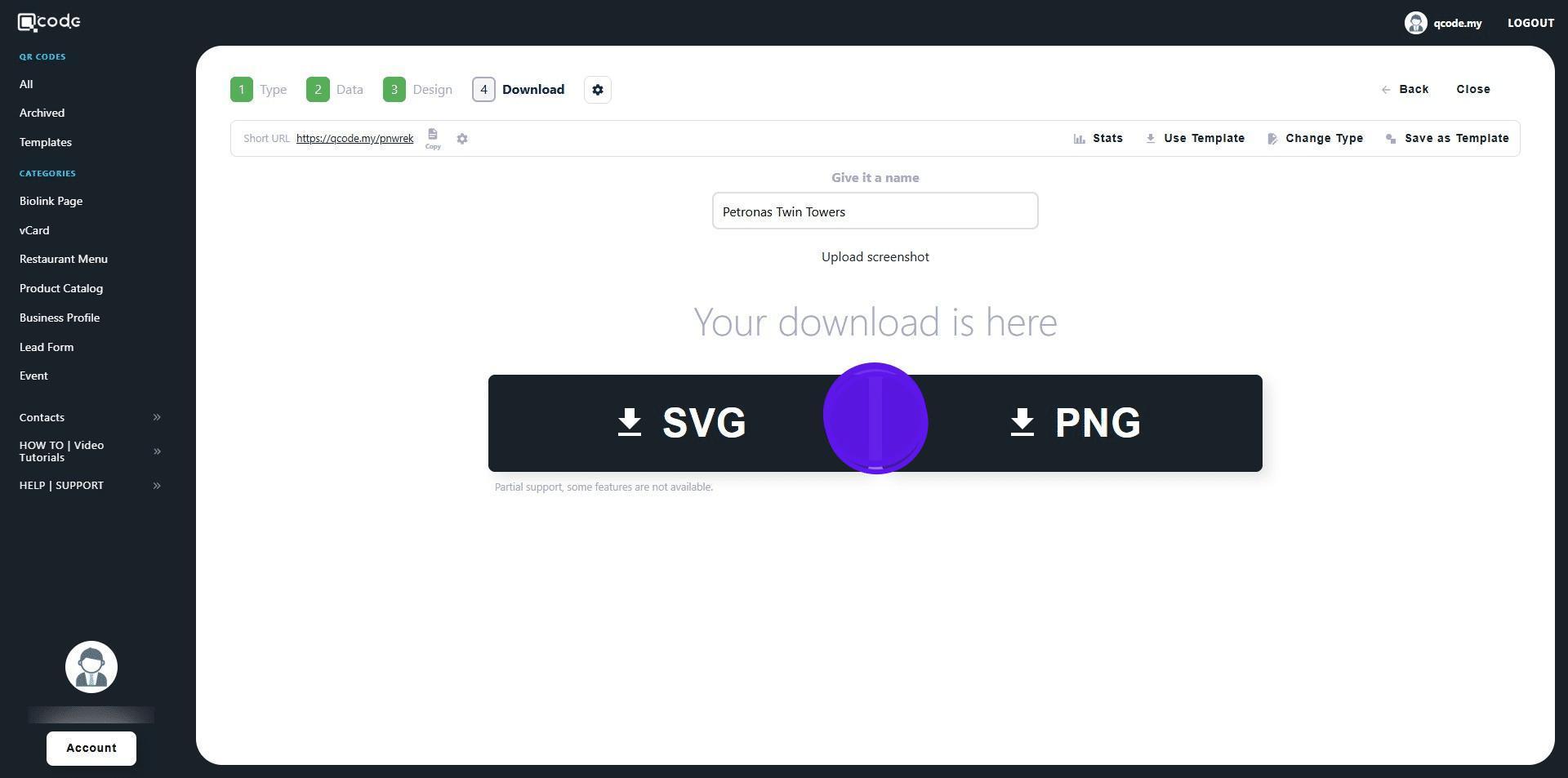
13. Click on SVG or PNG to download your QR Code in the following formats
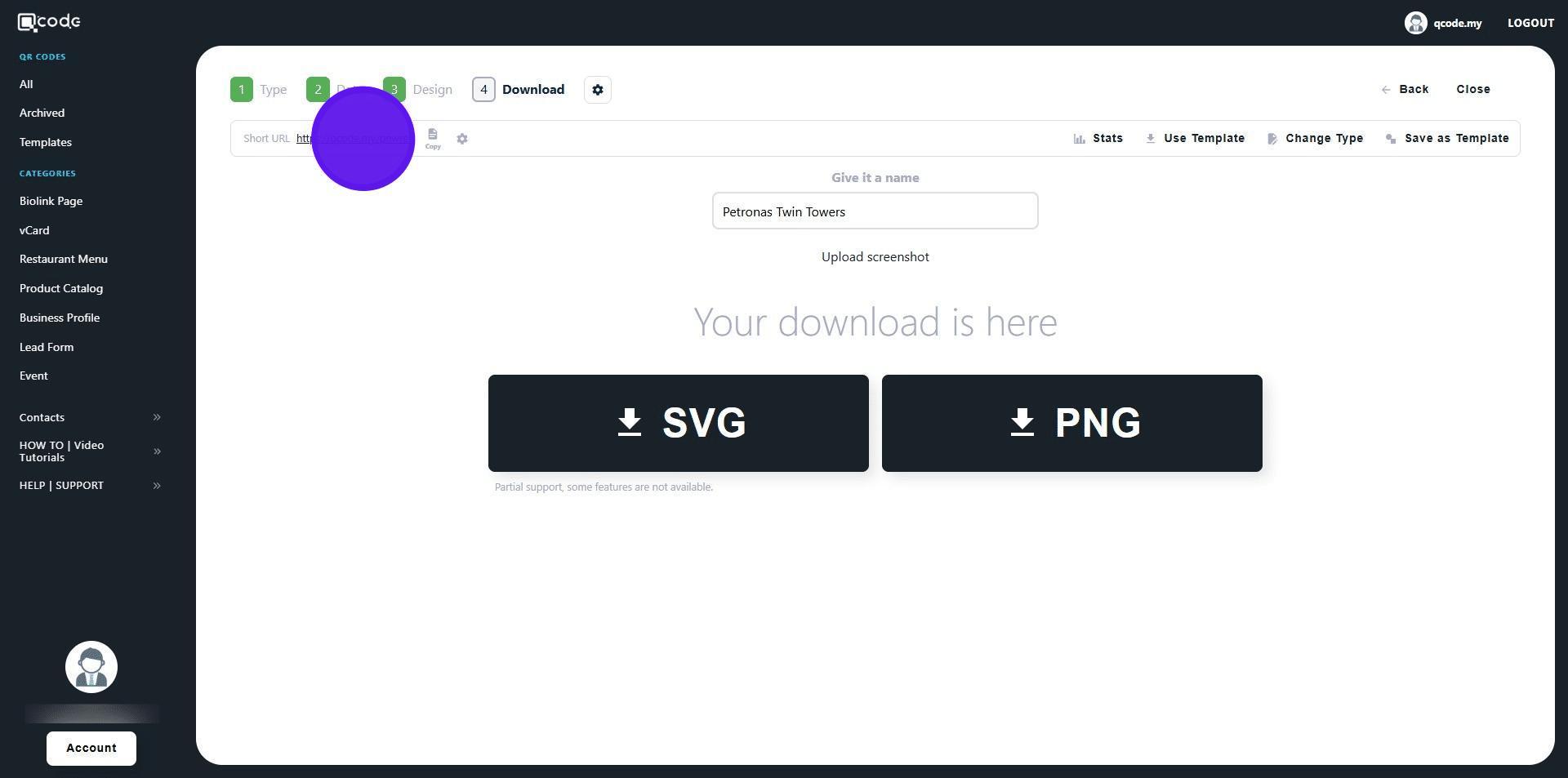
14. Click on the Short URL to view the link
15. Here is the Google Review page. Well done. 🚀