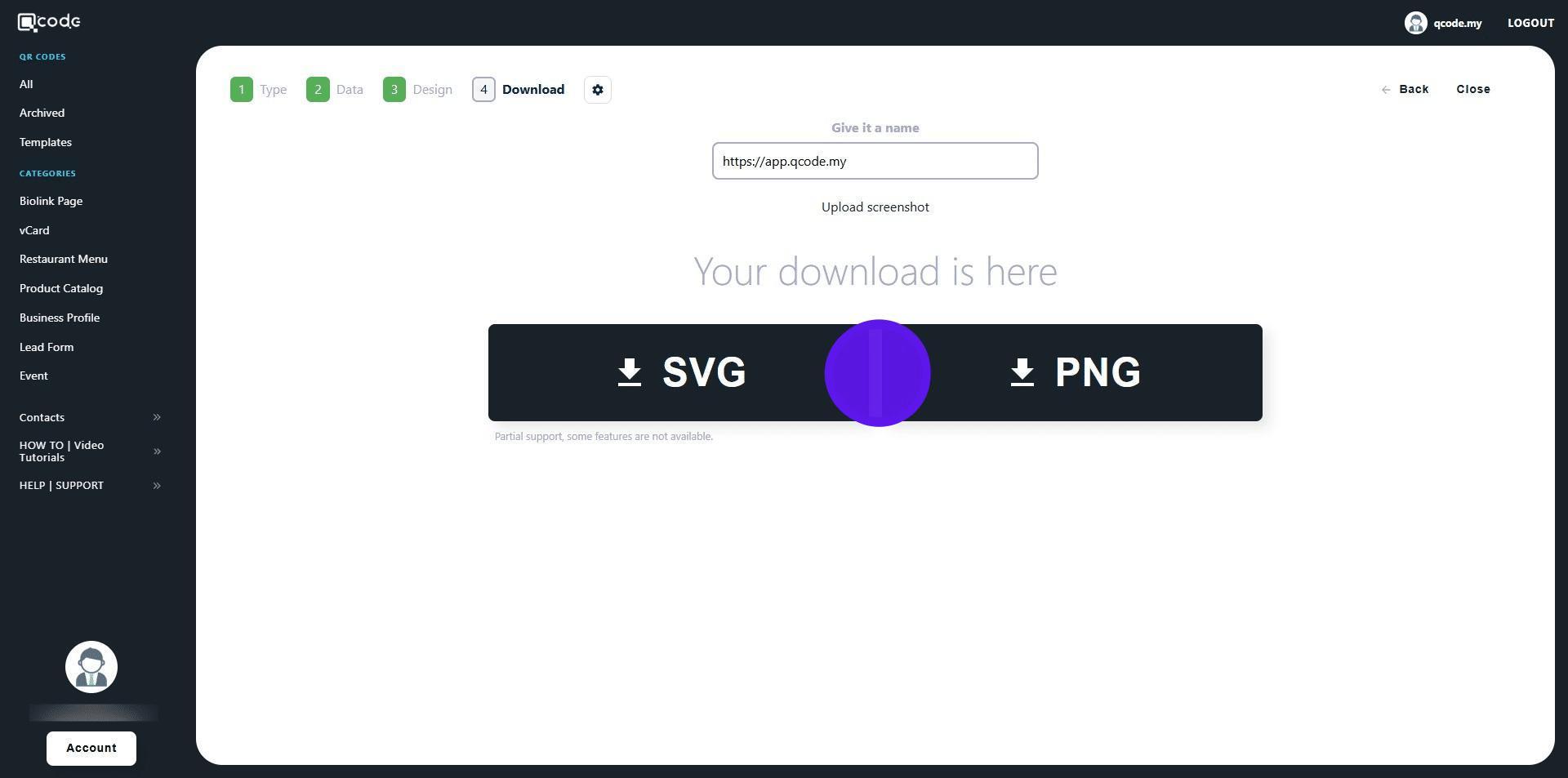
How to create a Static QR Code
This guide explains how to generate a static QR code. By following this guide, you will be able to create a QR code that encodes fixed information, such as a website URL, which can be easily shared and accessed by scanning the code.
1. Navigate to https://qcode.my/dashboard/qrcodes
2. Click on Create to start creating your QR Code
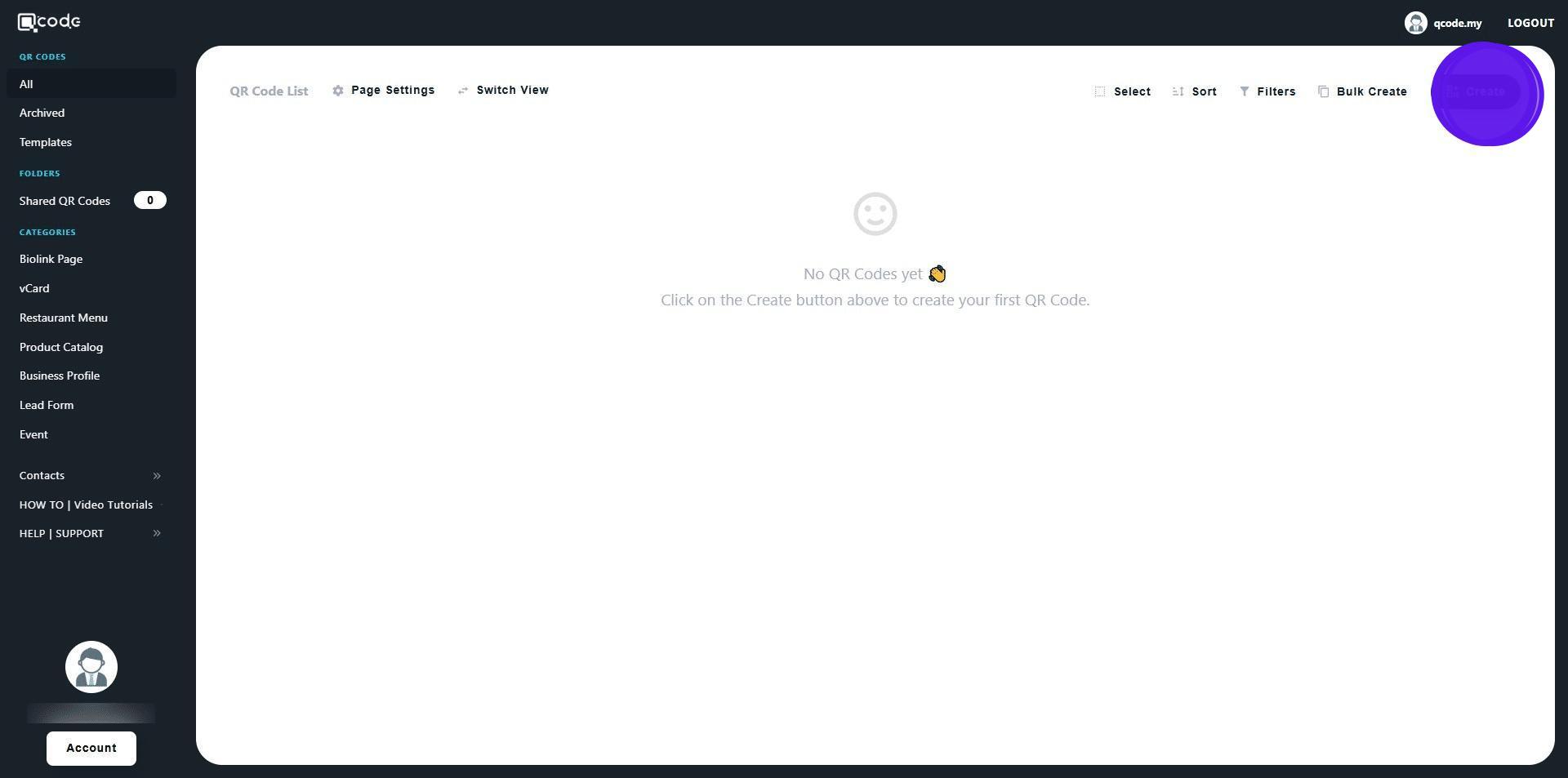
3. Click on Start from scratch

4. Select Static Text / URL

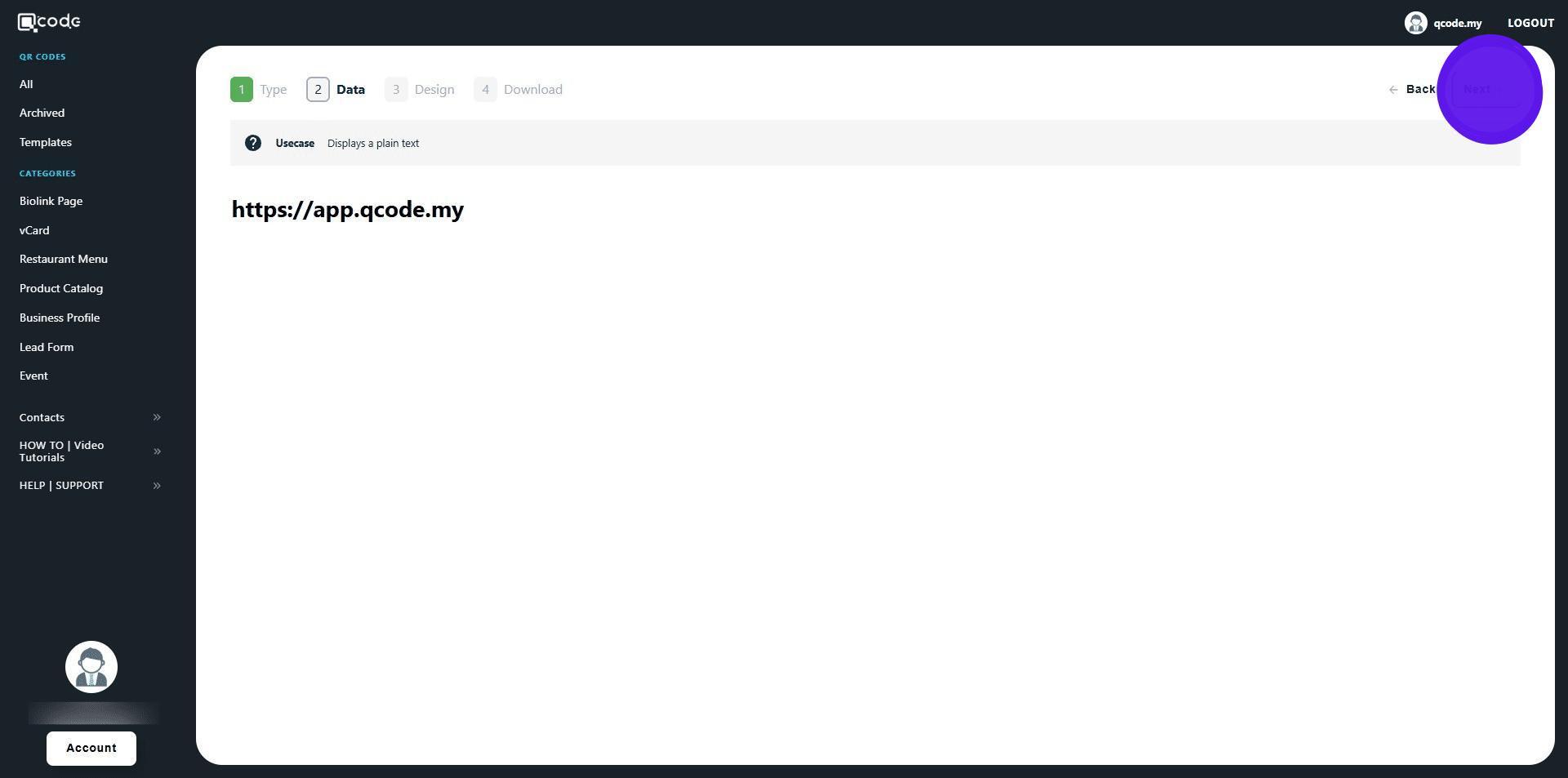
5. Insert your URL here
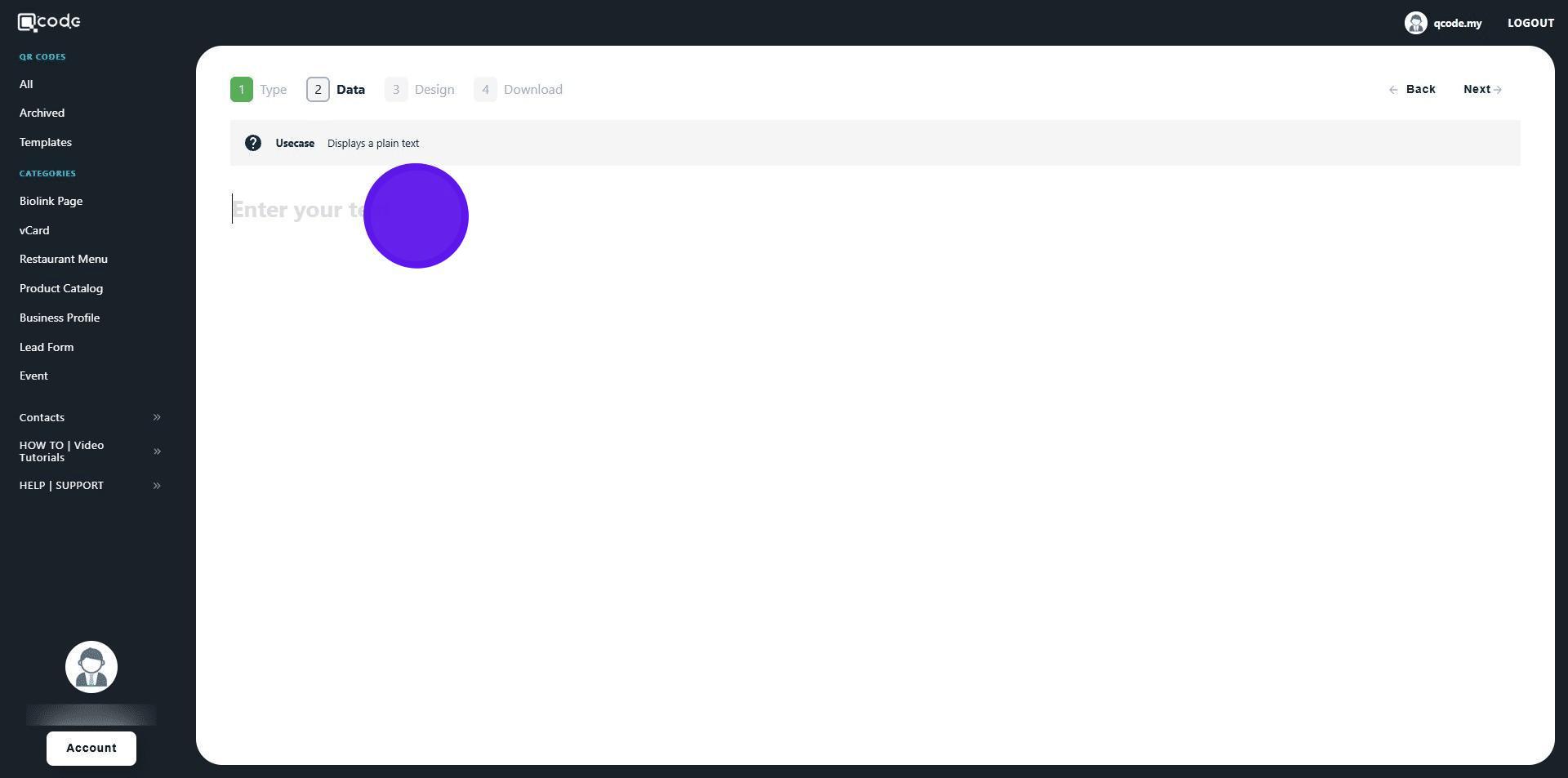
6.
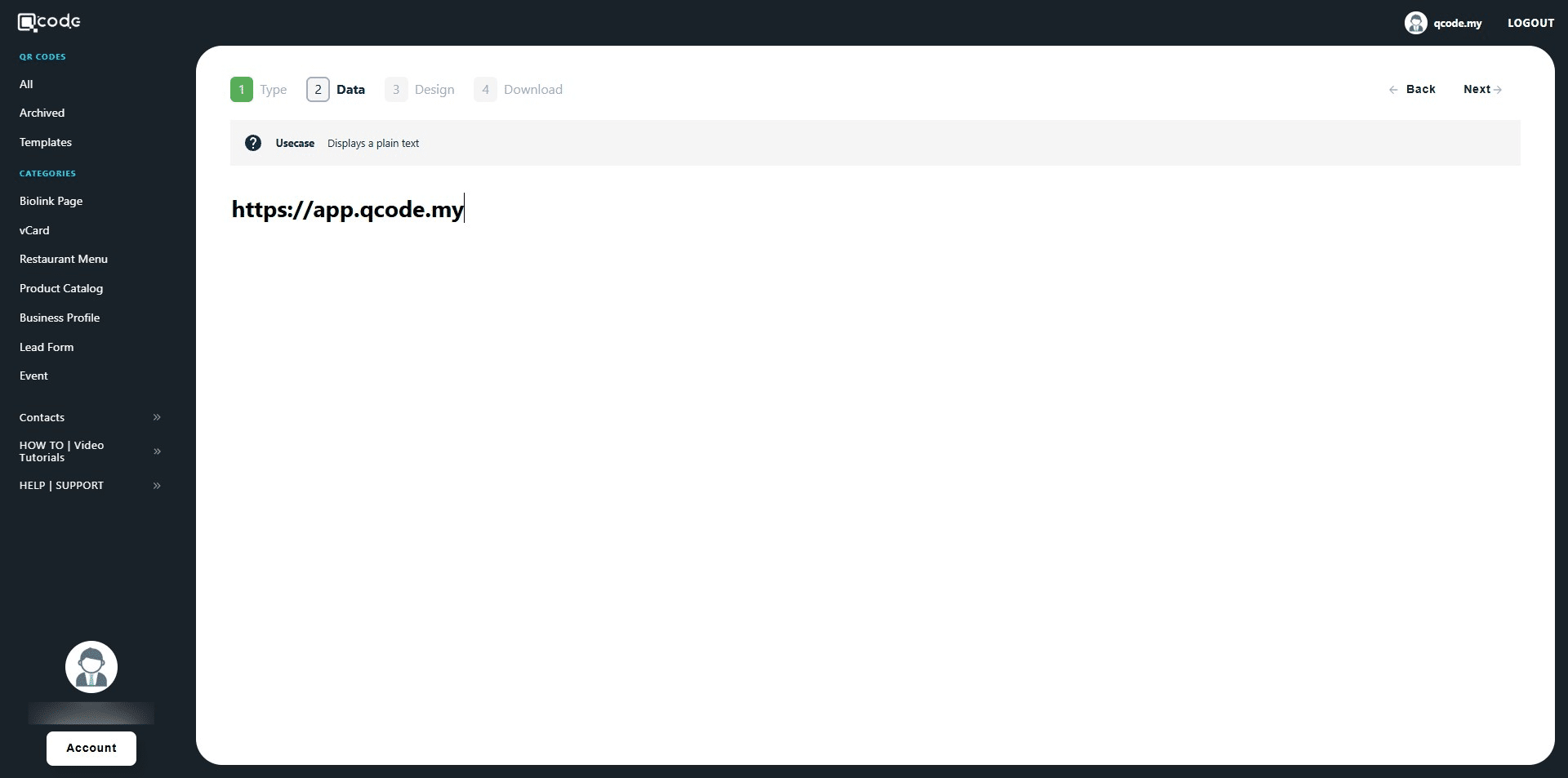
7. Click on Next to move to the next page
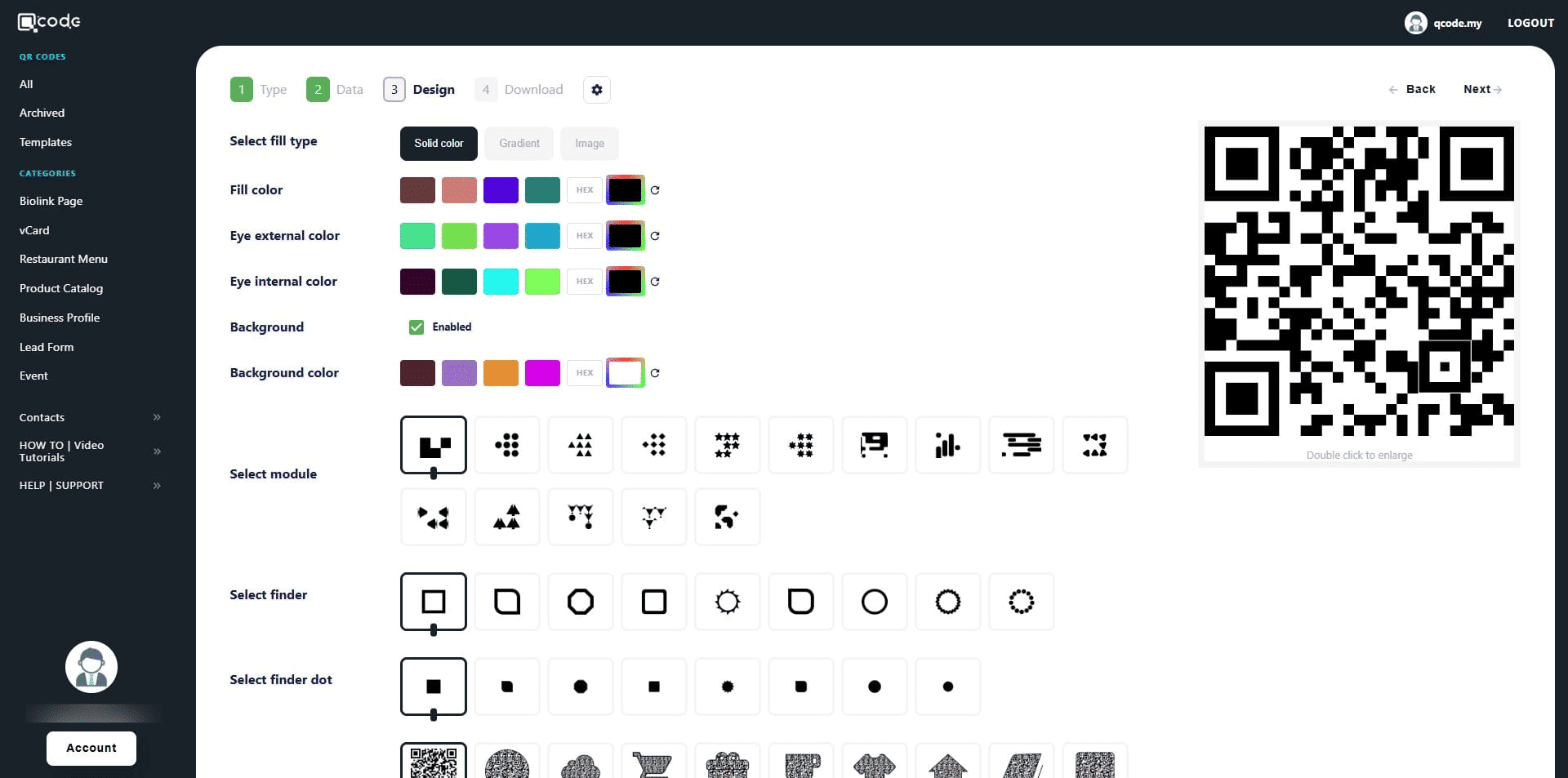
8. Here is your QR Code customization page.
Click the link to learn more: https://kb.imoolah.network/guides/YUFgbQ5mkC4Zy2JfZH25
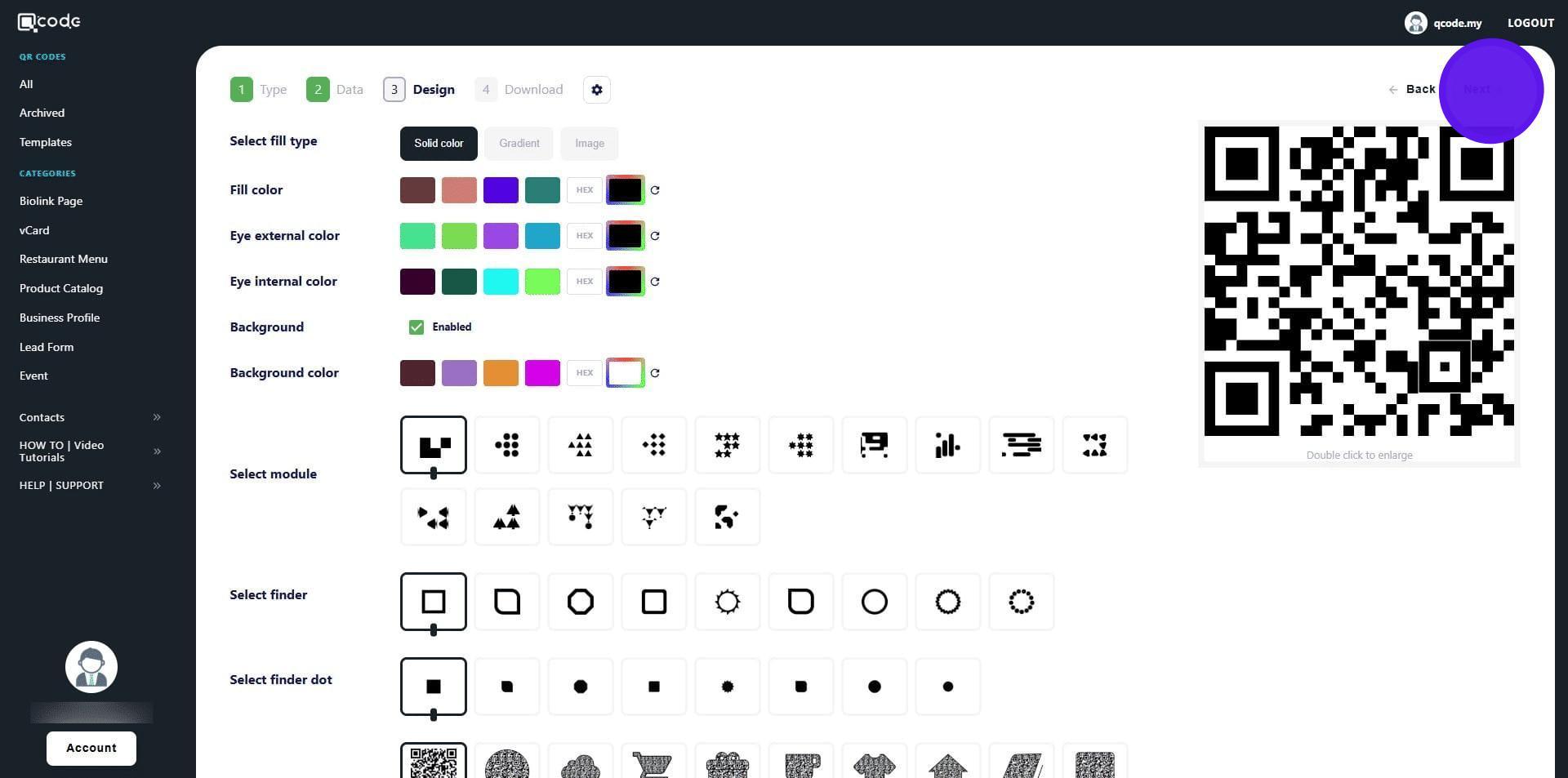
9. Click on Next to move to the final page
10. Click here to give your QR Code a name
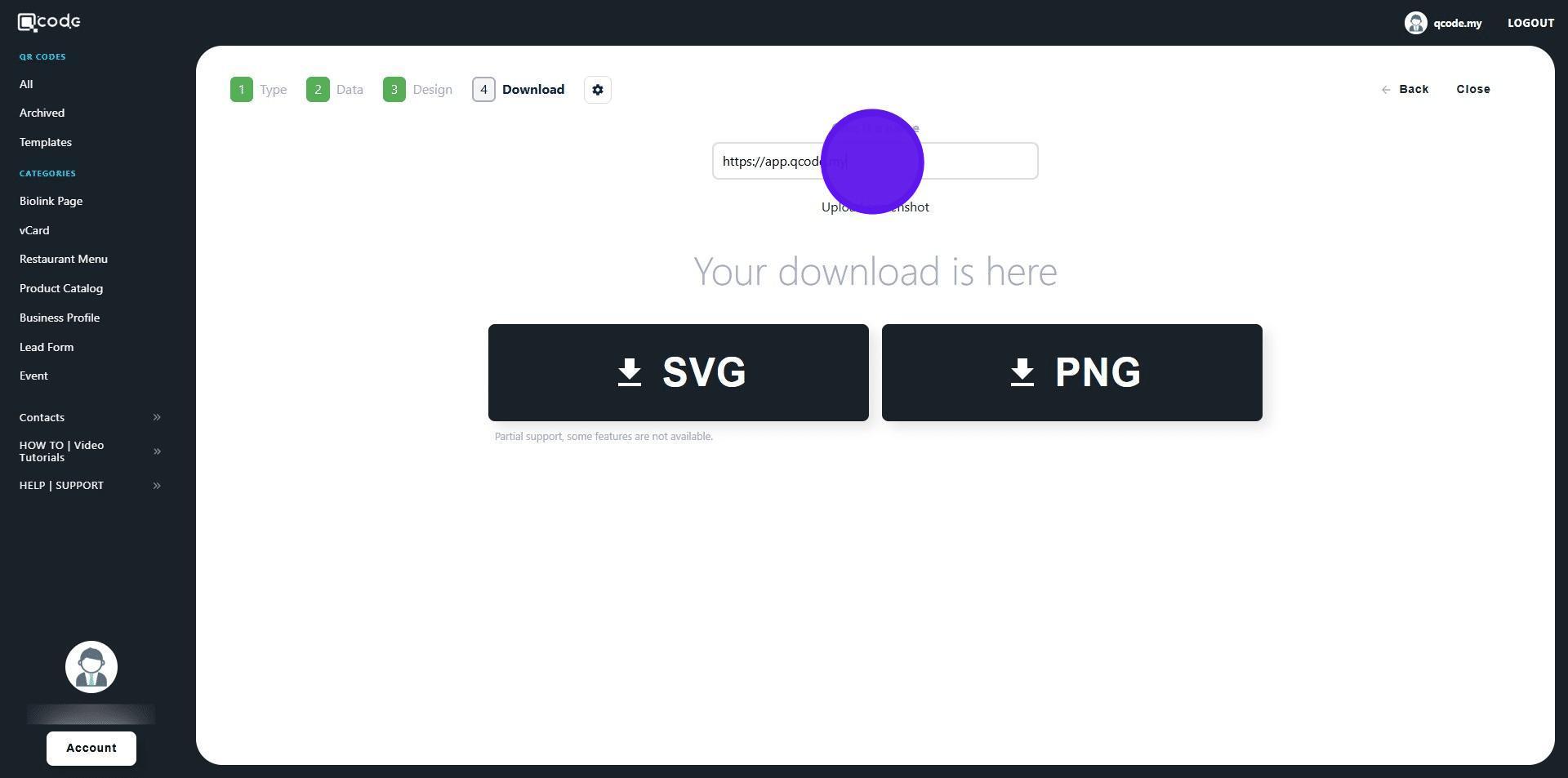
11. Click on SVG or PNG to download your QR Code in the desired formats