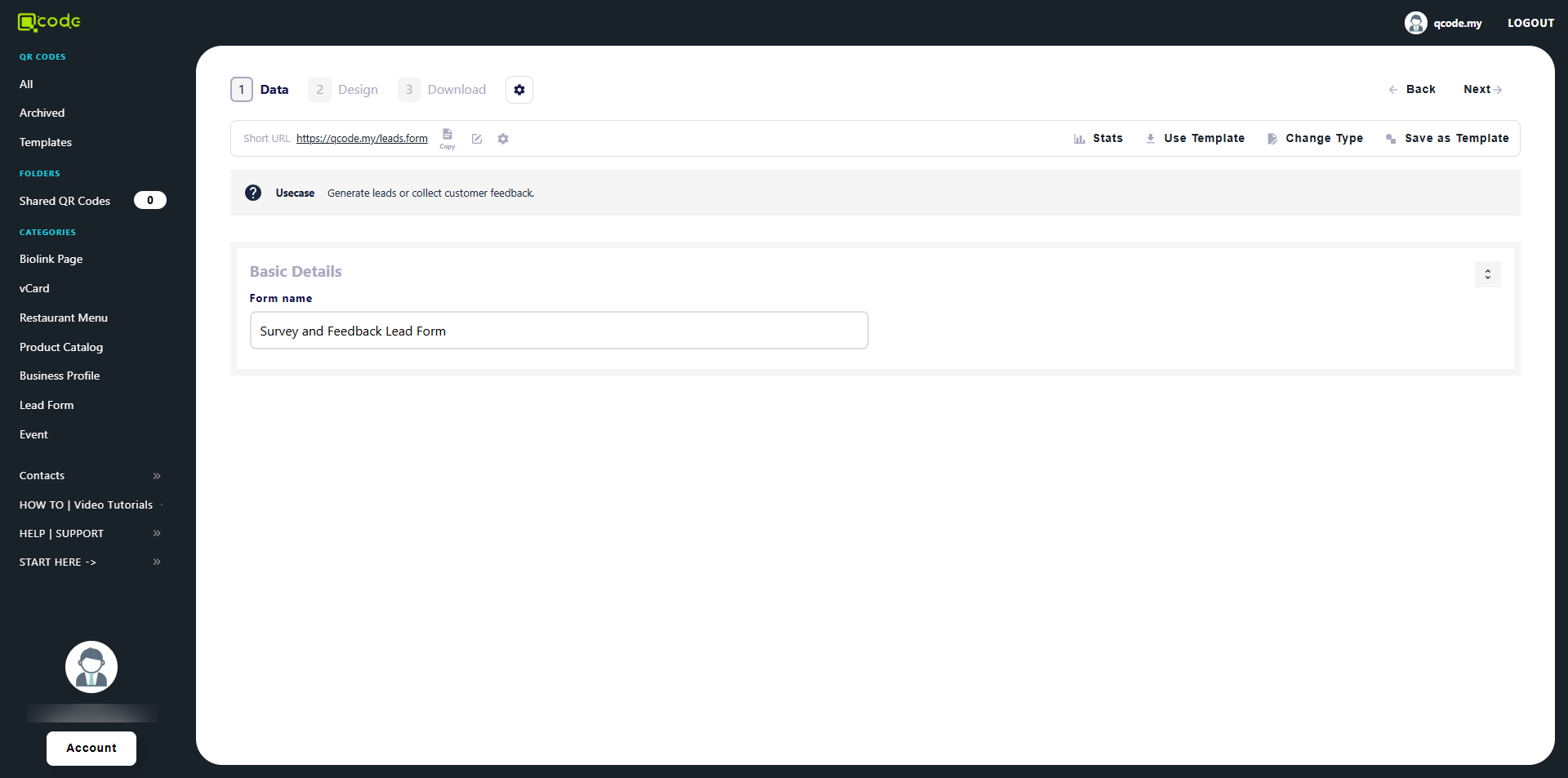
How to change Slug/Username
This guide explains how to modify the unique identifier (Slug/Username) associated with your QR codes. Changing this identifier can affect existing QR codes, so the guide emphasizes finalizing it before widespread use.
1. Navigate to https://qcode.my/dashboard/qrcodes
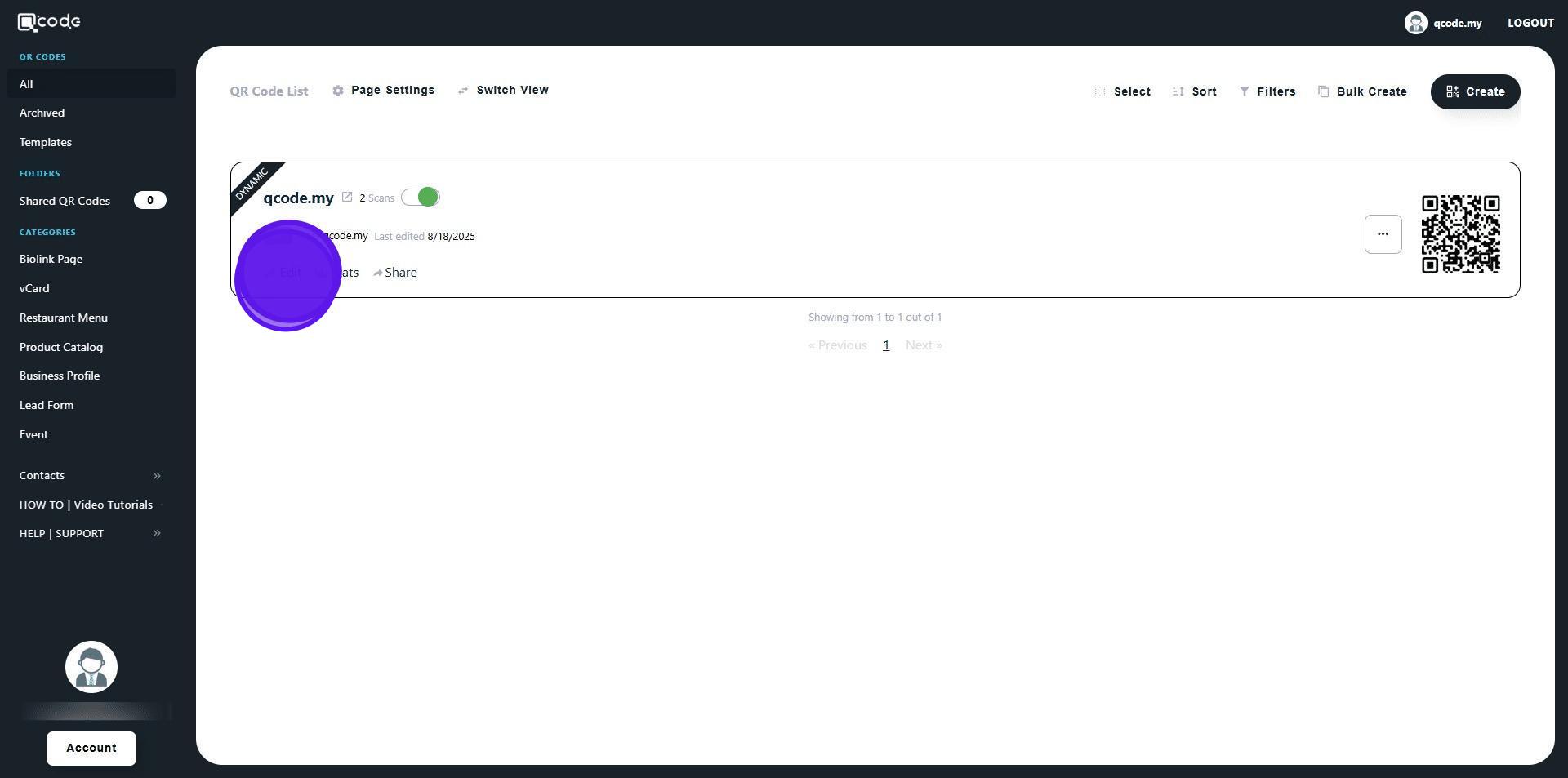
2. Click on Edit to edit an existing QR Code
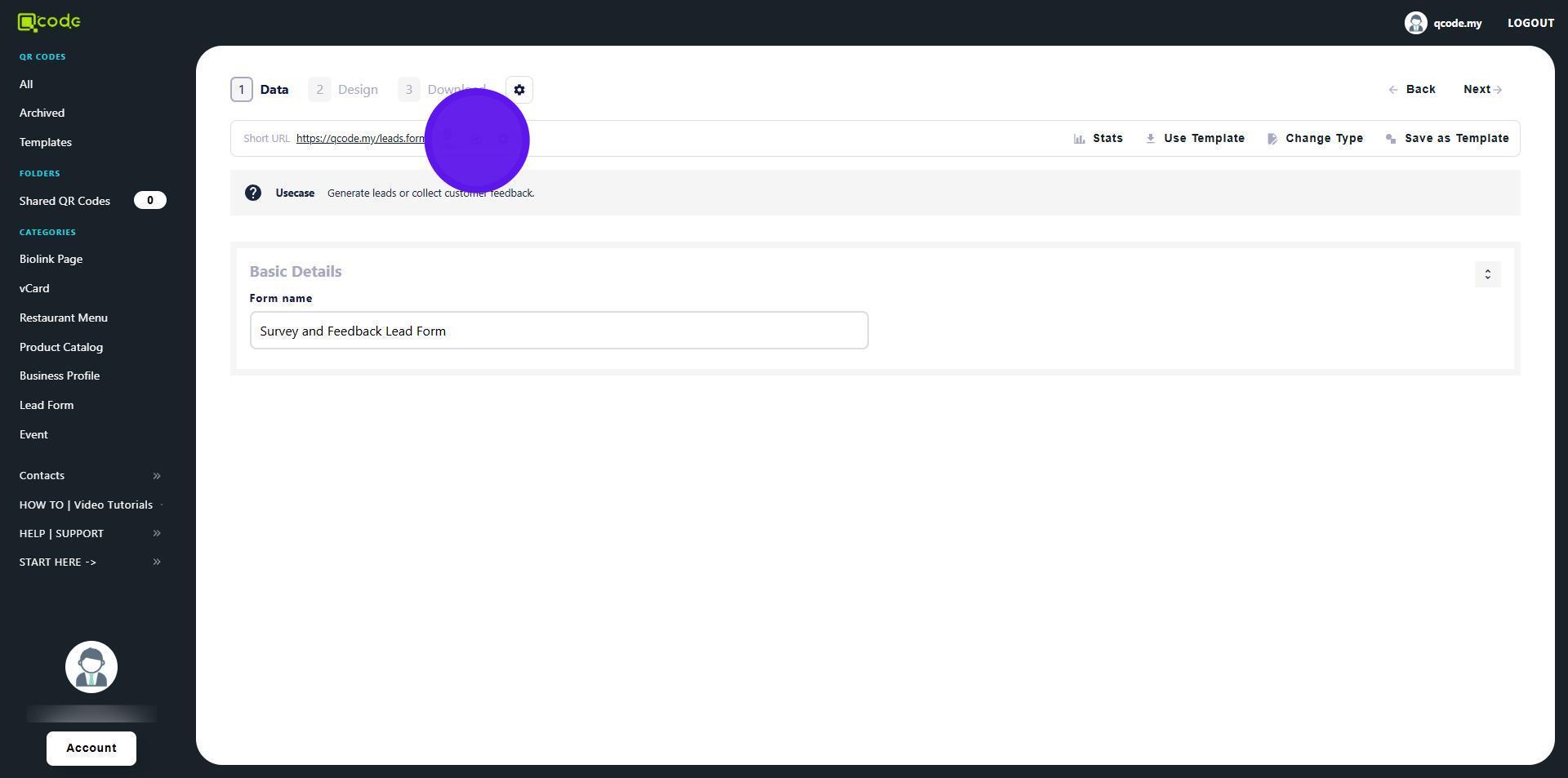
3. Click on the Pencil icon
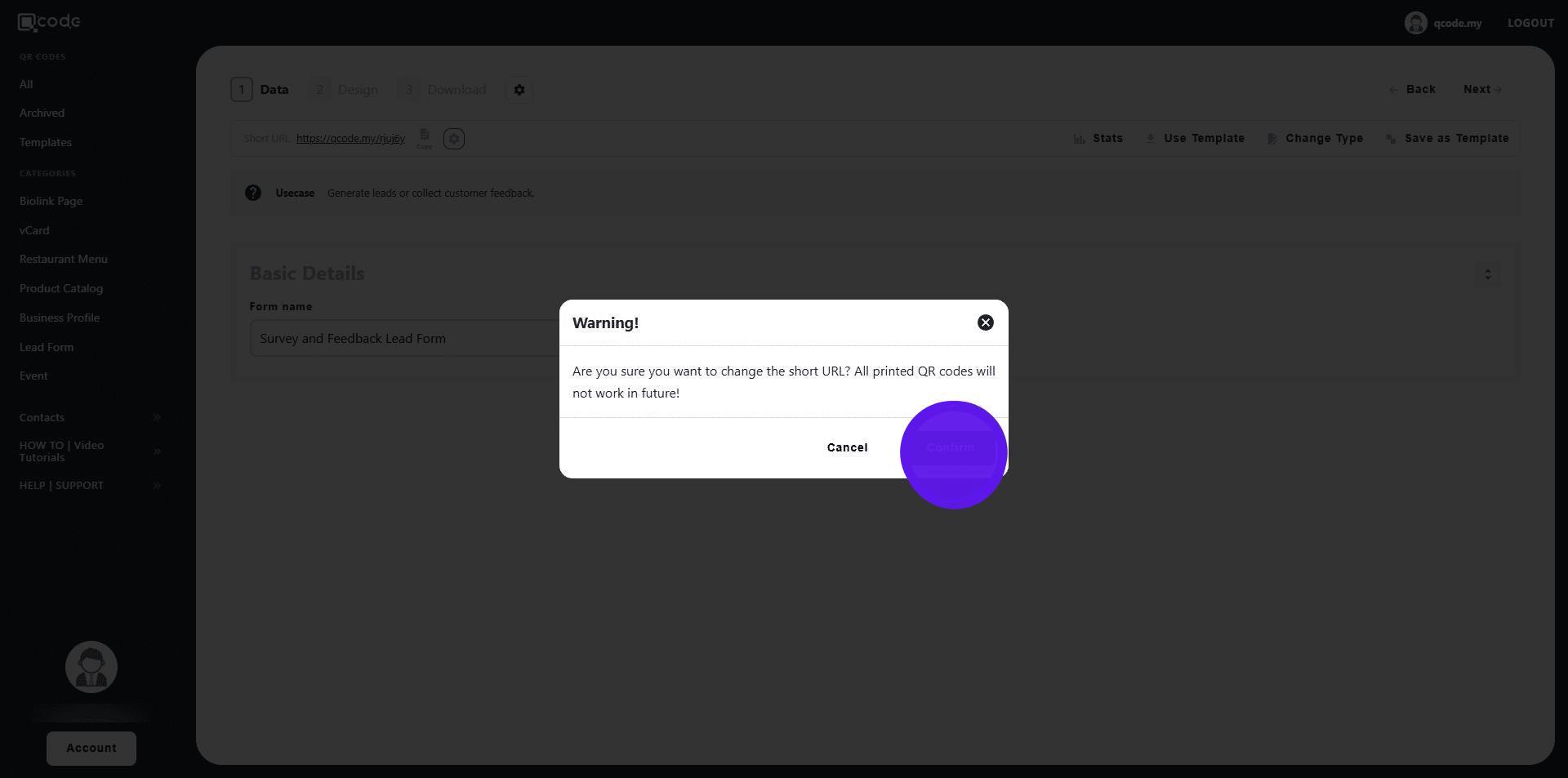
4. Changing the slug after downloading your generated QR codes will modify the codes. Be sure to finalize the slug before downloading your work
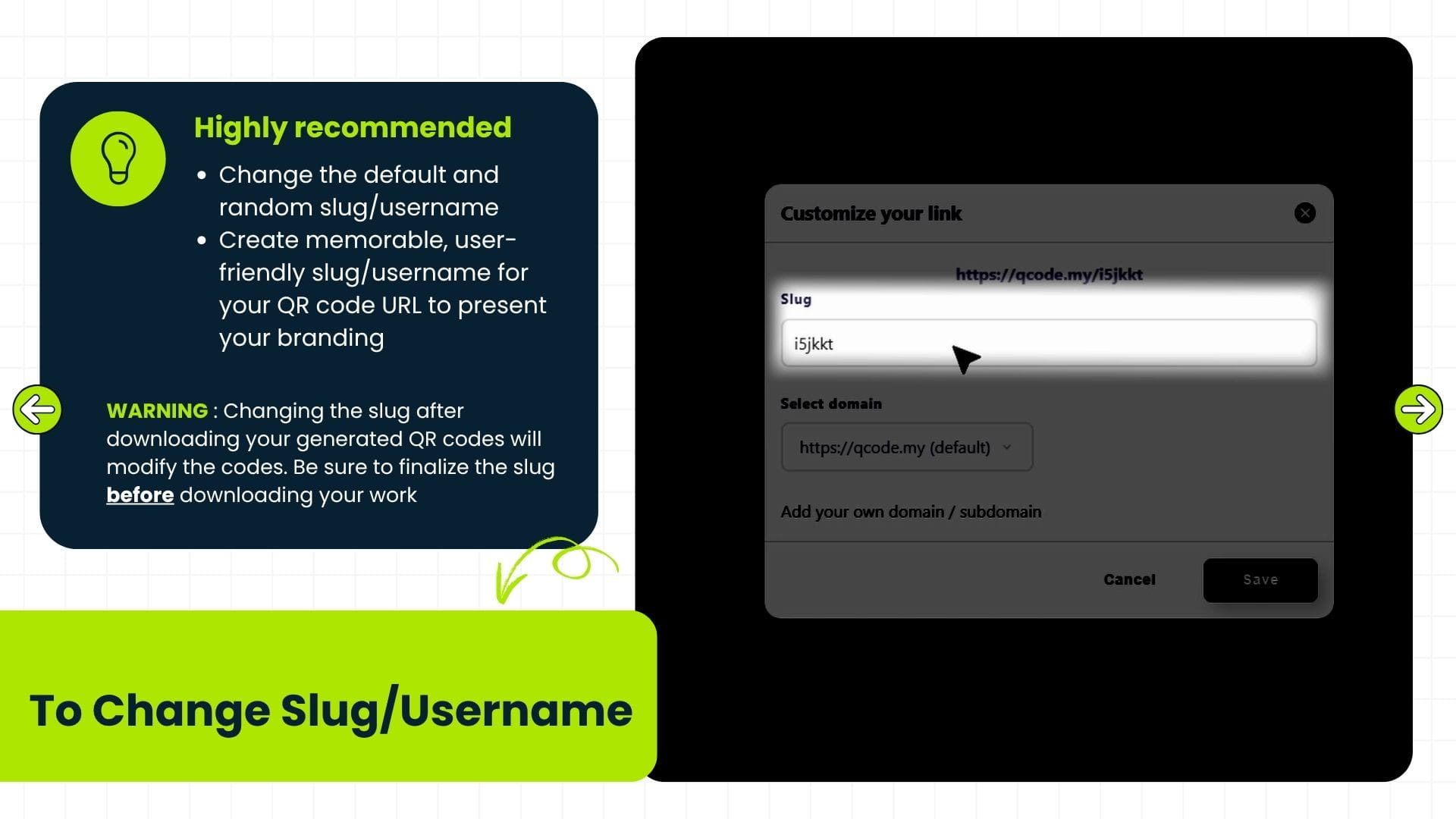
5. Click on Confirm
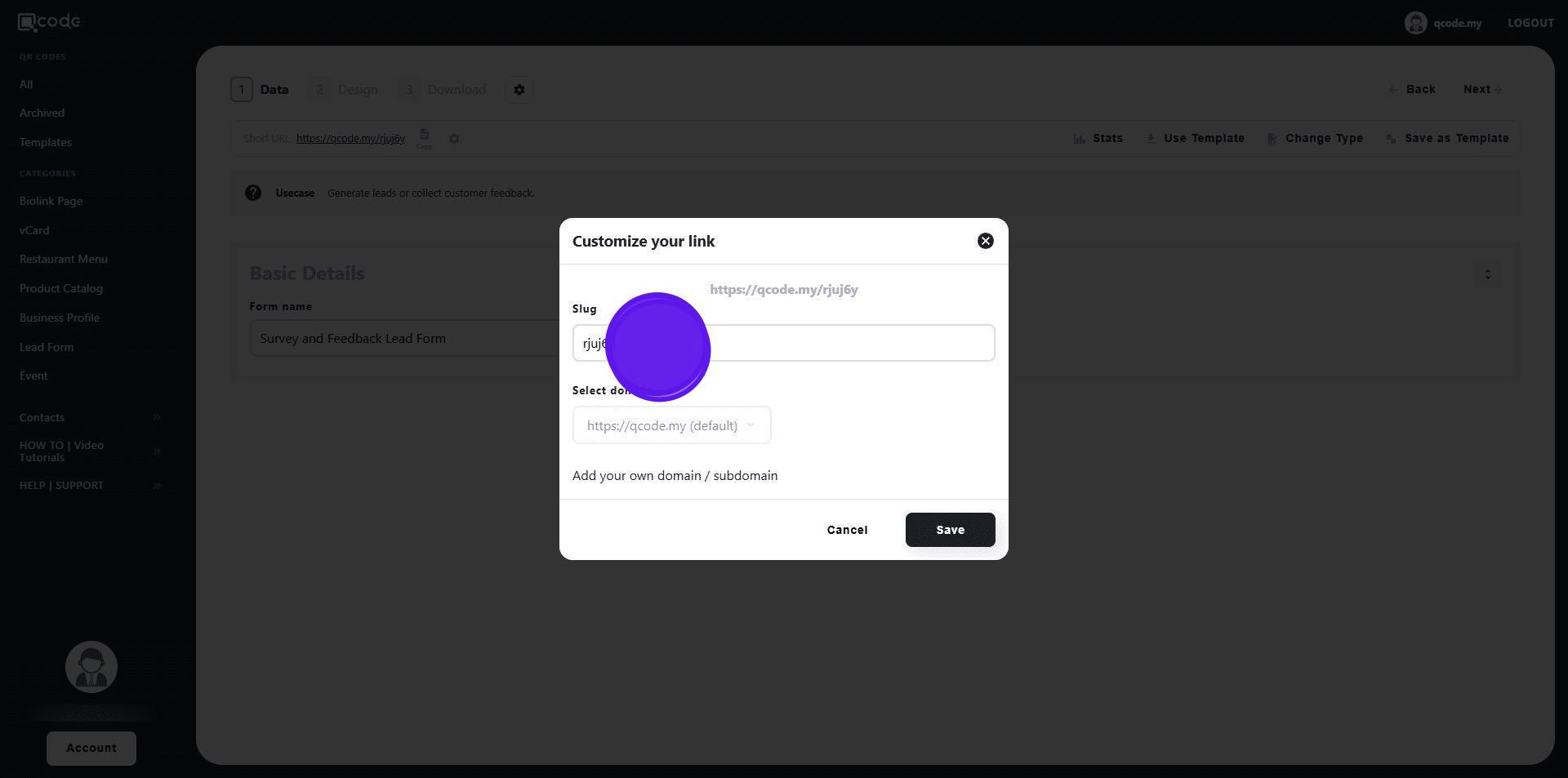
6. Type in your desired Slug/Username here
7. Click on Save to apply changes
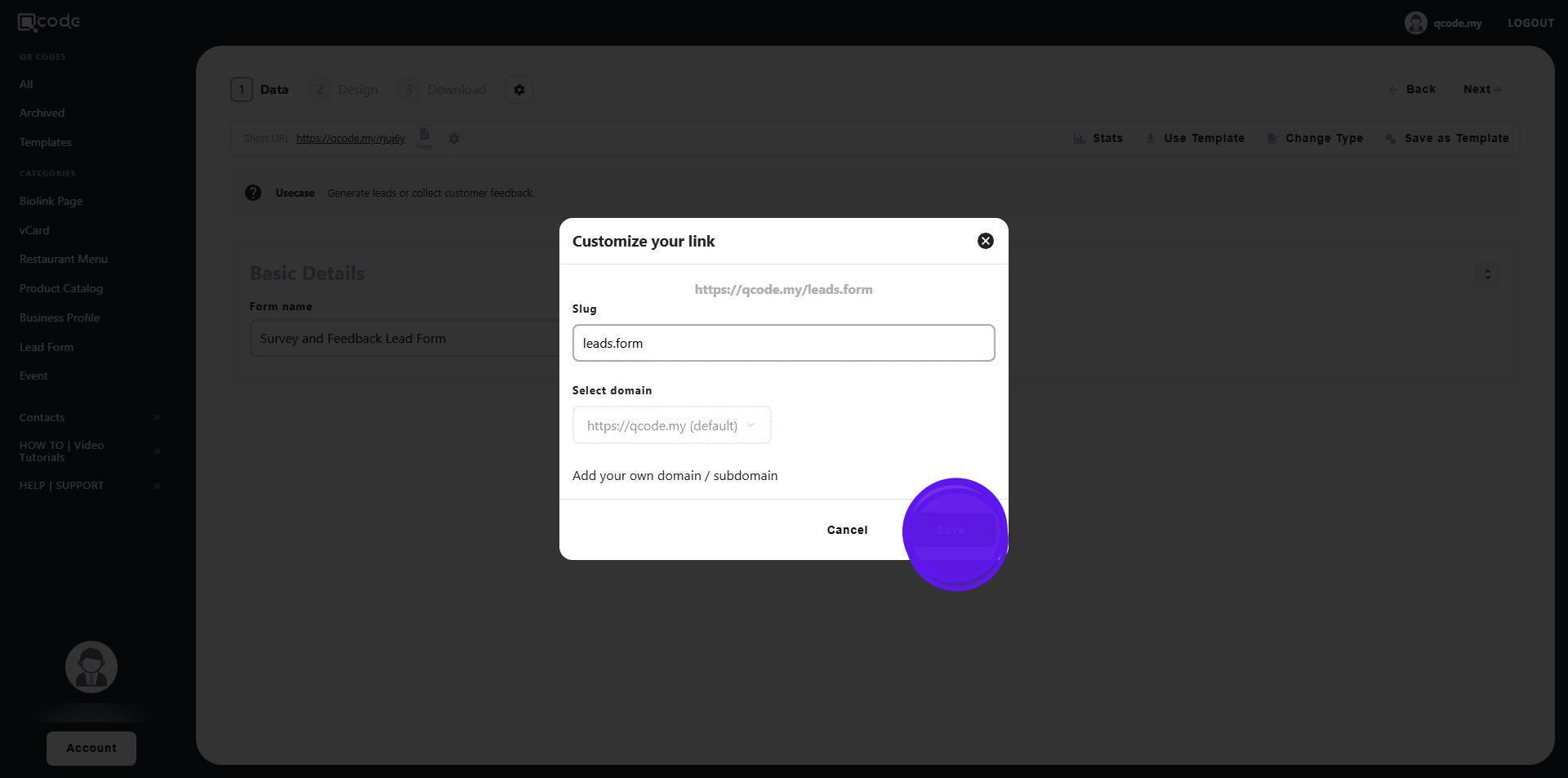
8. Your Slug/Username has been changed!