How to delete a QR Code
This guide provides a clear and straightforward process for removing a QR code from your account, ensuring your data is managed according to your preferences.
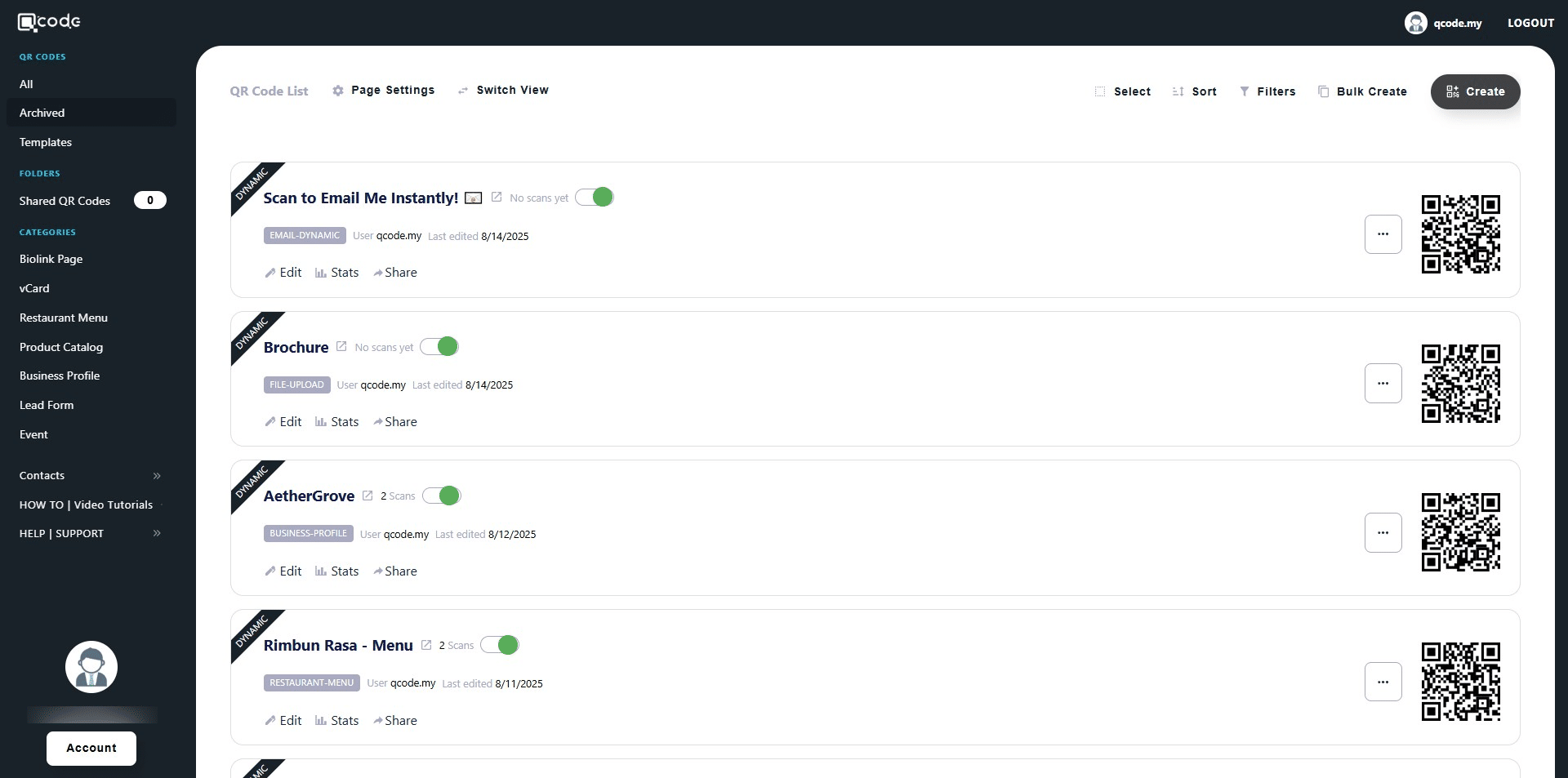
1. Navigate to https://qcode.my/dashboard/qrcodes
2. Click on the three dots icon to open the sub-menu
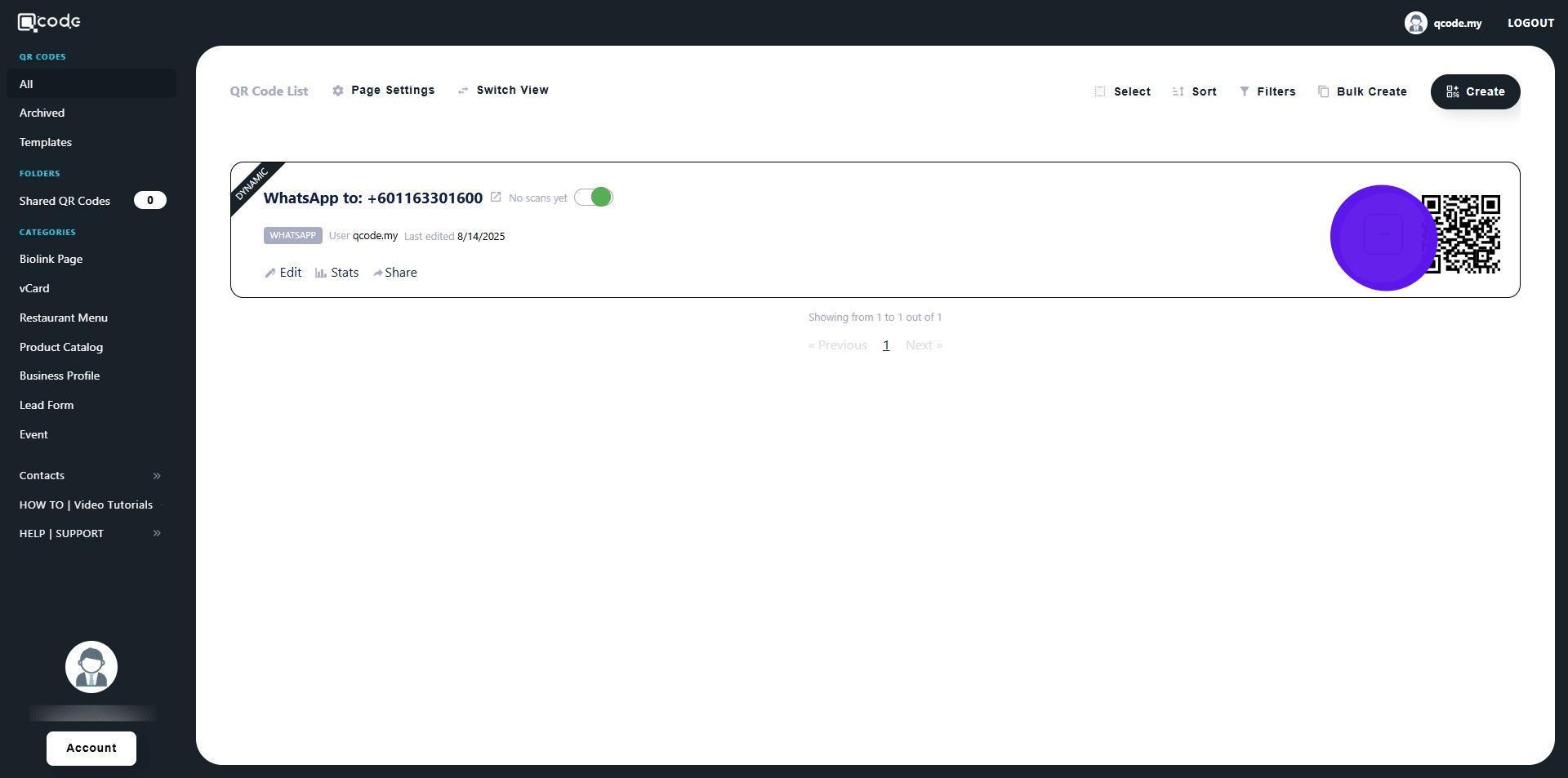
3. Click on Archive to move your QR Code to the archive
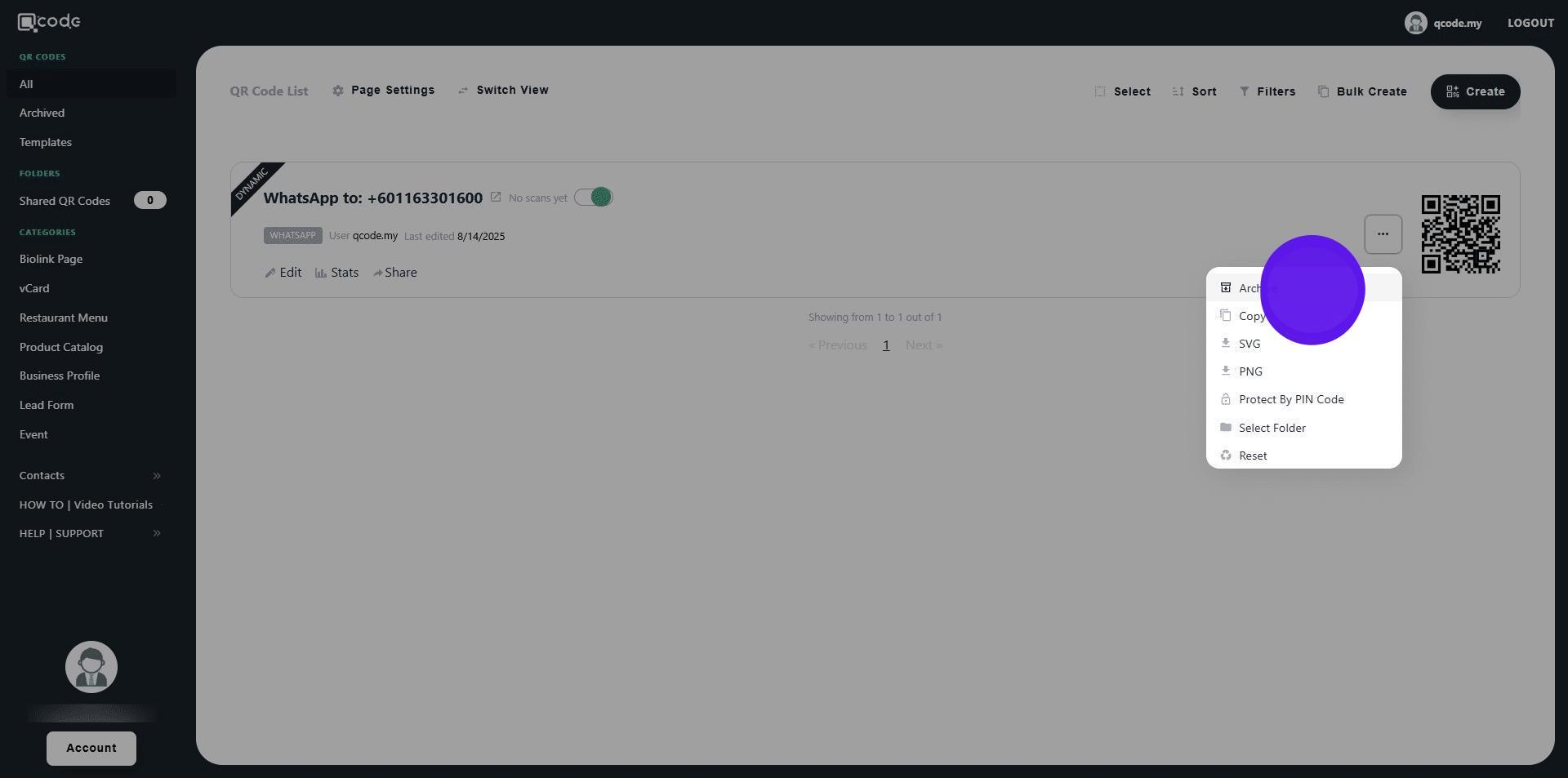
4. Click on Archive to confirm
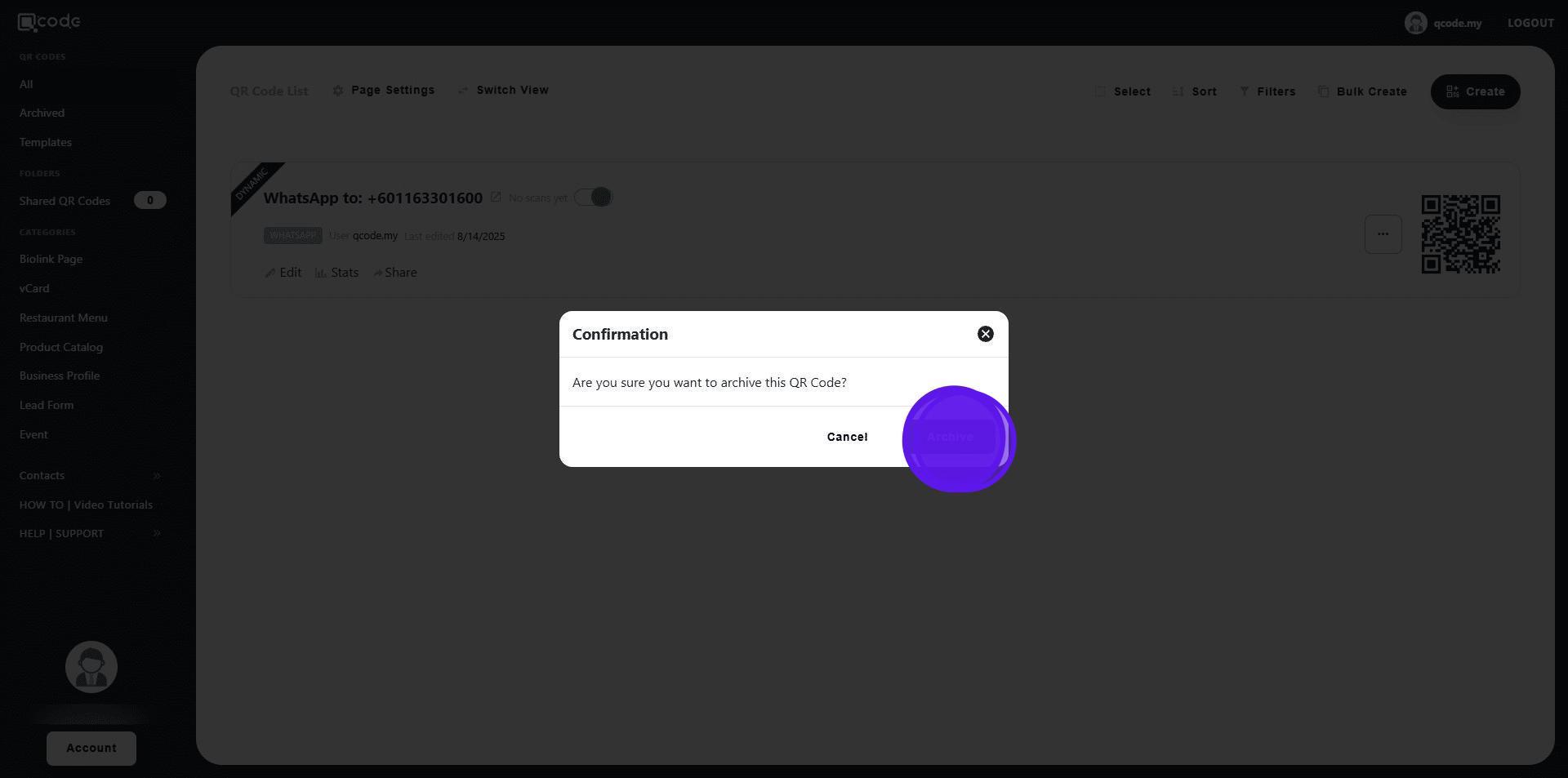
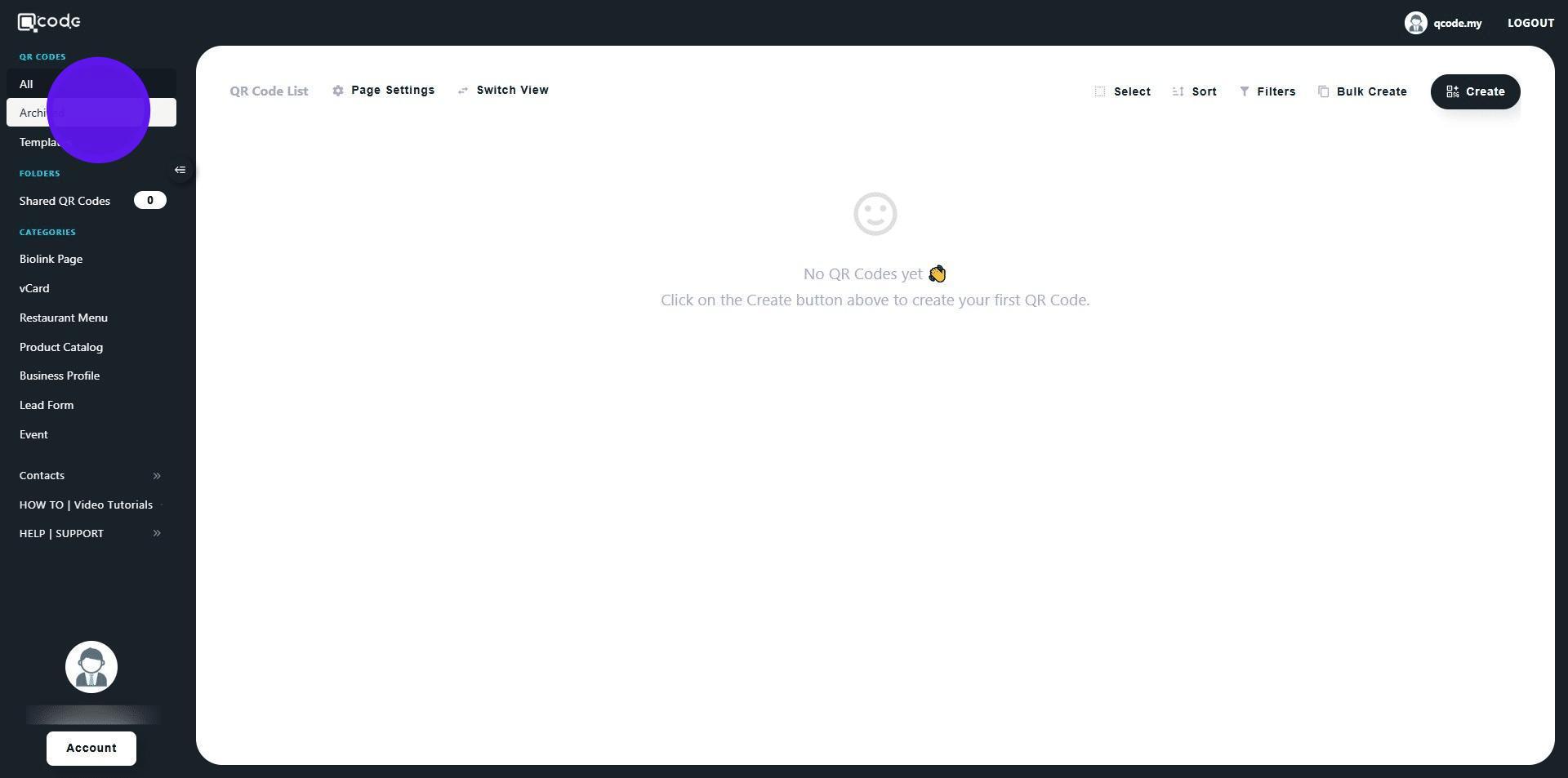
5. Click on Archived to view your archived QR Code(s)
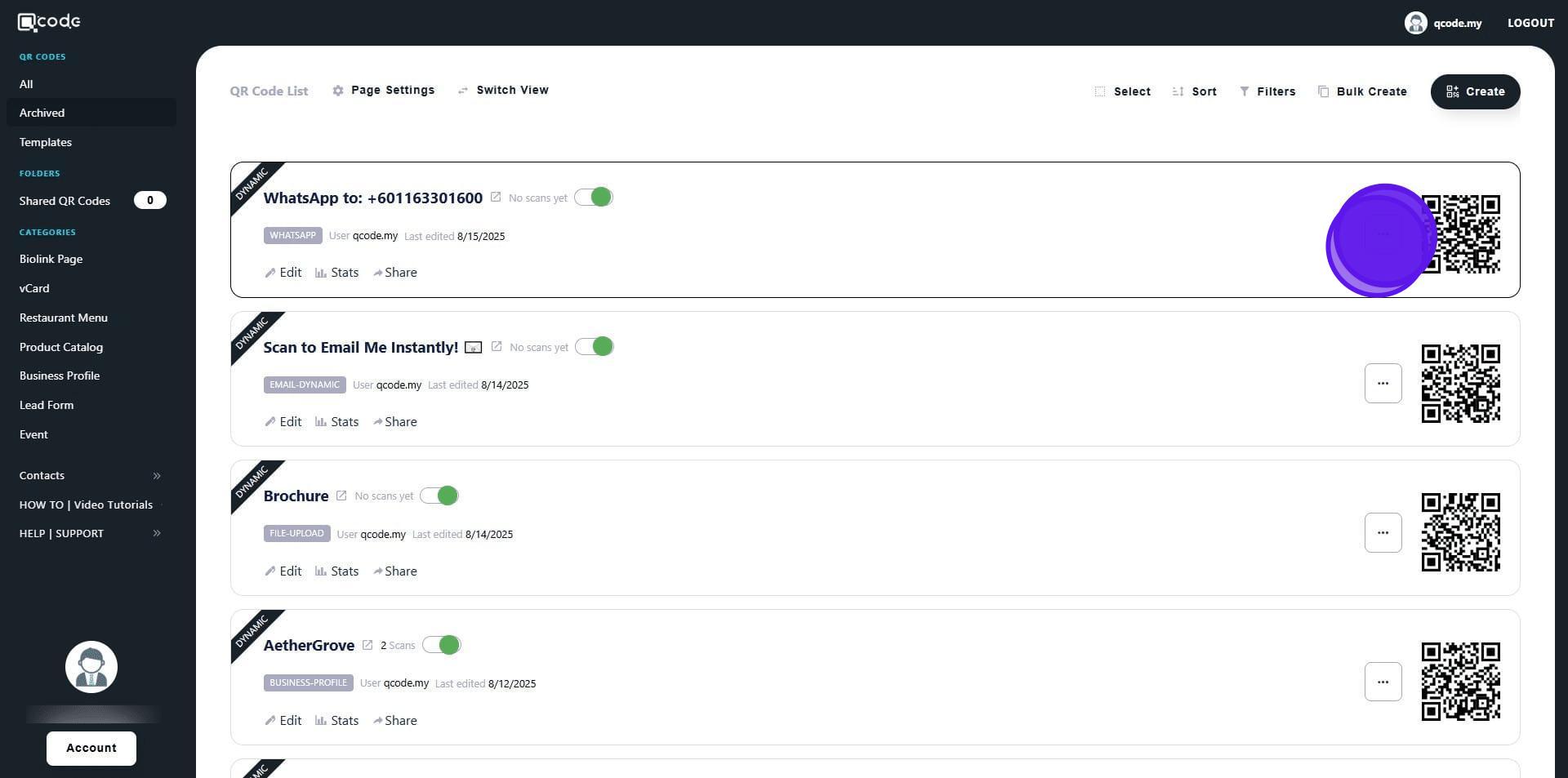
6. Click on the three dots icon to open the sub-menu
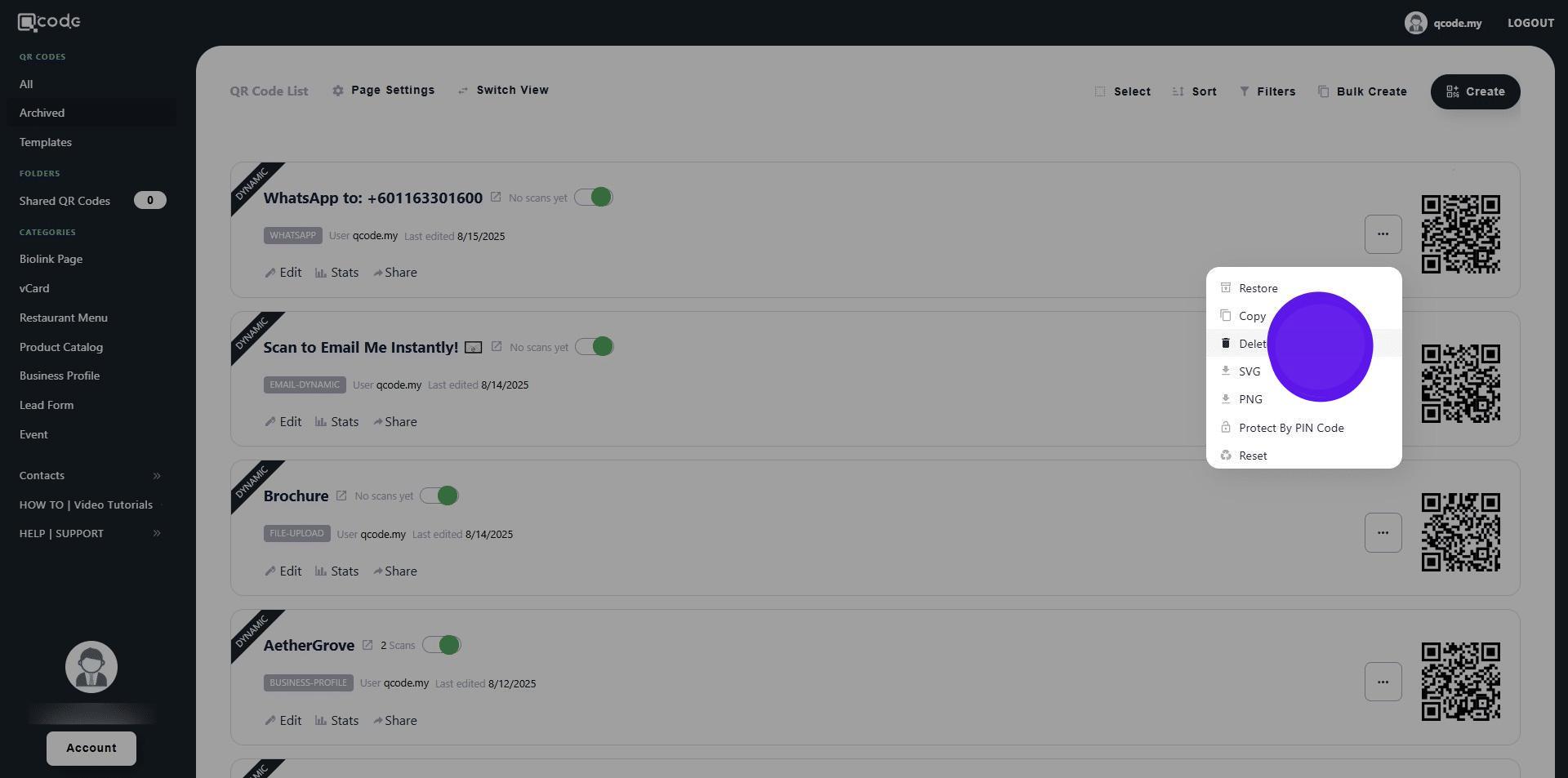
7. Click on Delete to delete the QR Code
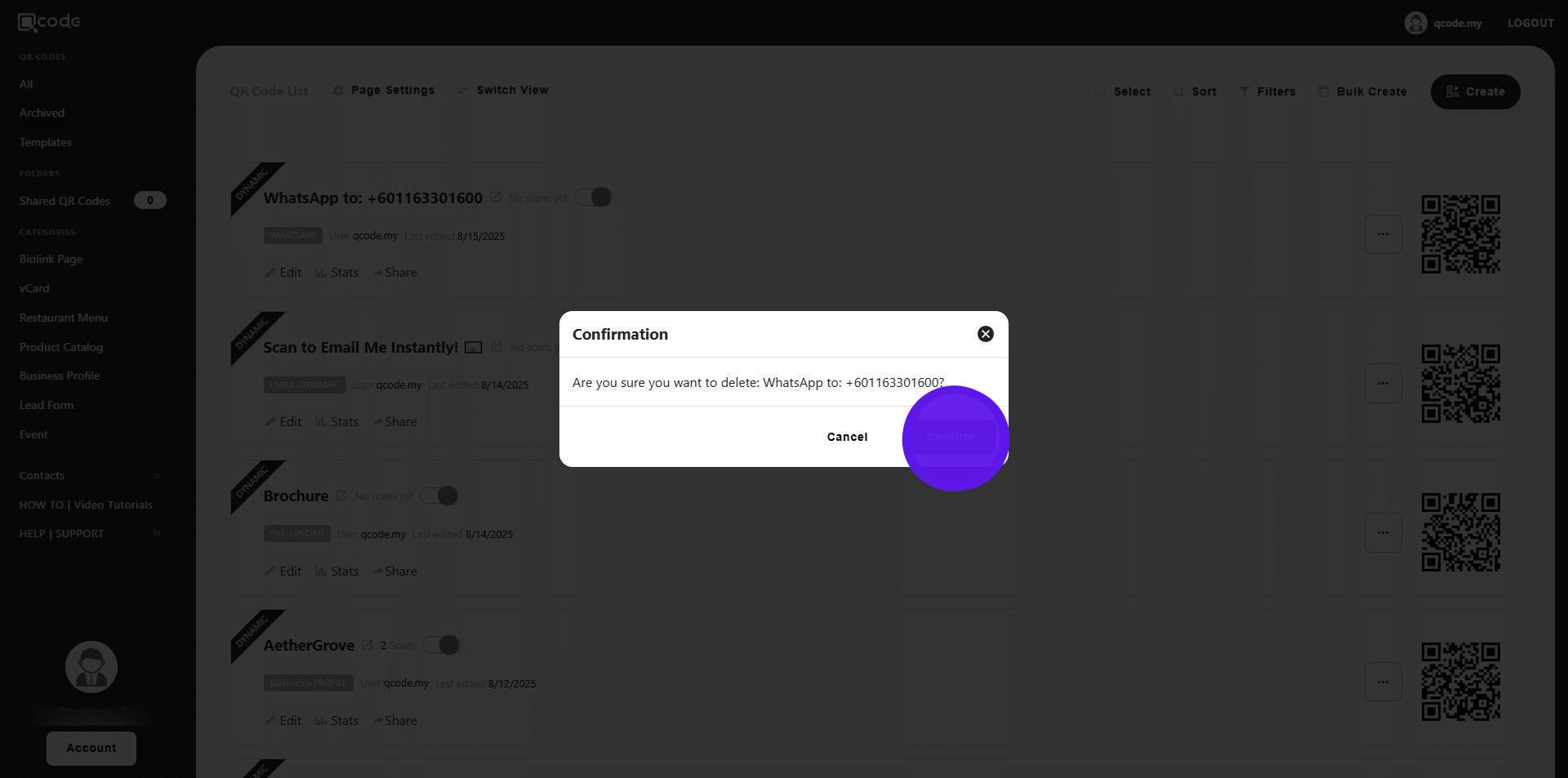
8. Click on Confirm
9. Congratulations! Your QR Code has now been deleted! 🚀