How to add a Sub-User
This guide explains how to create sub-user accounts, granting specific individuals access to your account with customized permissions and folder access.
1. Navigate to https://qcode.my/dashboard/qrcodes
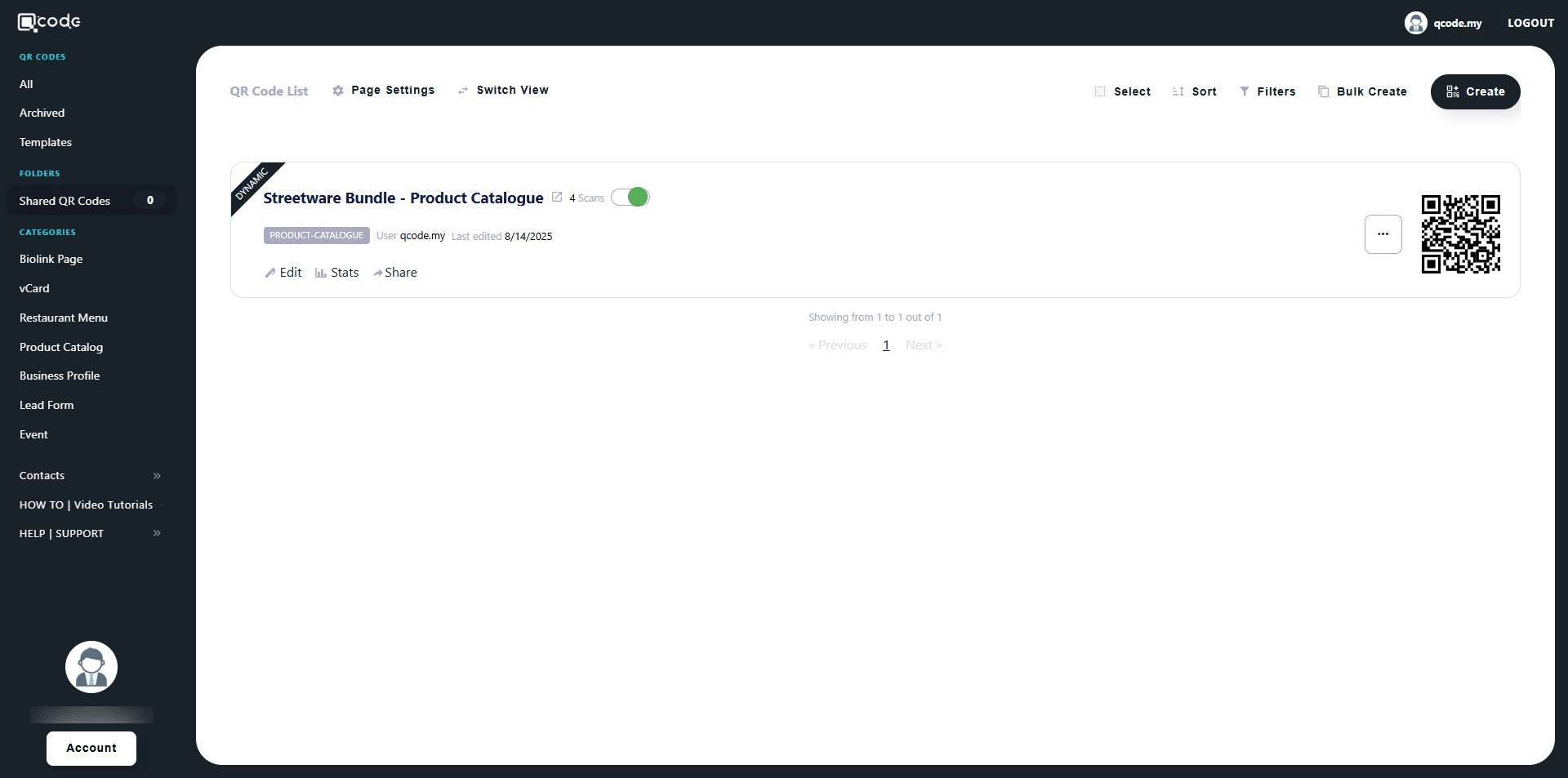
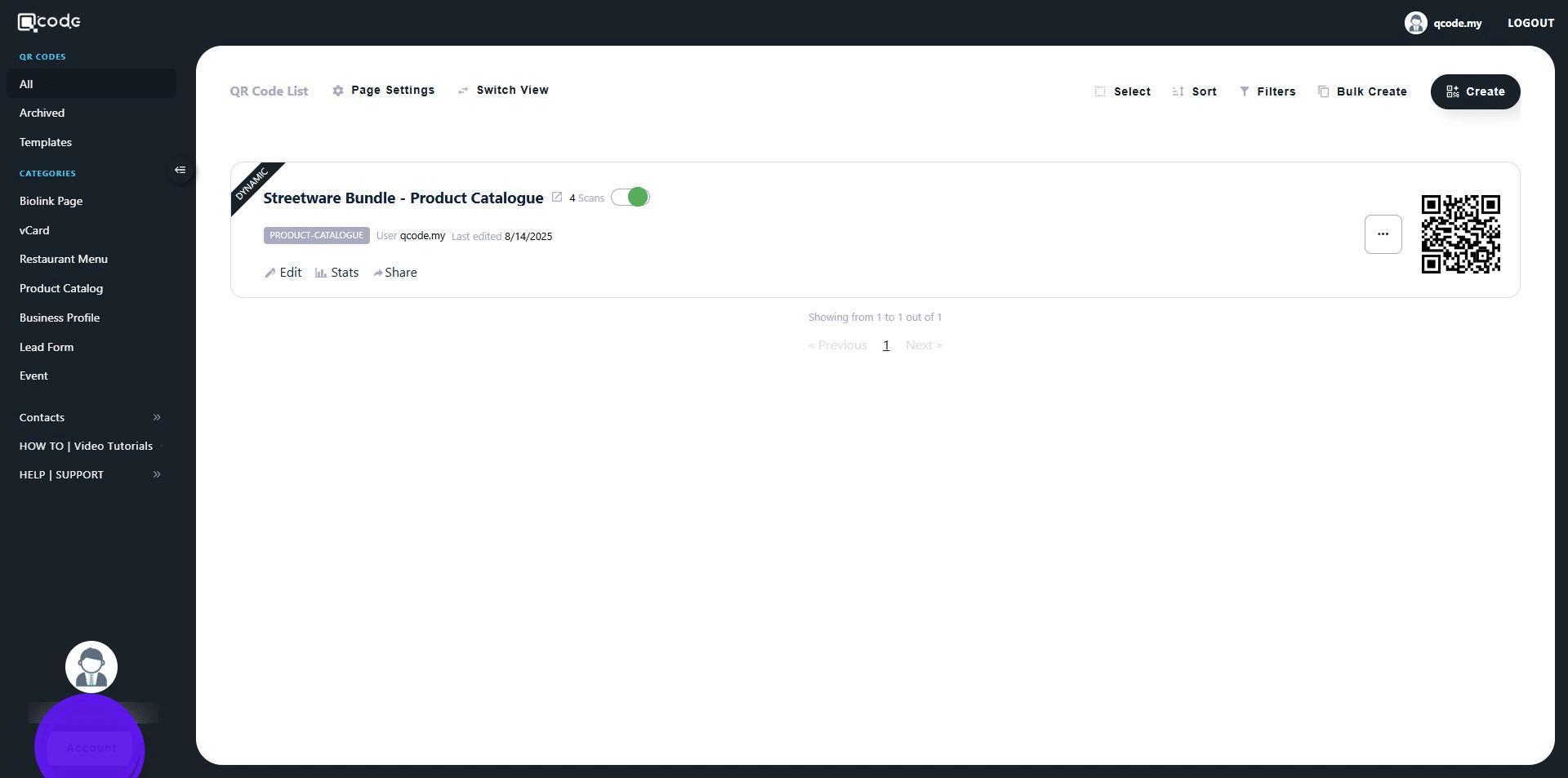
2. Click on Account to start adding a Sub-user
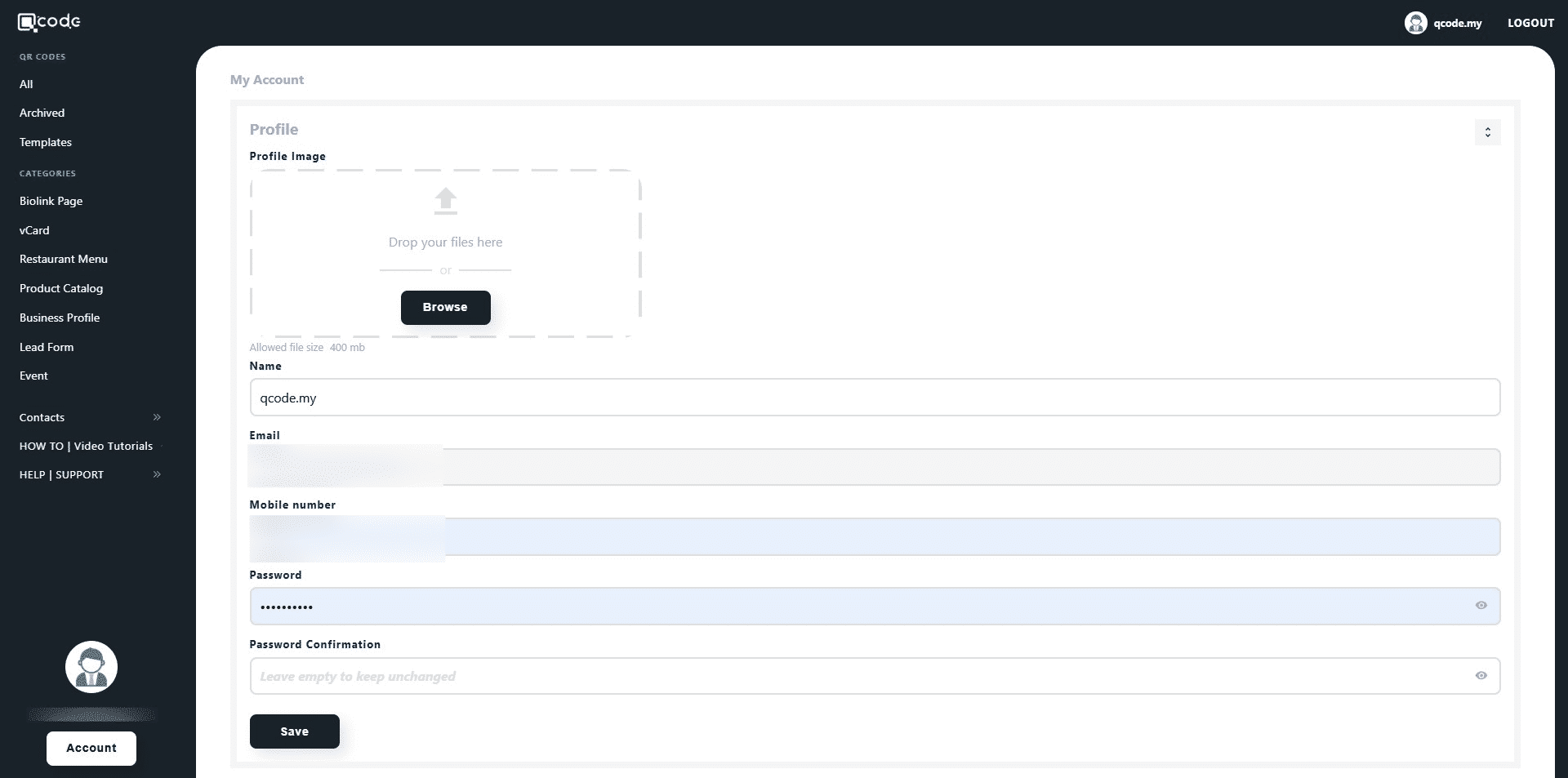
3. Scroll down until you see the Sub-user section
4. Enter the name of the user here
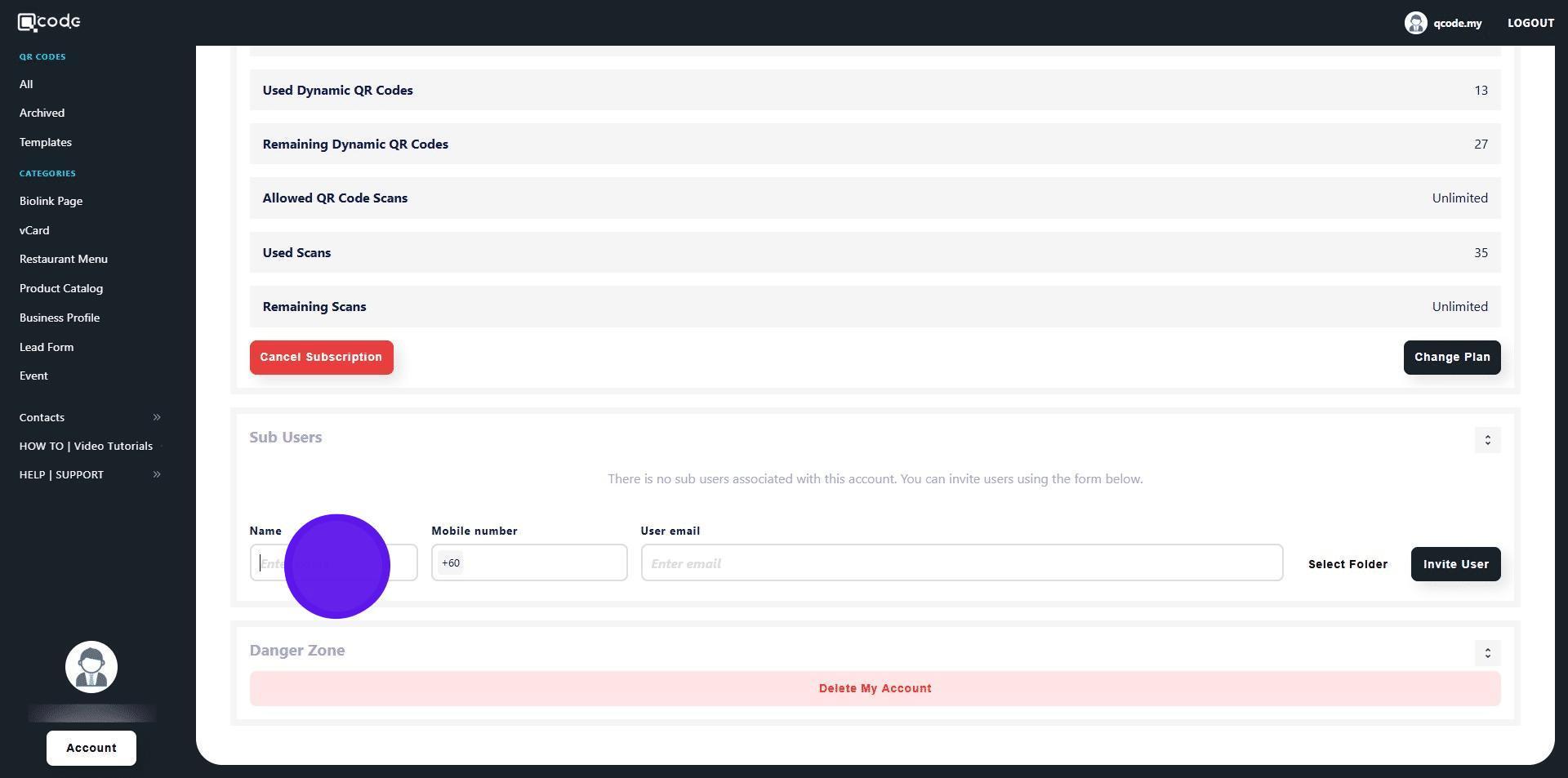
5. Enter the user's Phone number here
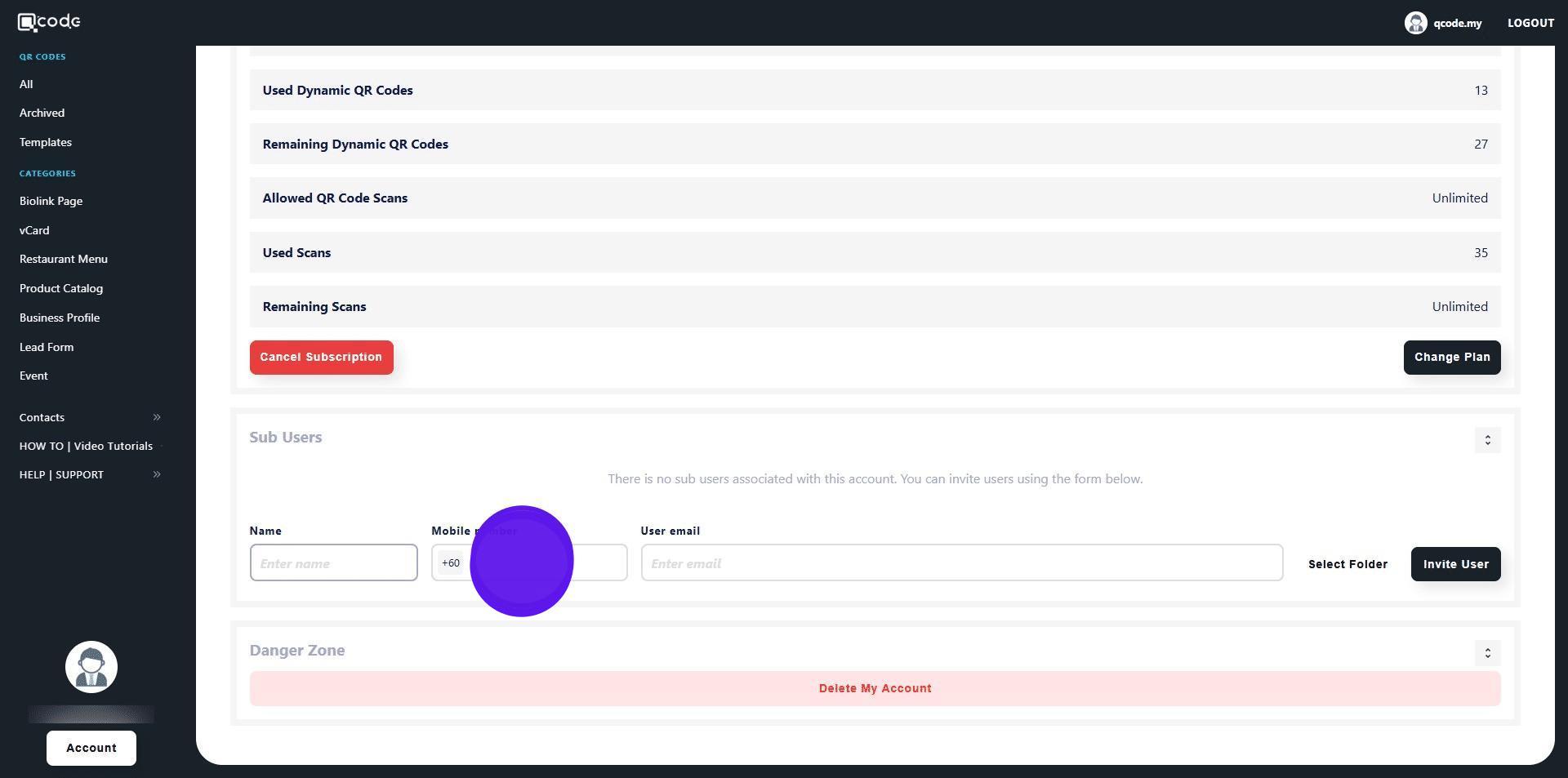
6. Enter the user's Email address here
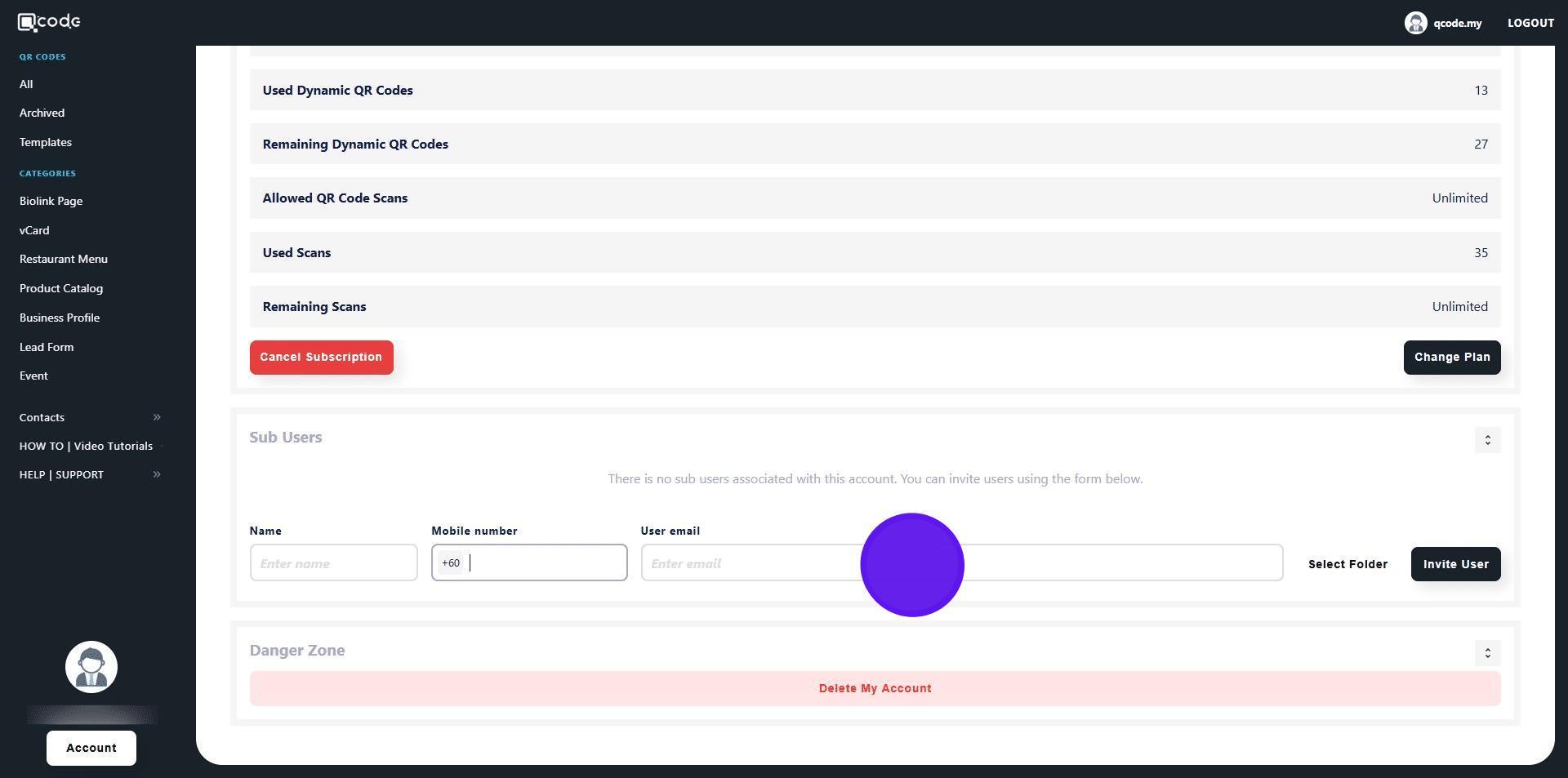
7. Click on Select Folder
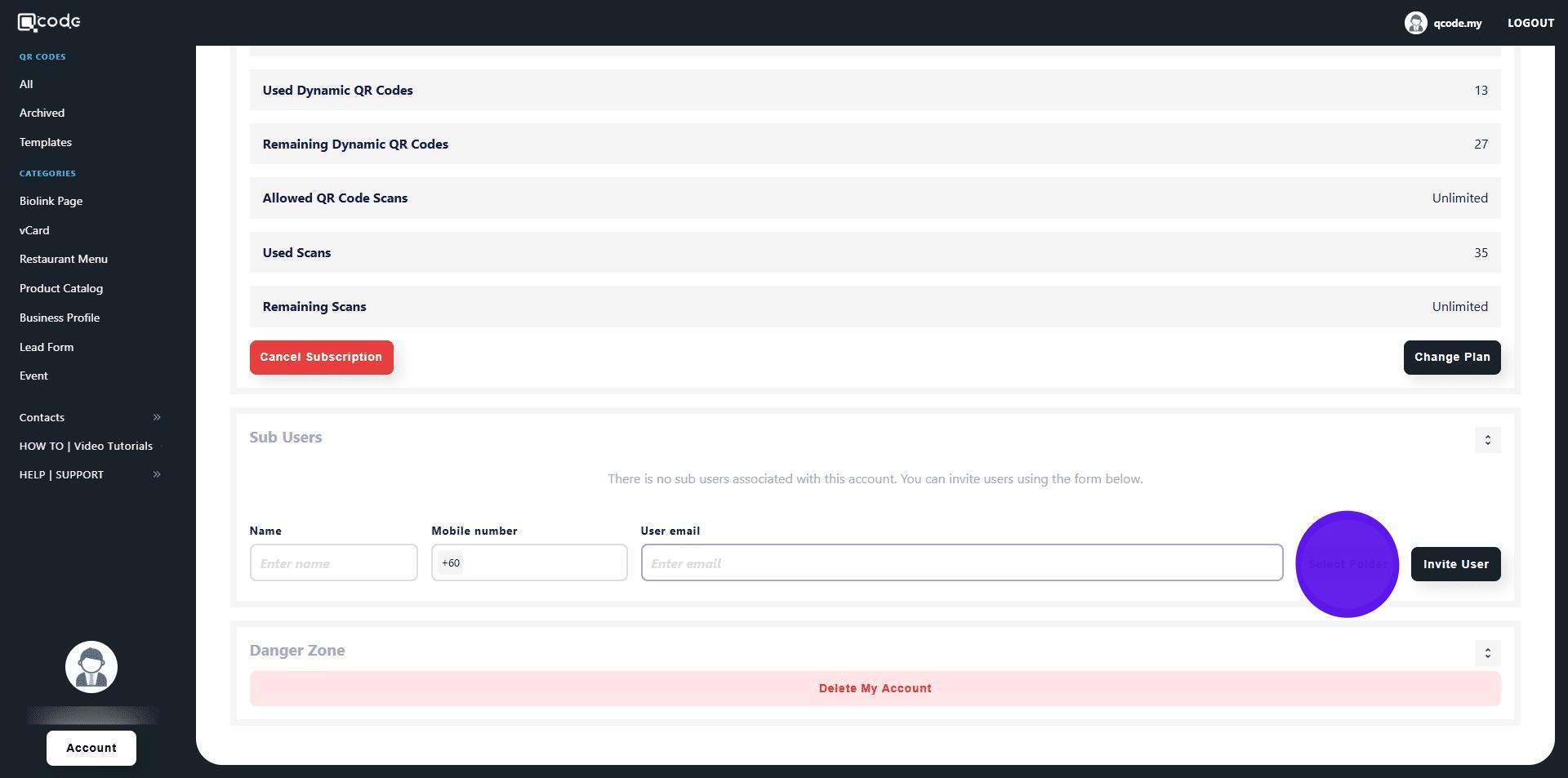
8. Type in the name for the Folder
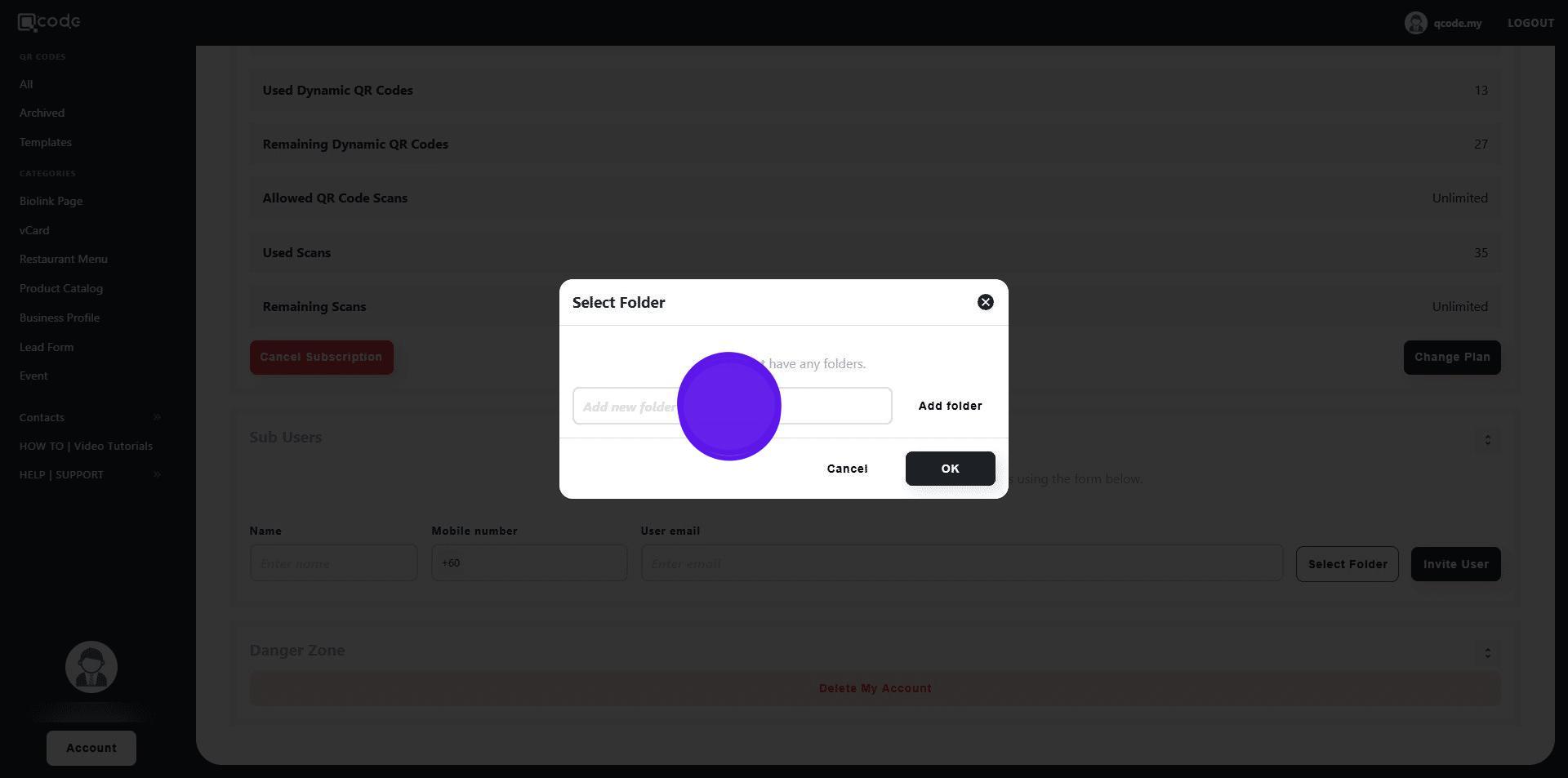
9. Click on Add Folder to add a new Folder
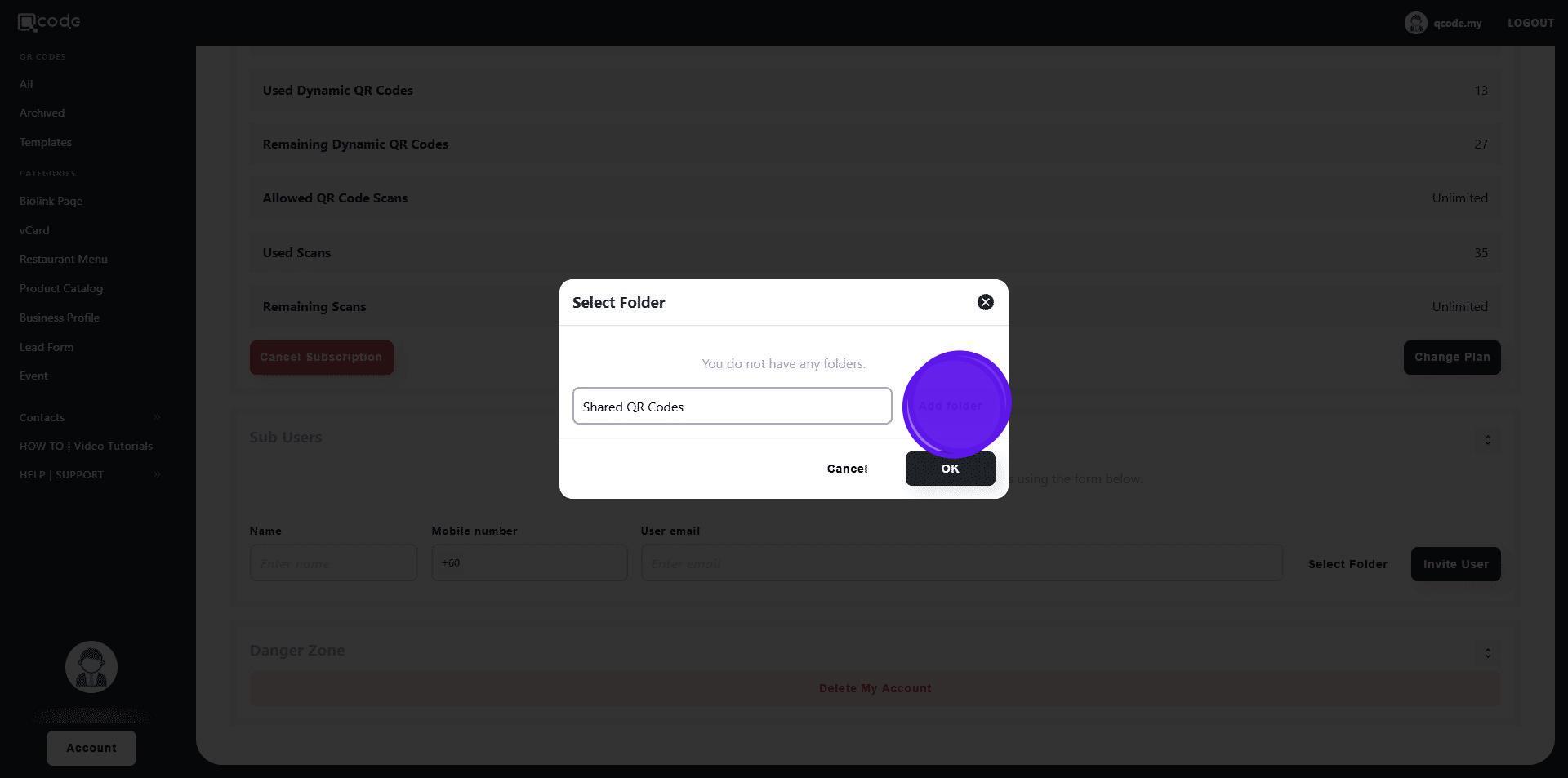
10. Click on OK
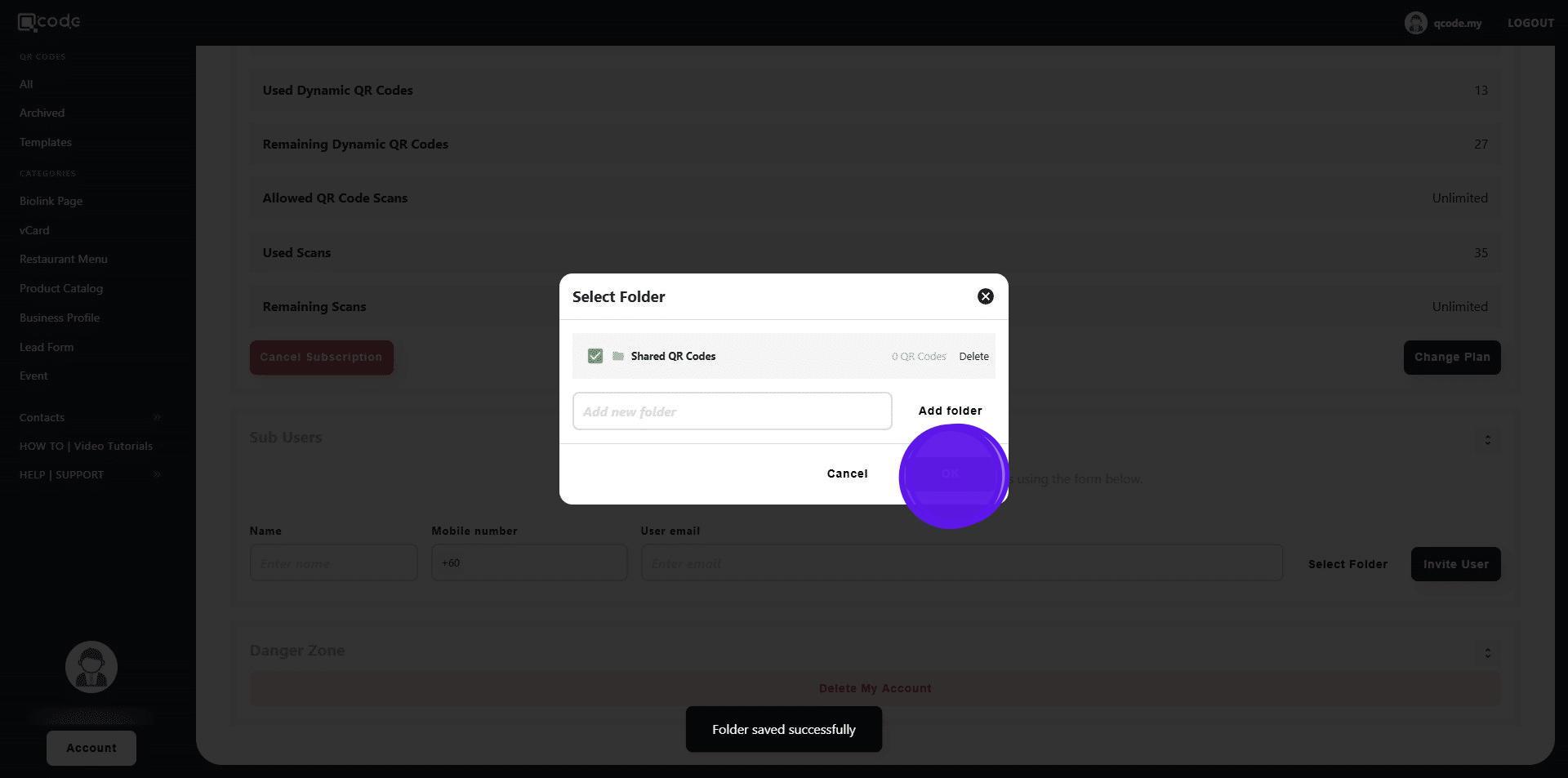
11. Click on Invite User to invite the user
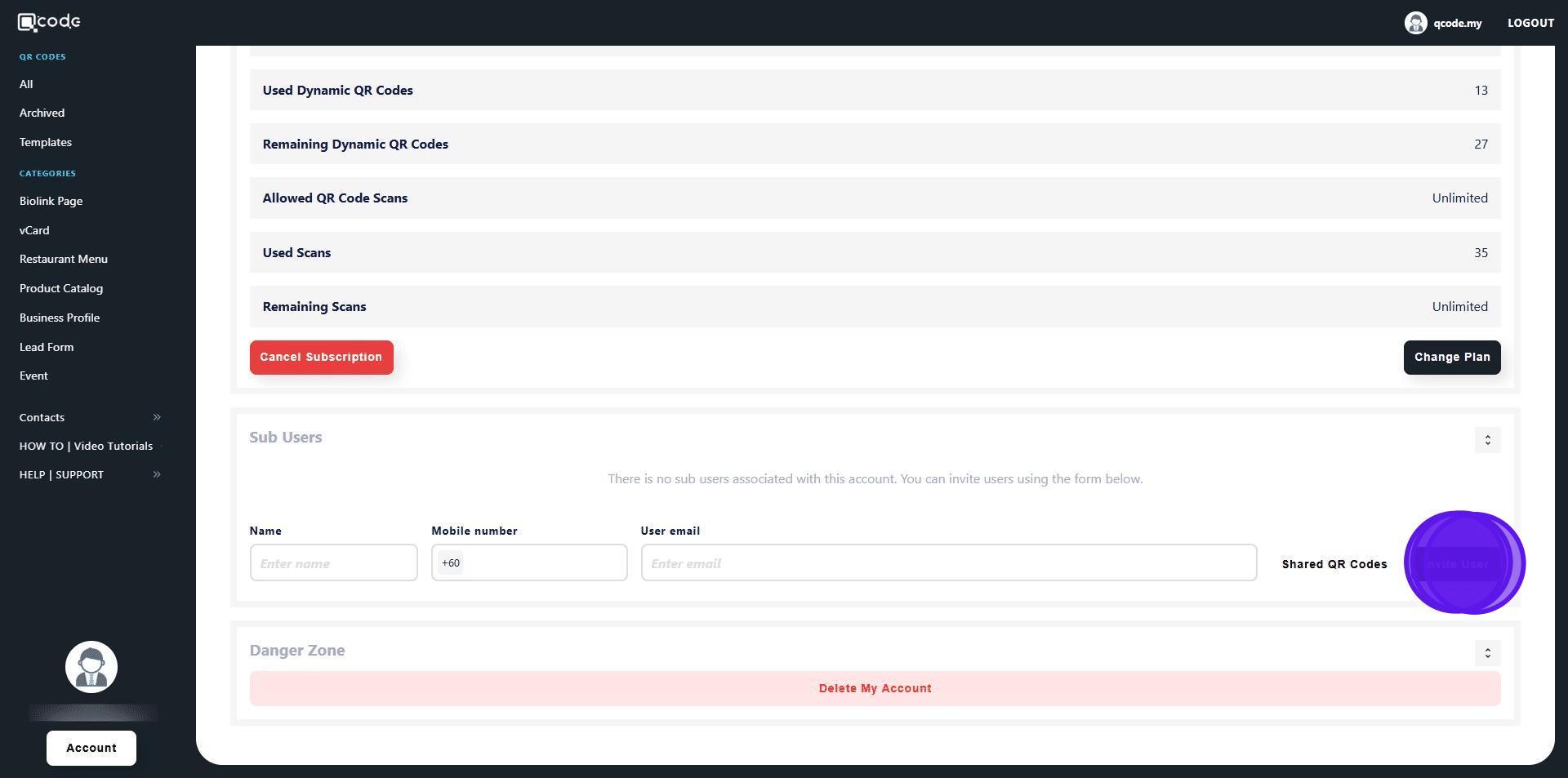
12. Click on All
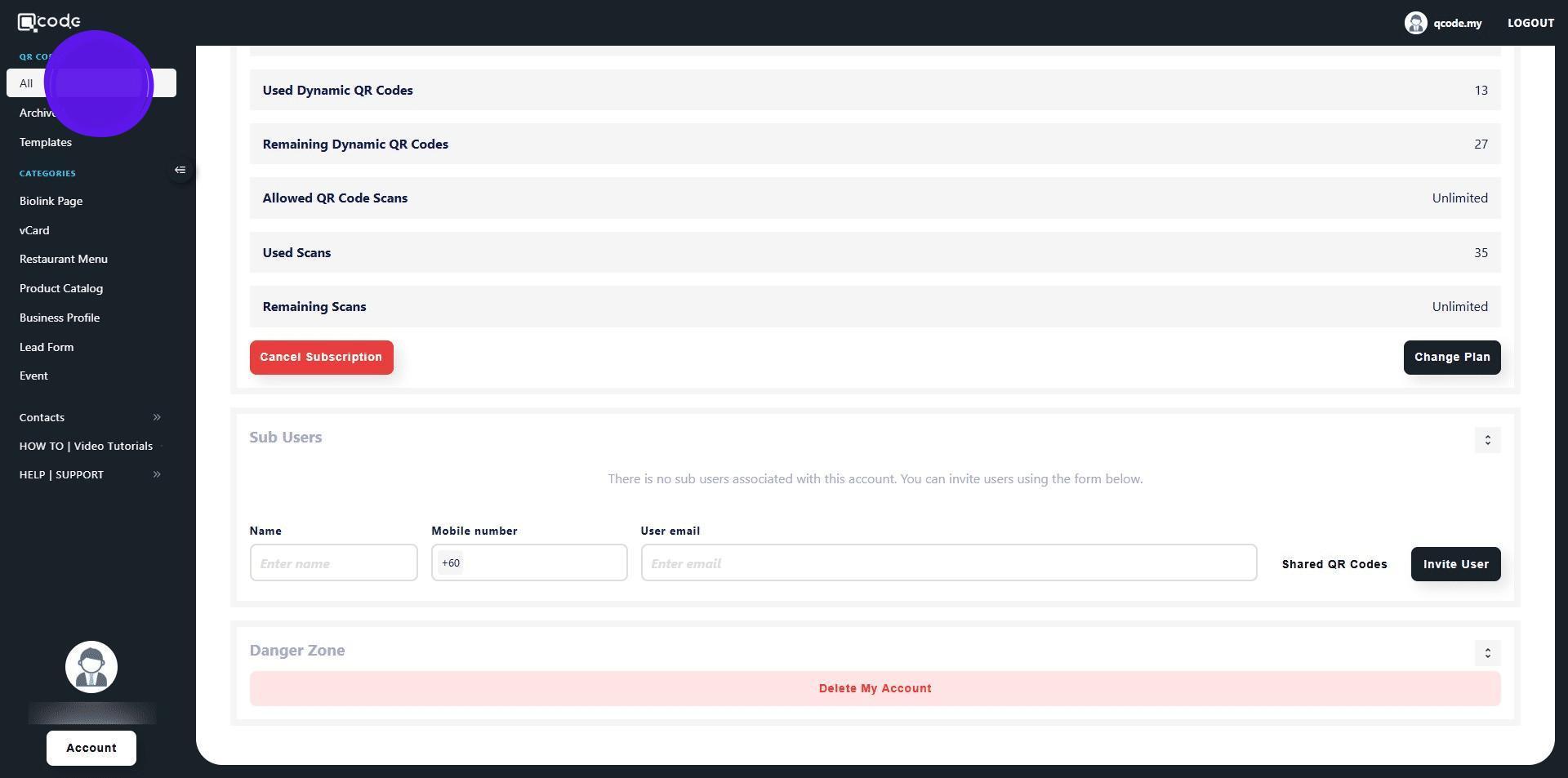
13. Choose the QR Code that you want to share with the Sub User by clicking on the three dots button
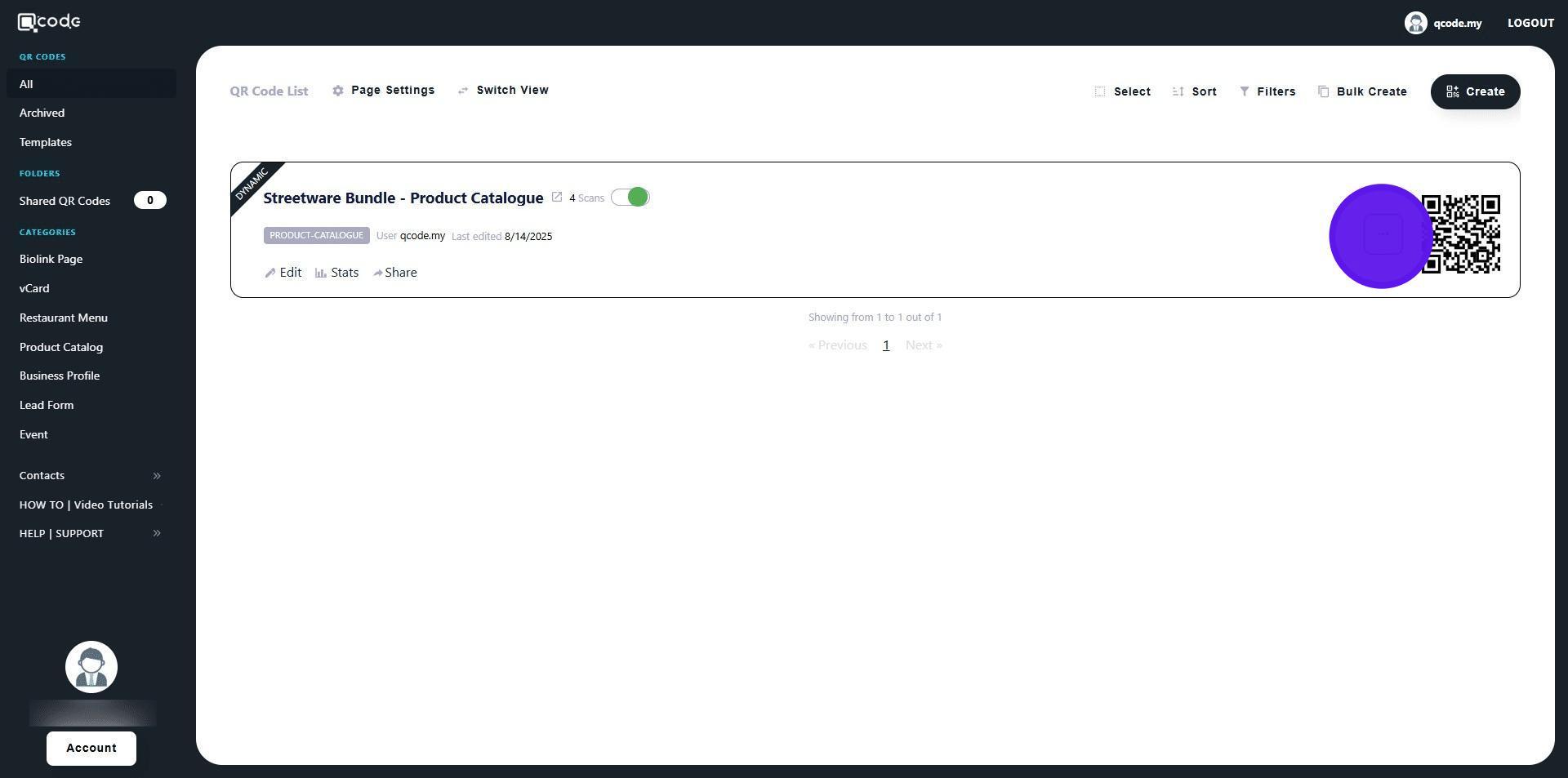
14. Click on Select Folder
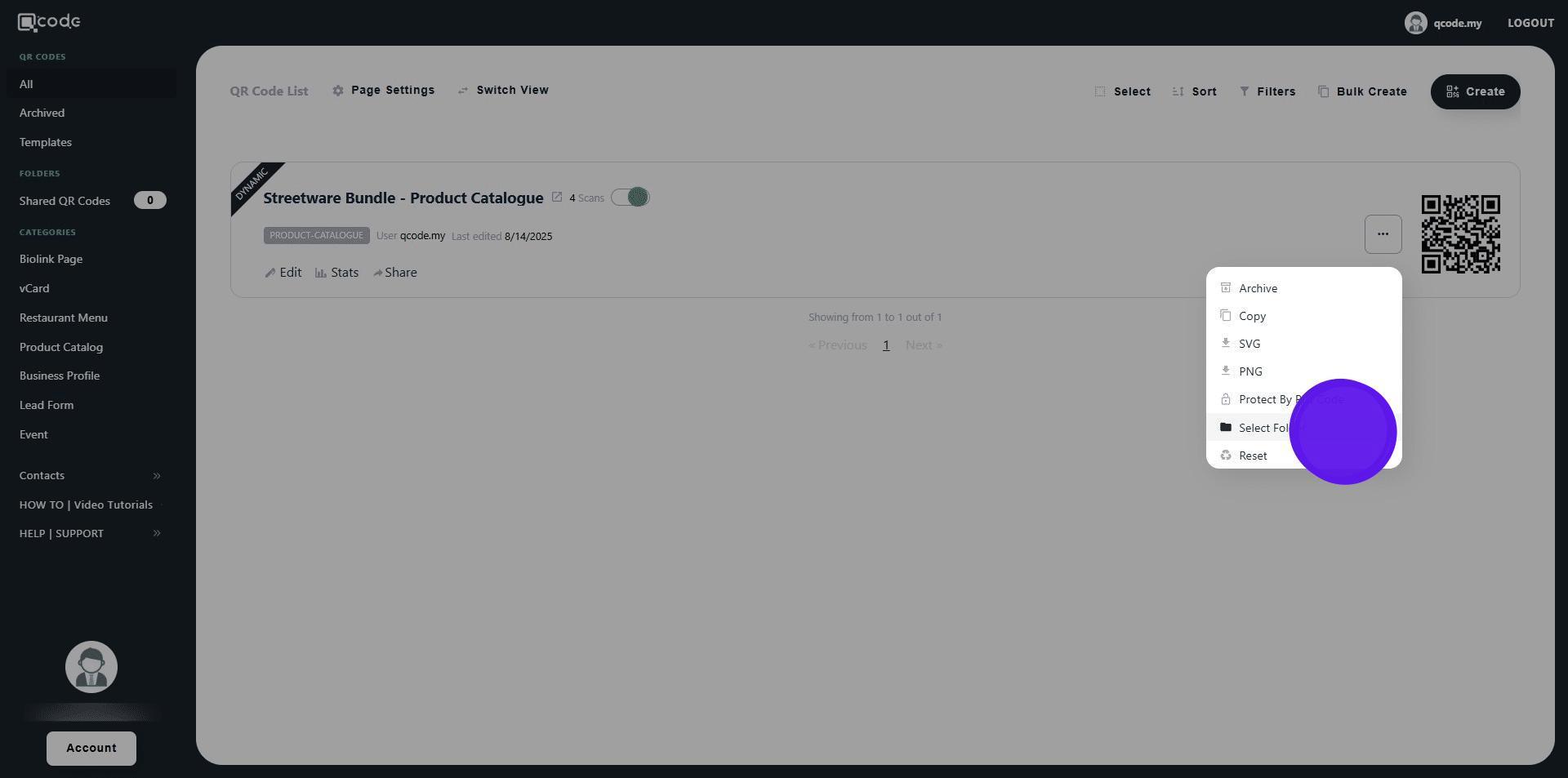
15. Click on the following checkbox button to select the shared folder
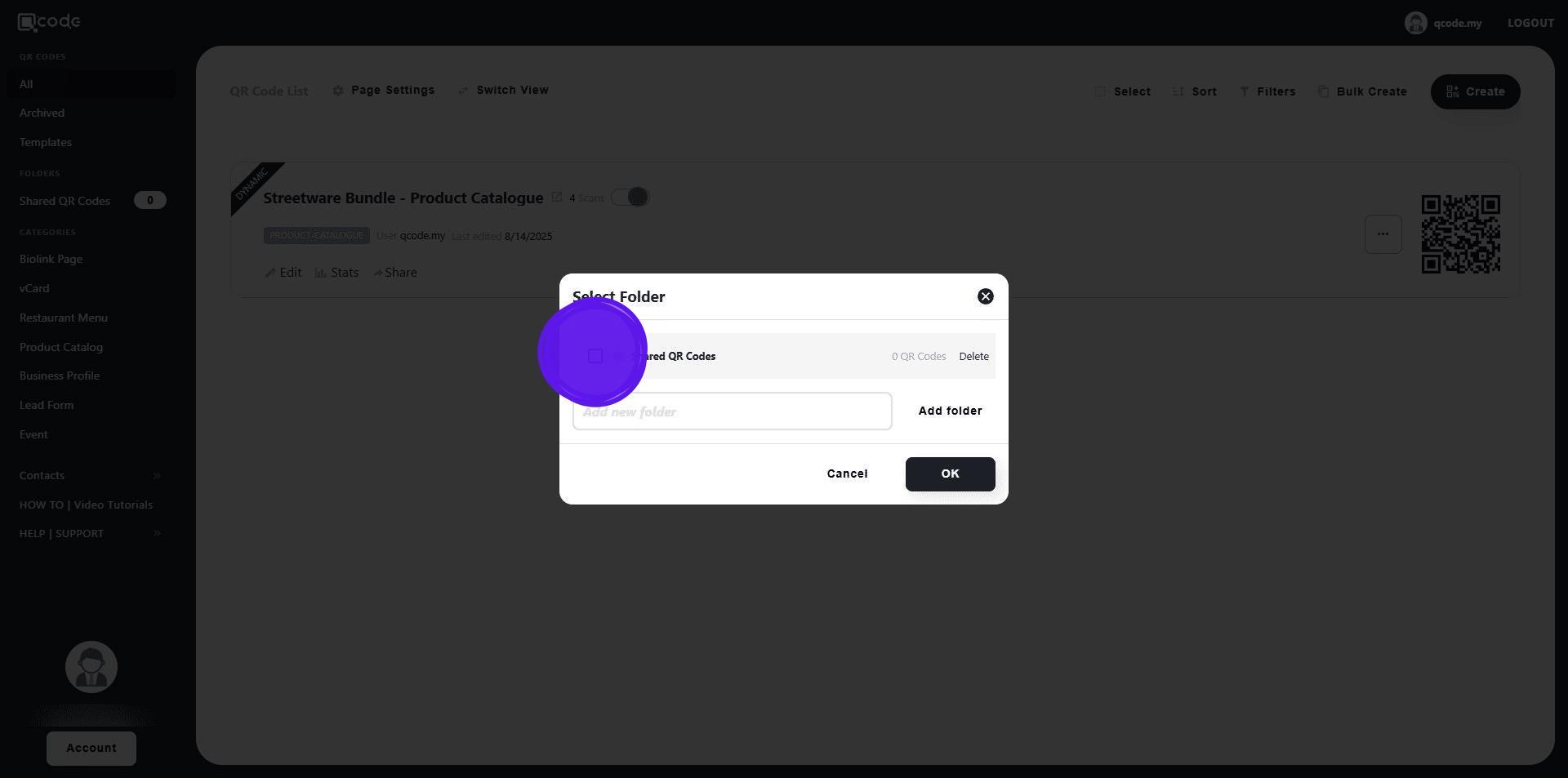
16. Click on OK finish sharing the QR Code to the shared folder
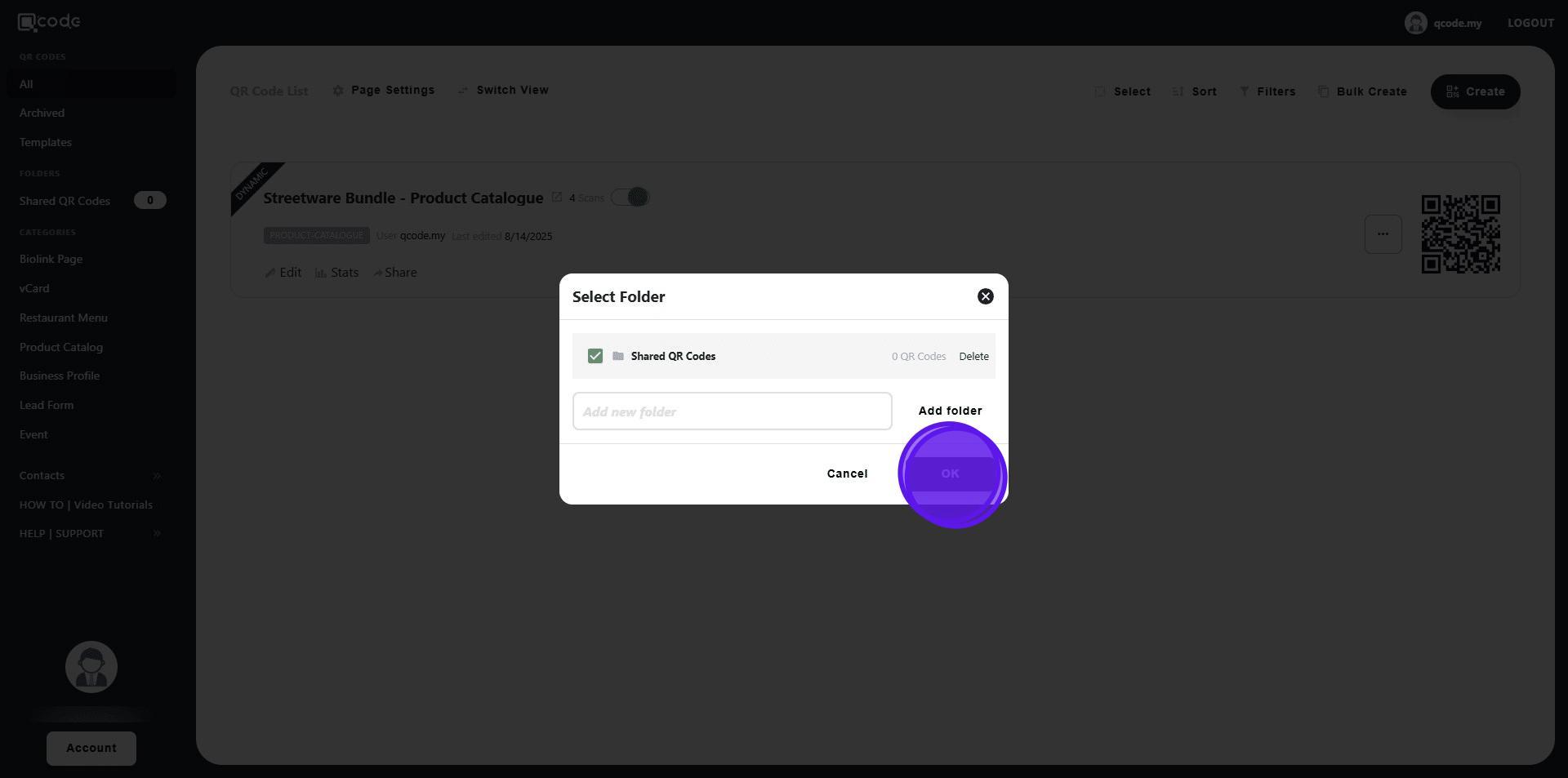
17. Click on the following shared folder
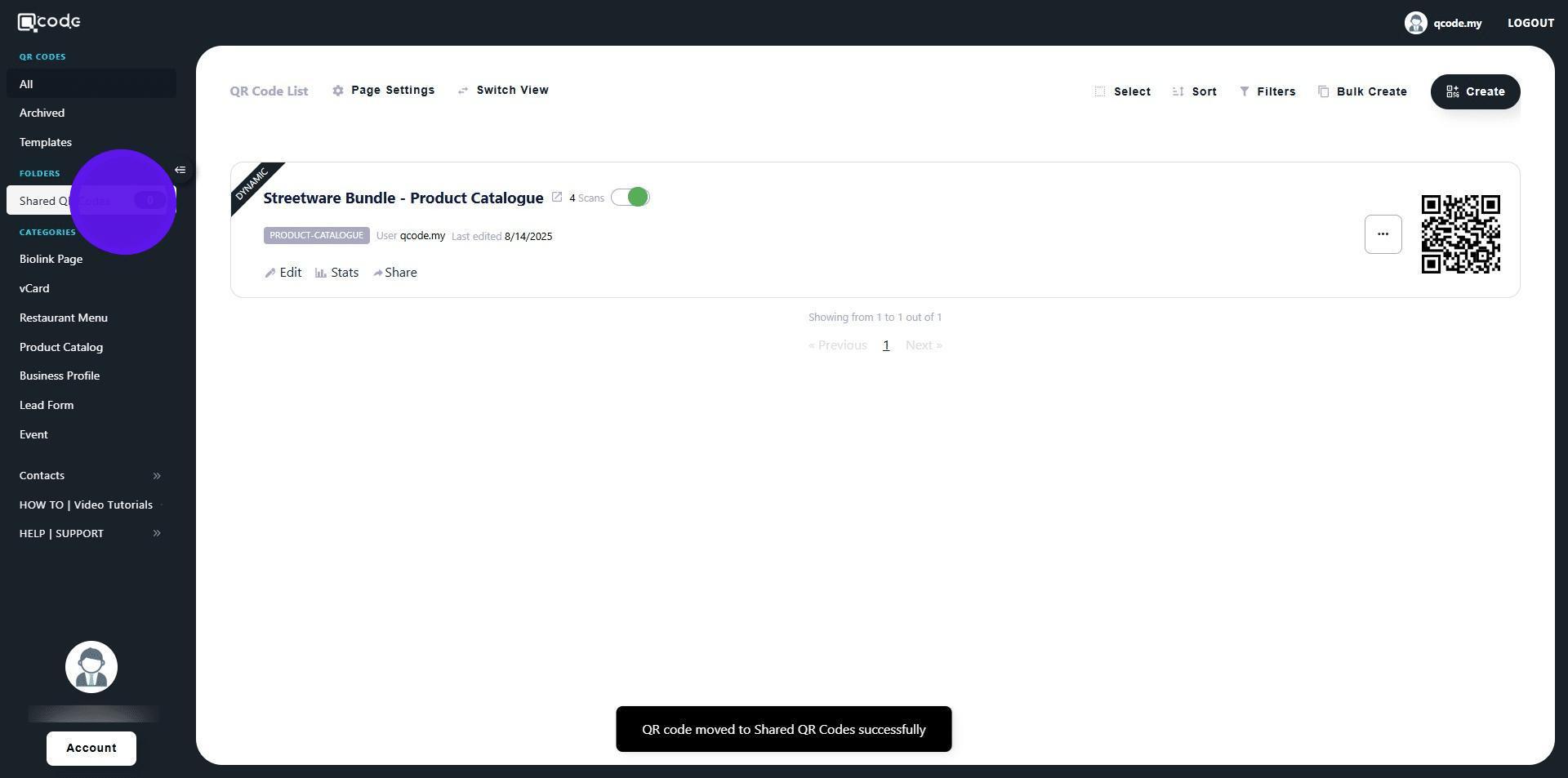
18. Here you will find all of the QR Code(s) that you share with the Sub User