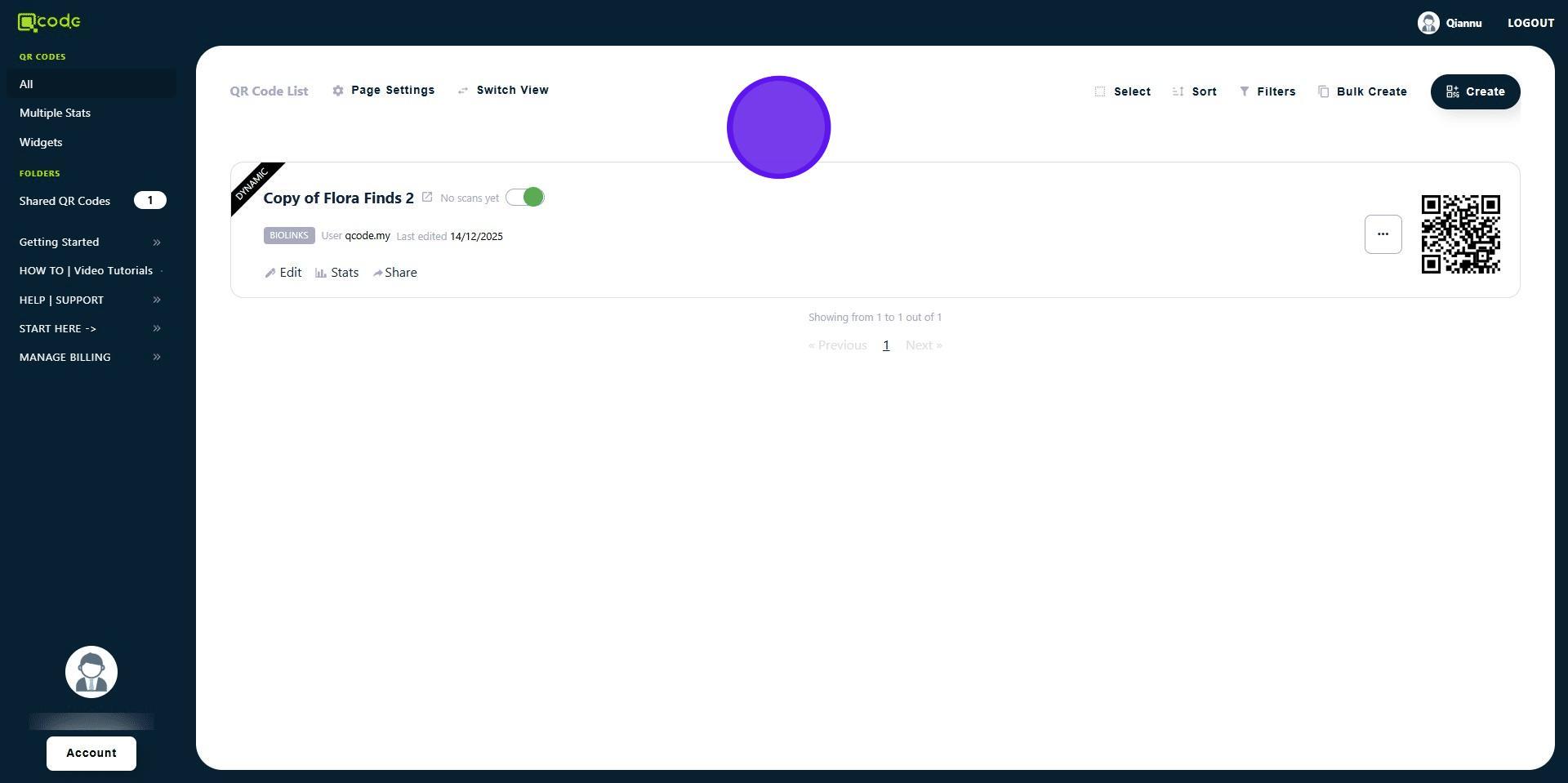
How to add a Template as a Sub-user
1. Navigate to https://qcode.my/dashboard/qrcodes
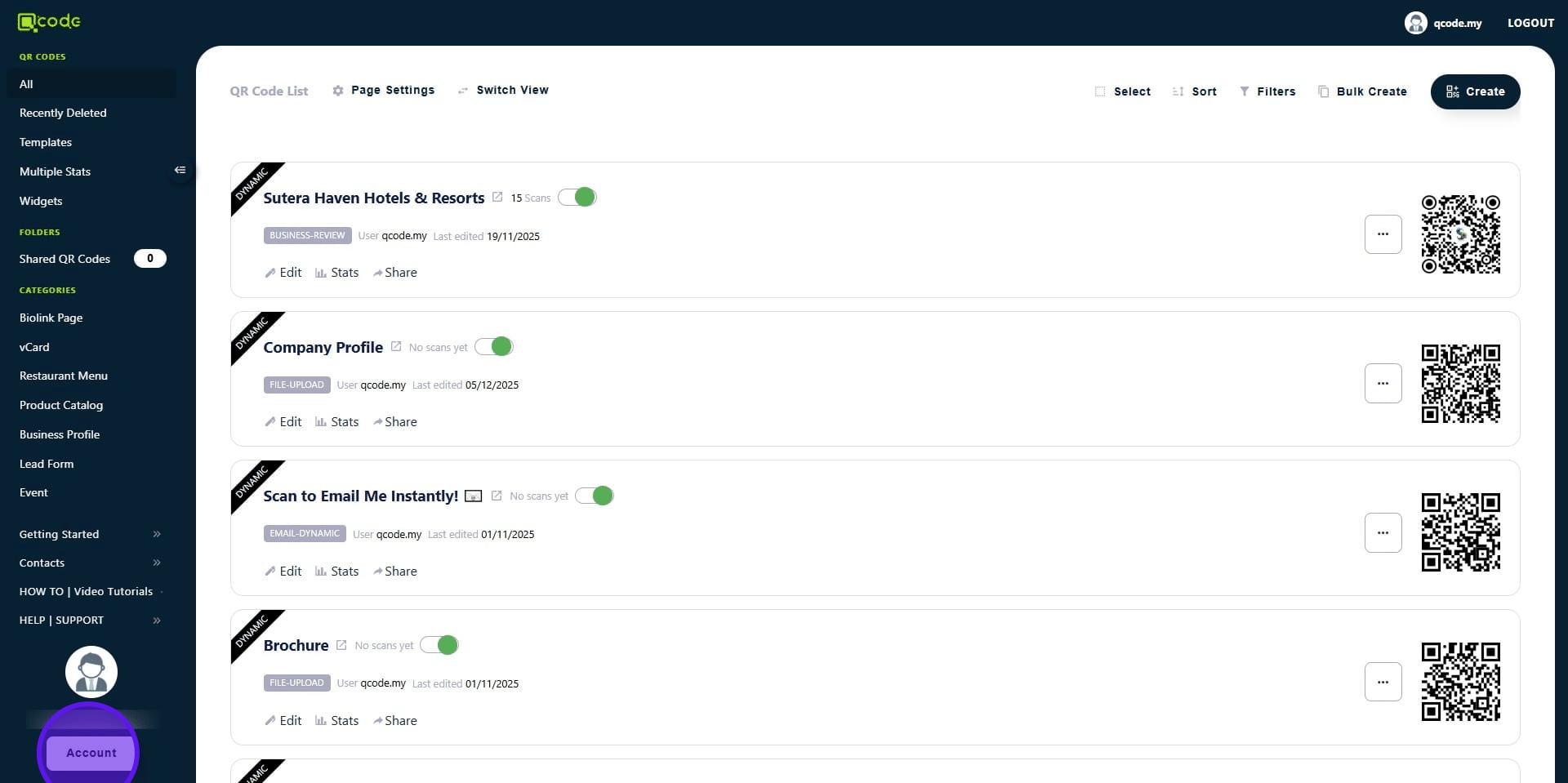
2. As the main Account, click on Account to get started
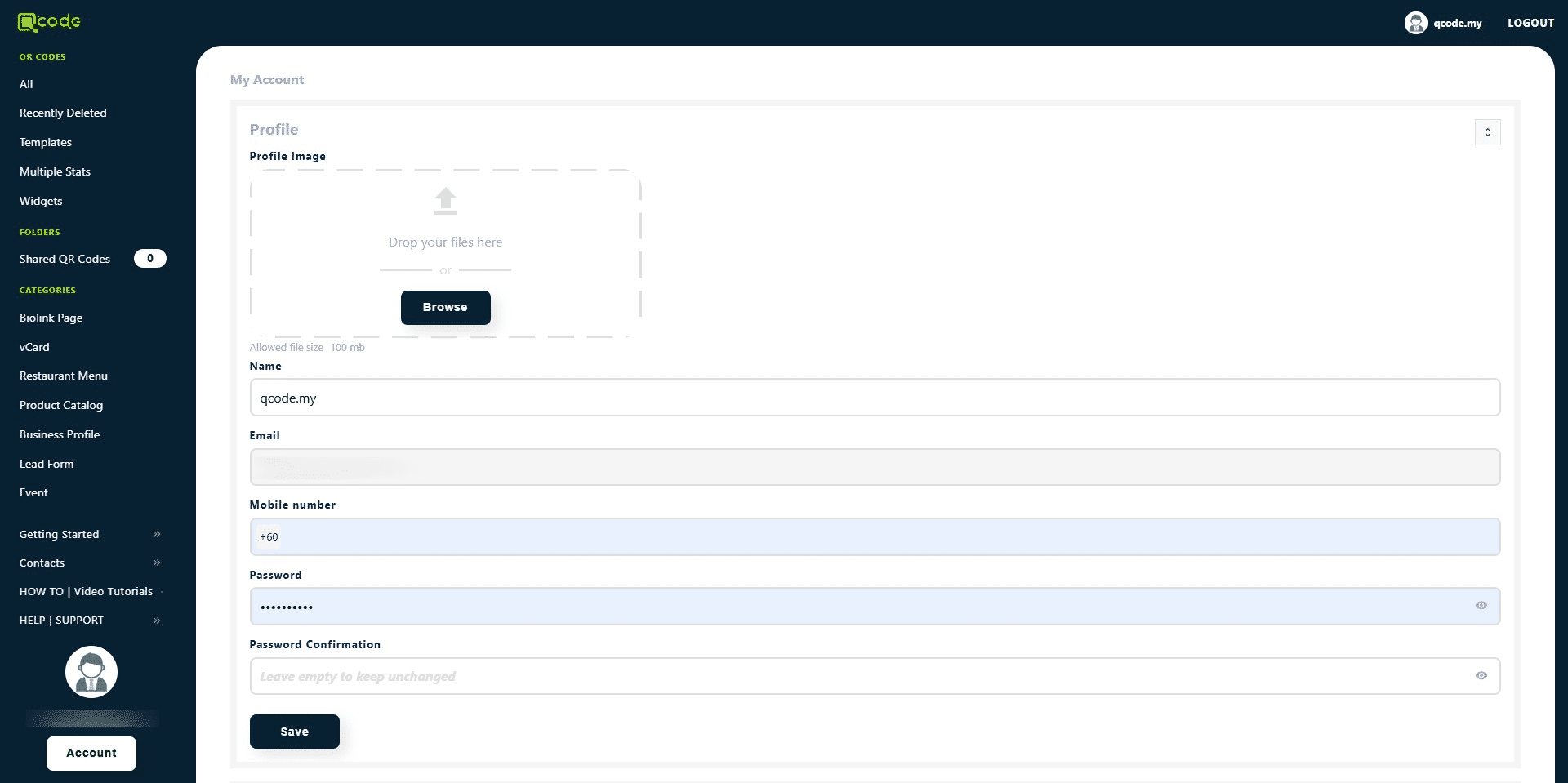
3. Scroll down
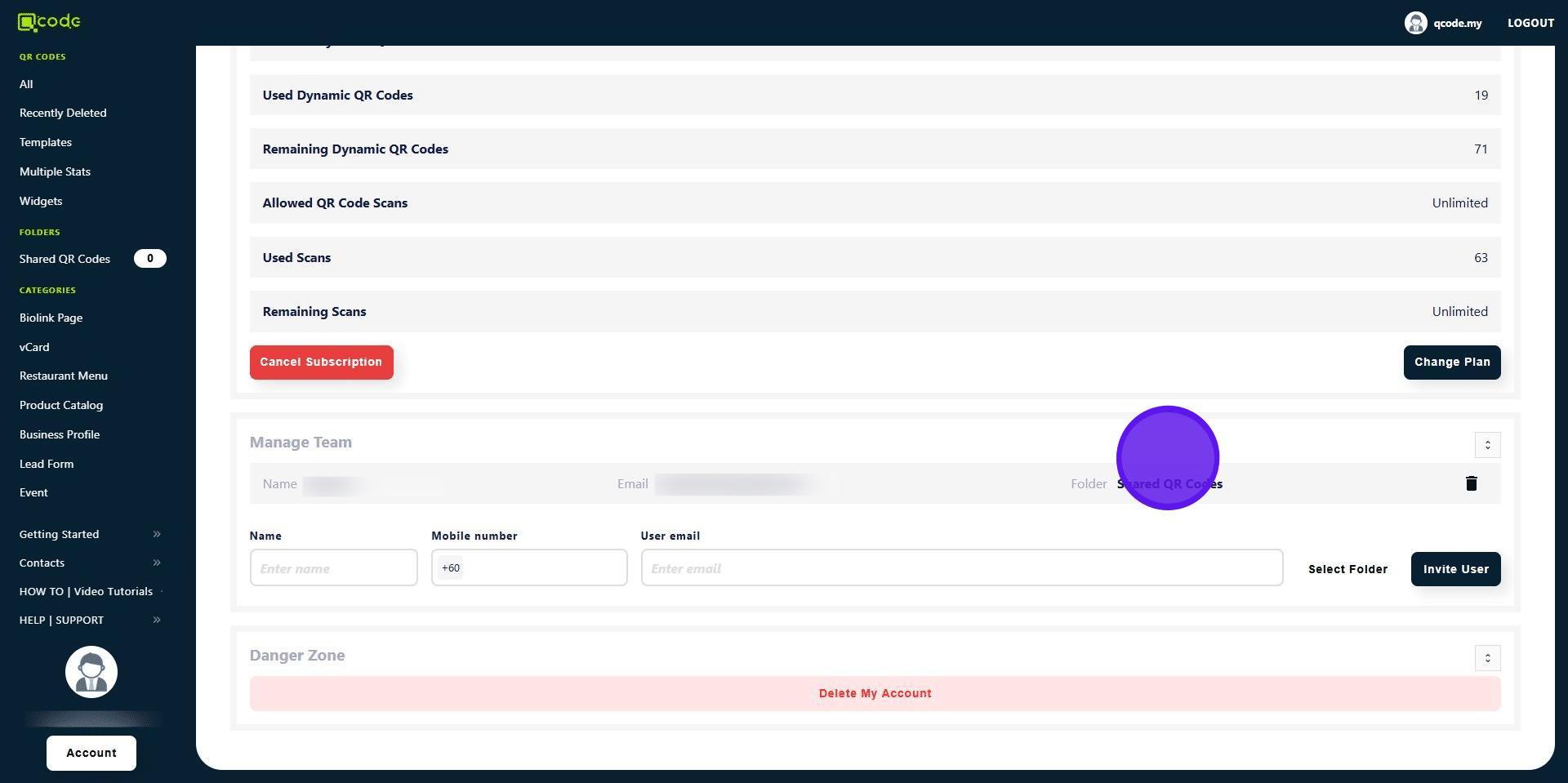
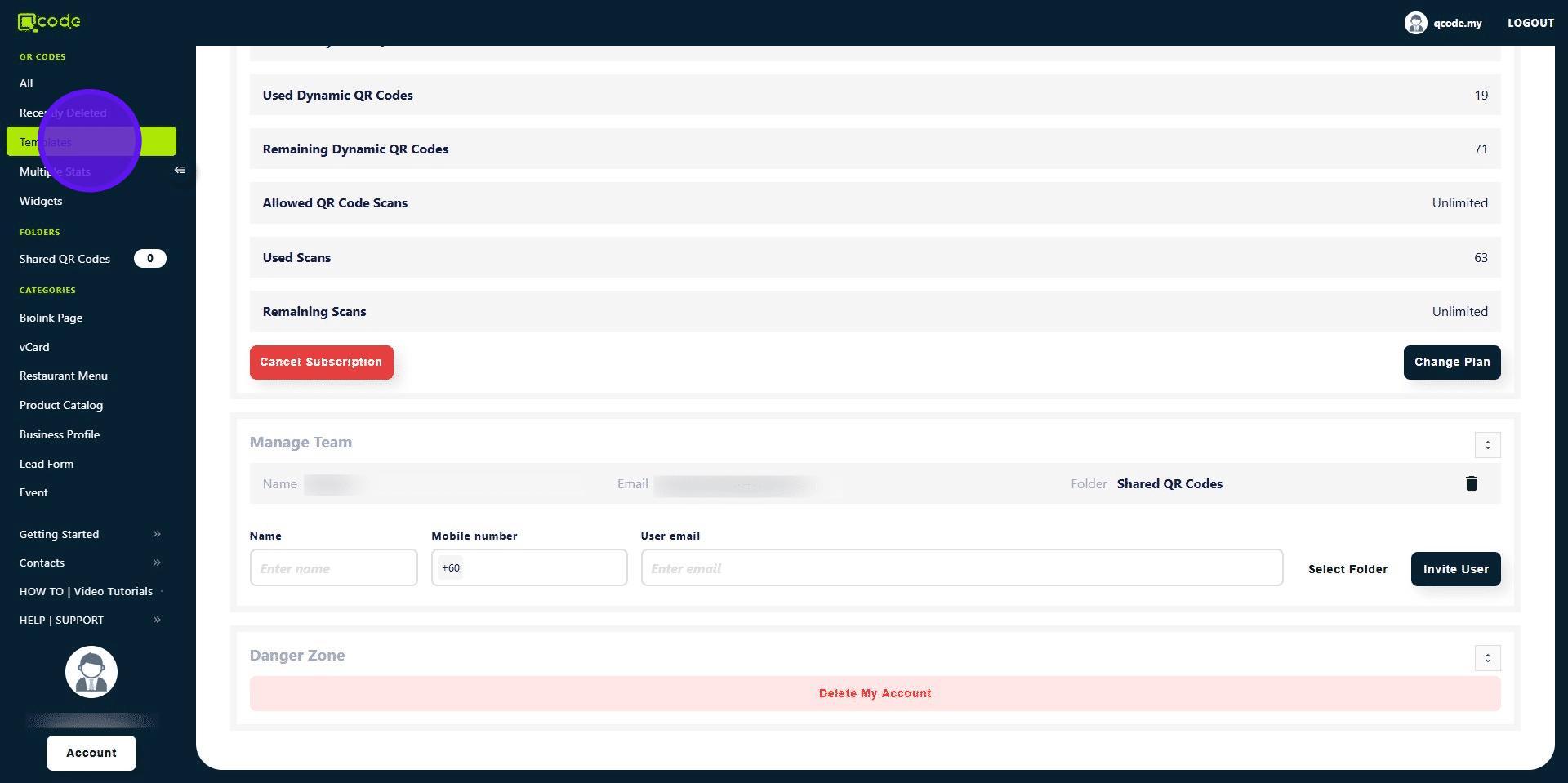
4. Determine which folder your Sub-user is in
5. Click on Templates to choose a template
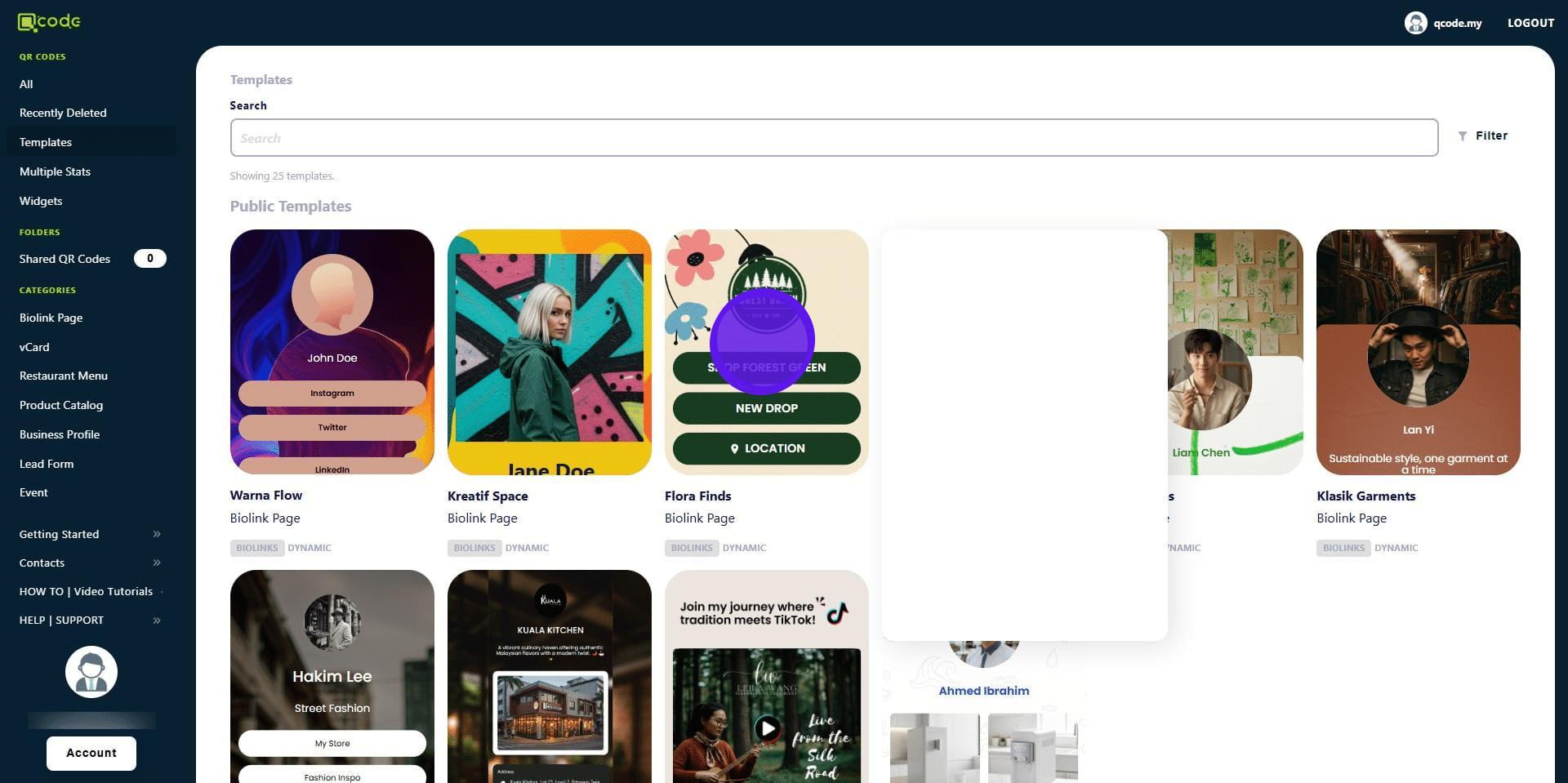
6. Choose a template
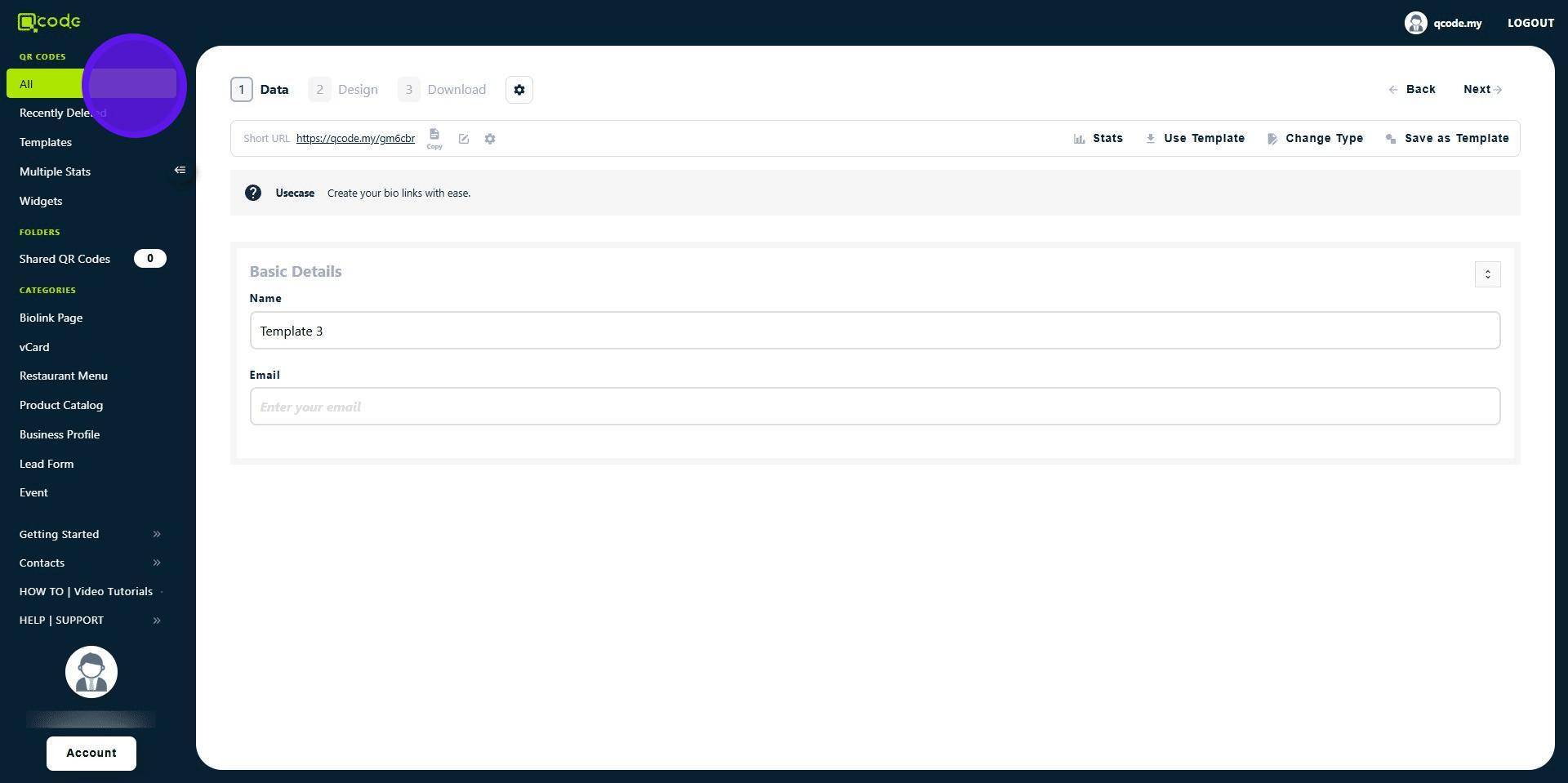
7. Click on All
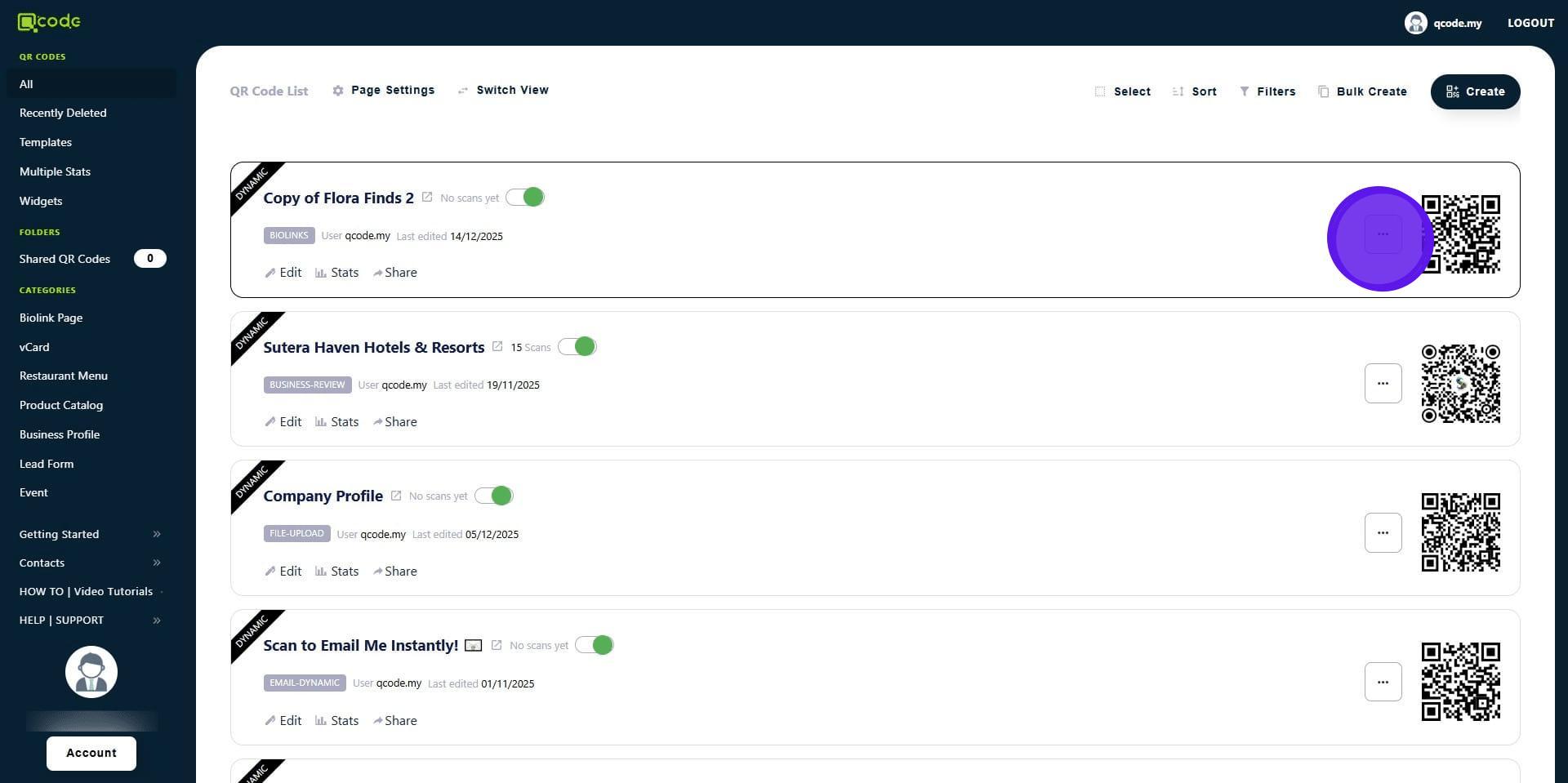
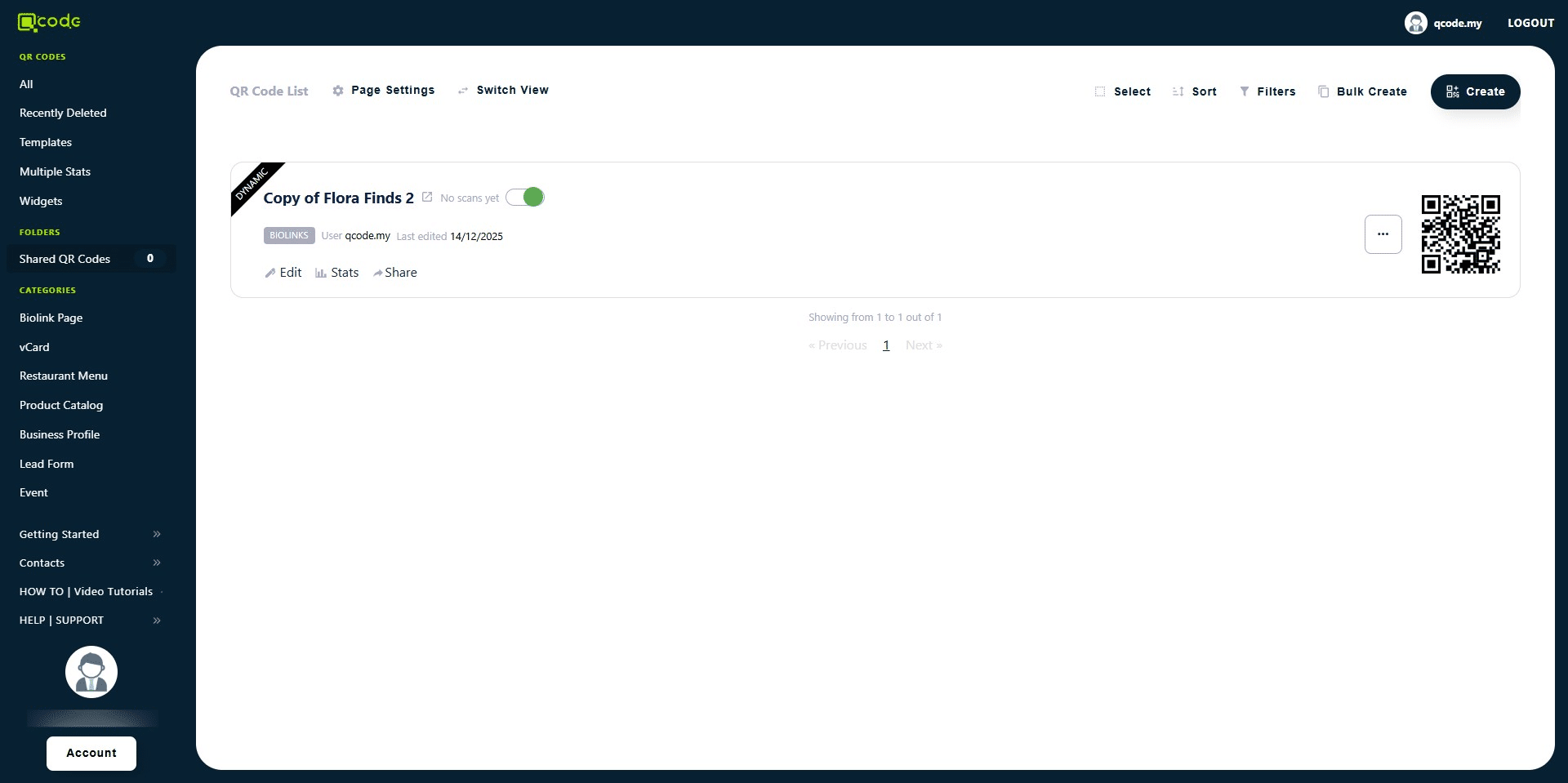
8. Click on the Three Dot button to open the sub-menu of your newly created template
9. Click on Select Folder to move the template to the desired folder where your Sub-user is in
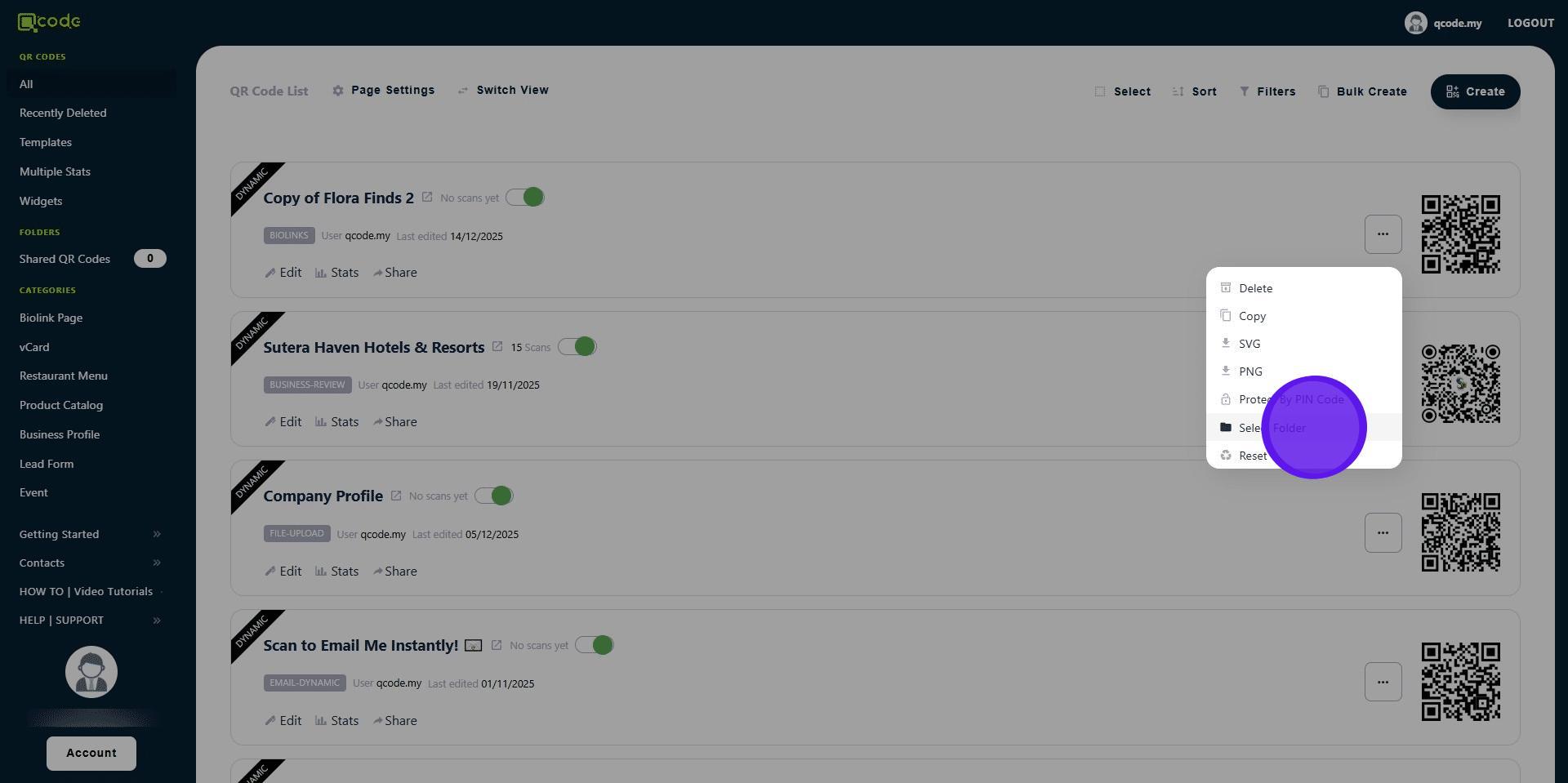
10. Tick the check box
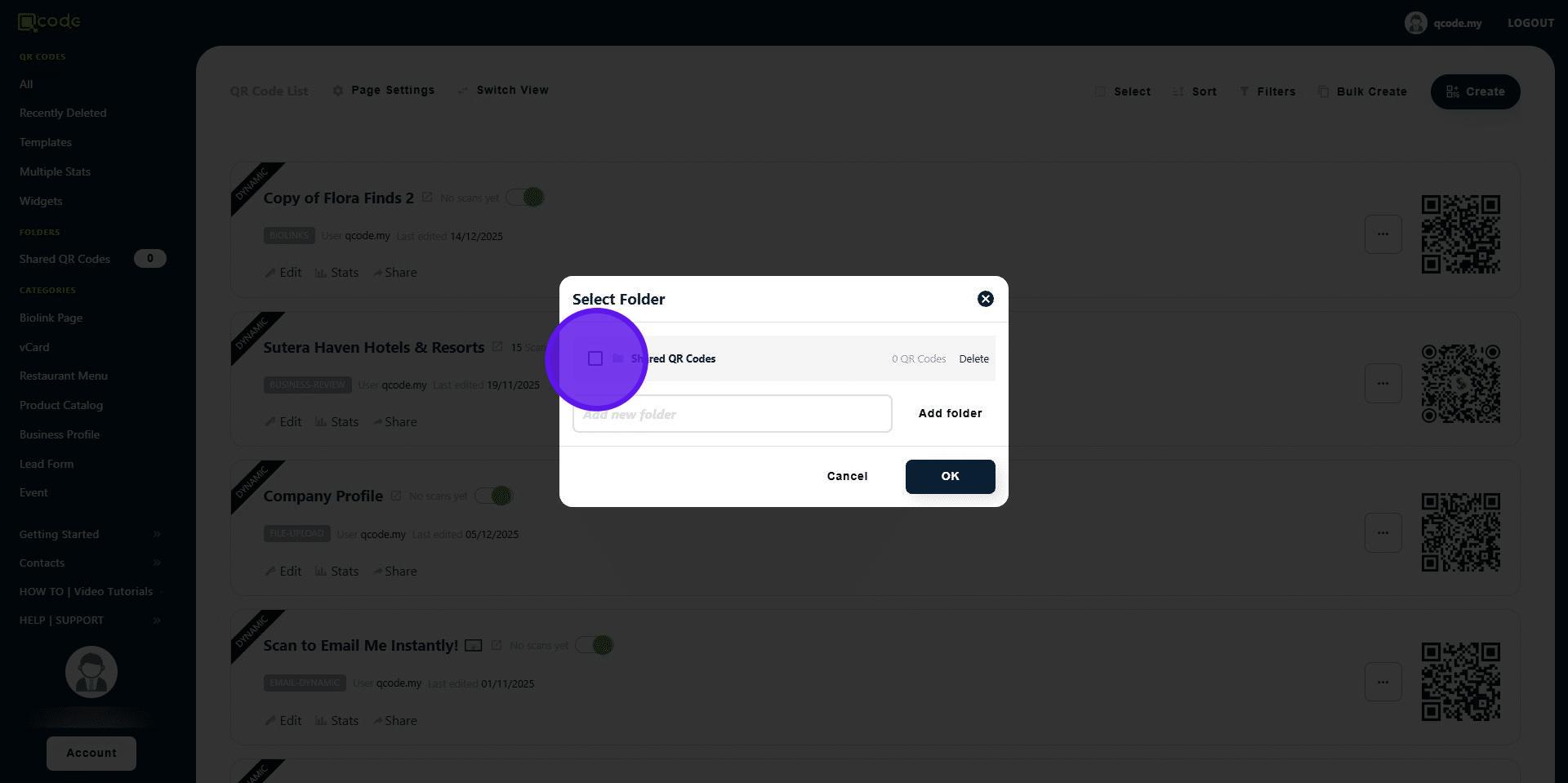
11. Click on OK to confirm your changes
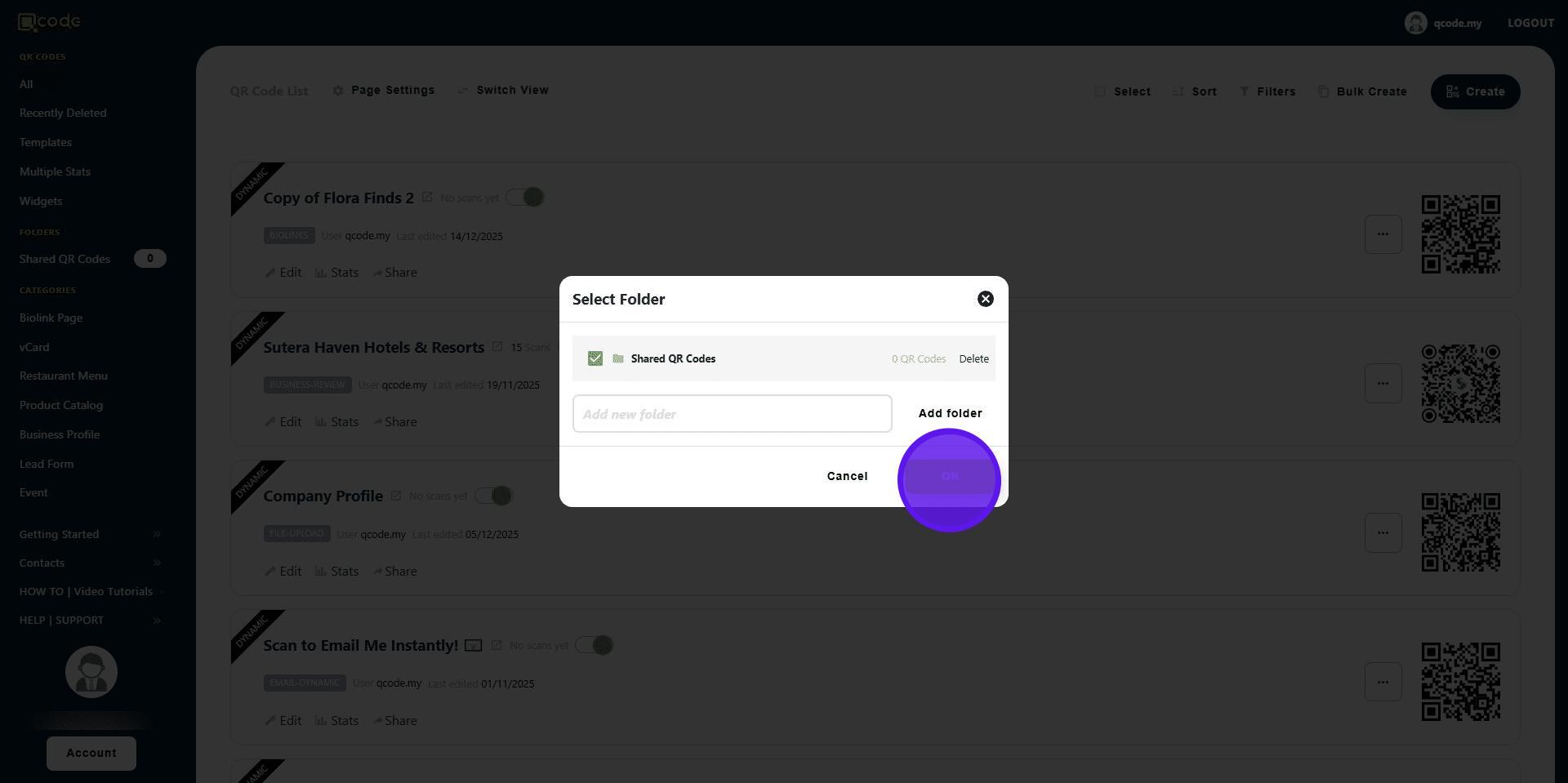
12. Click on the Shared Folder button to view
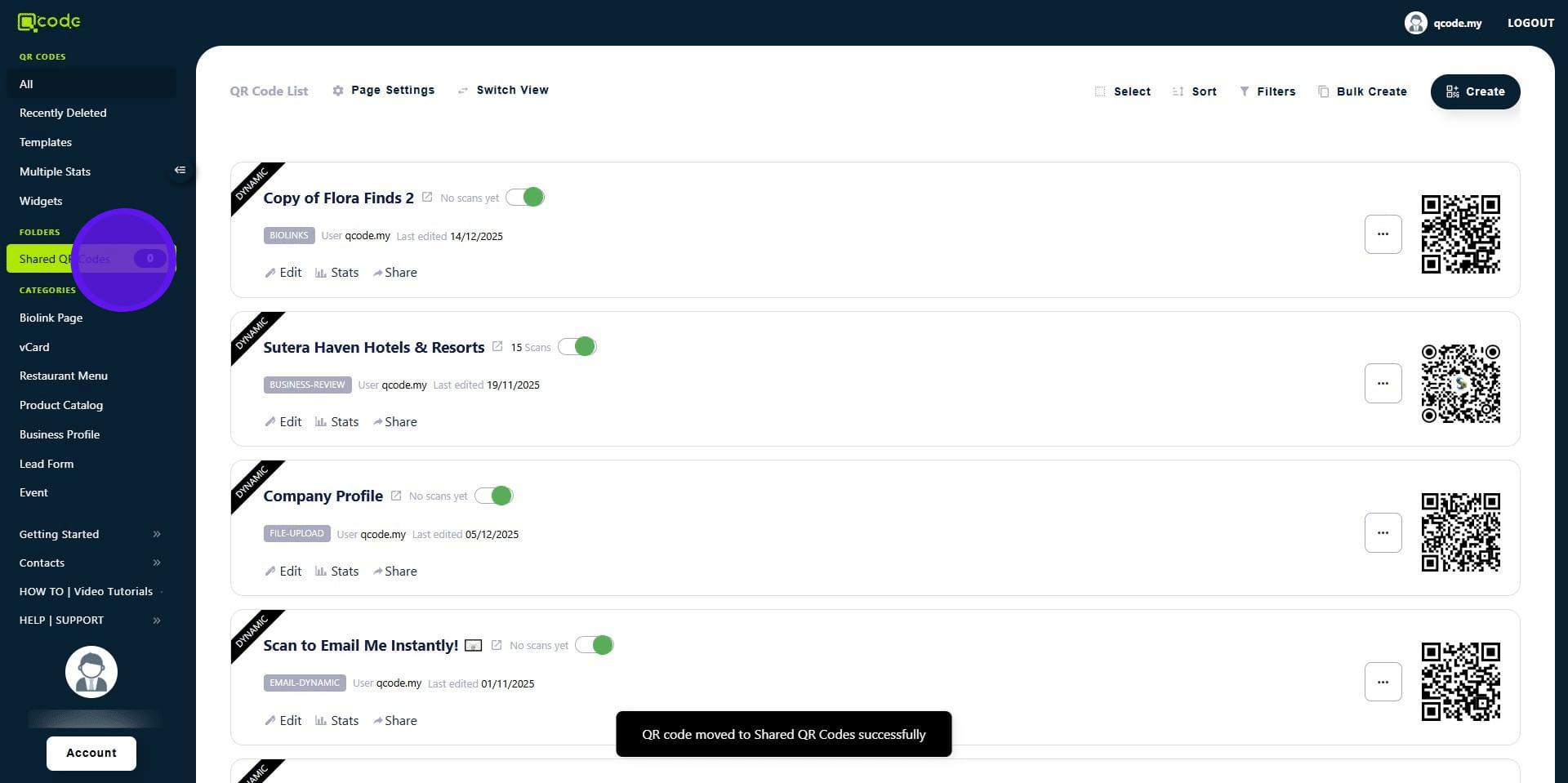
13. Now the template is in the shared folder
14. Now the template QR Code is in your Sub-user's account! 👏