How to add/change Working Hours
This guide explains how to configure and modify your business's operating hours ensuring customers have accurate information about when you are open.
1. Navigate to https://qcode.my/dashboard/qrcodes
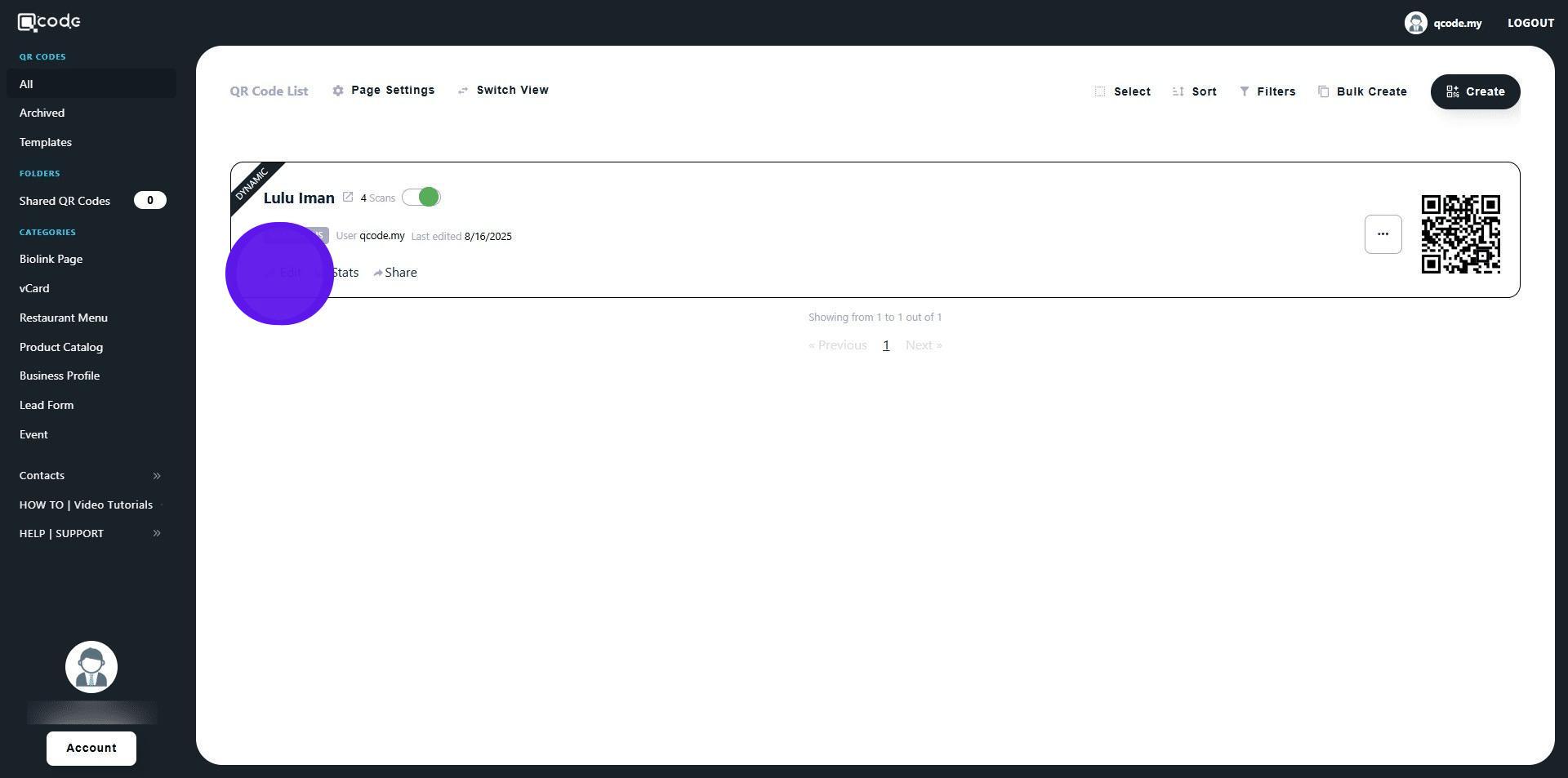
2. Click on Edit to edit your existing QR Code
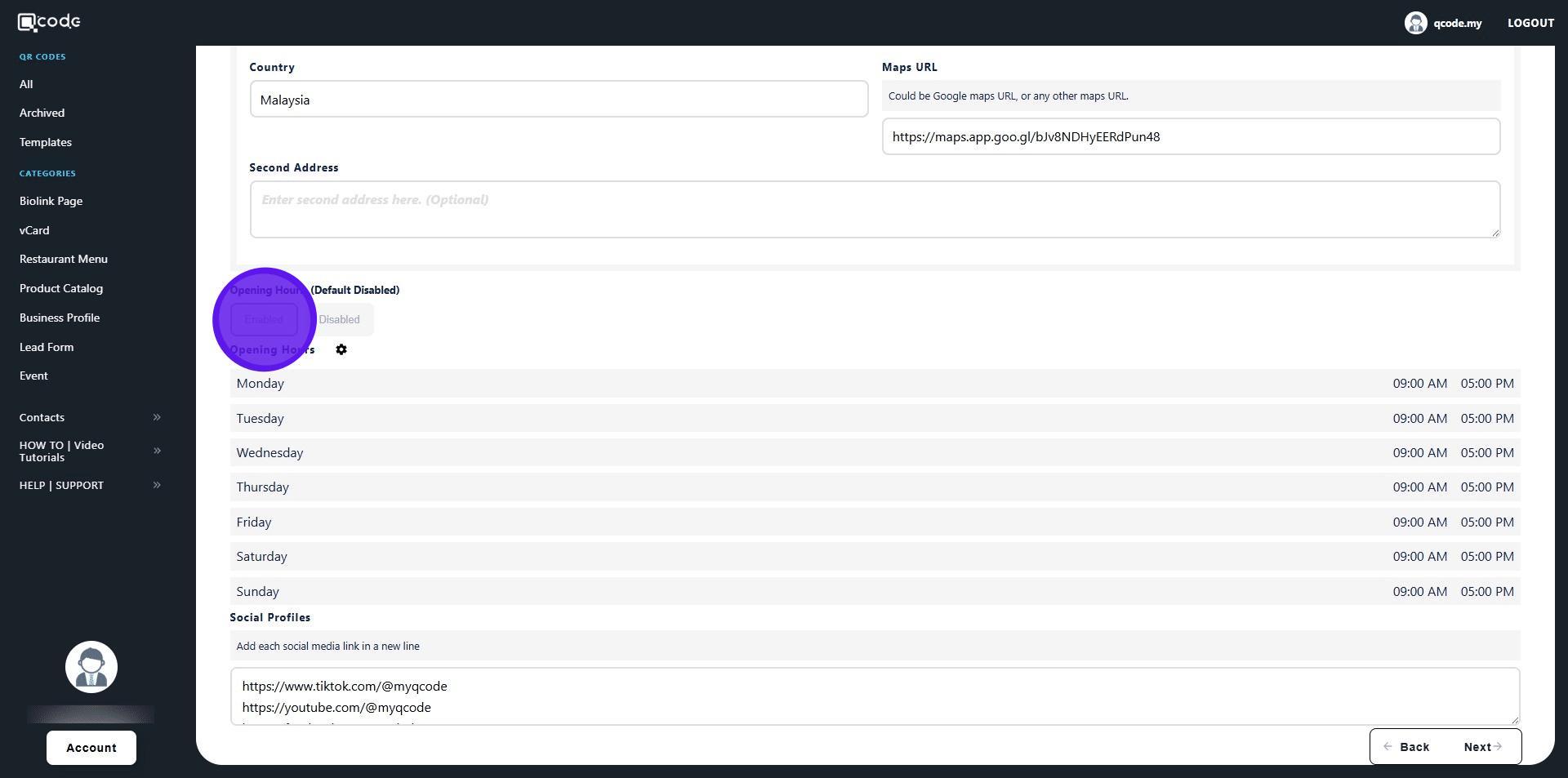
3. Scroll down until you see Opening Hours. Then click on Enabled to enable working hours
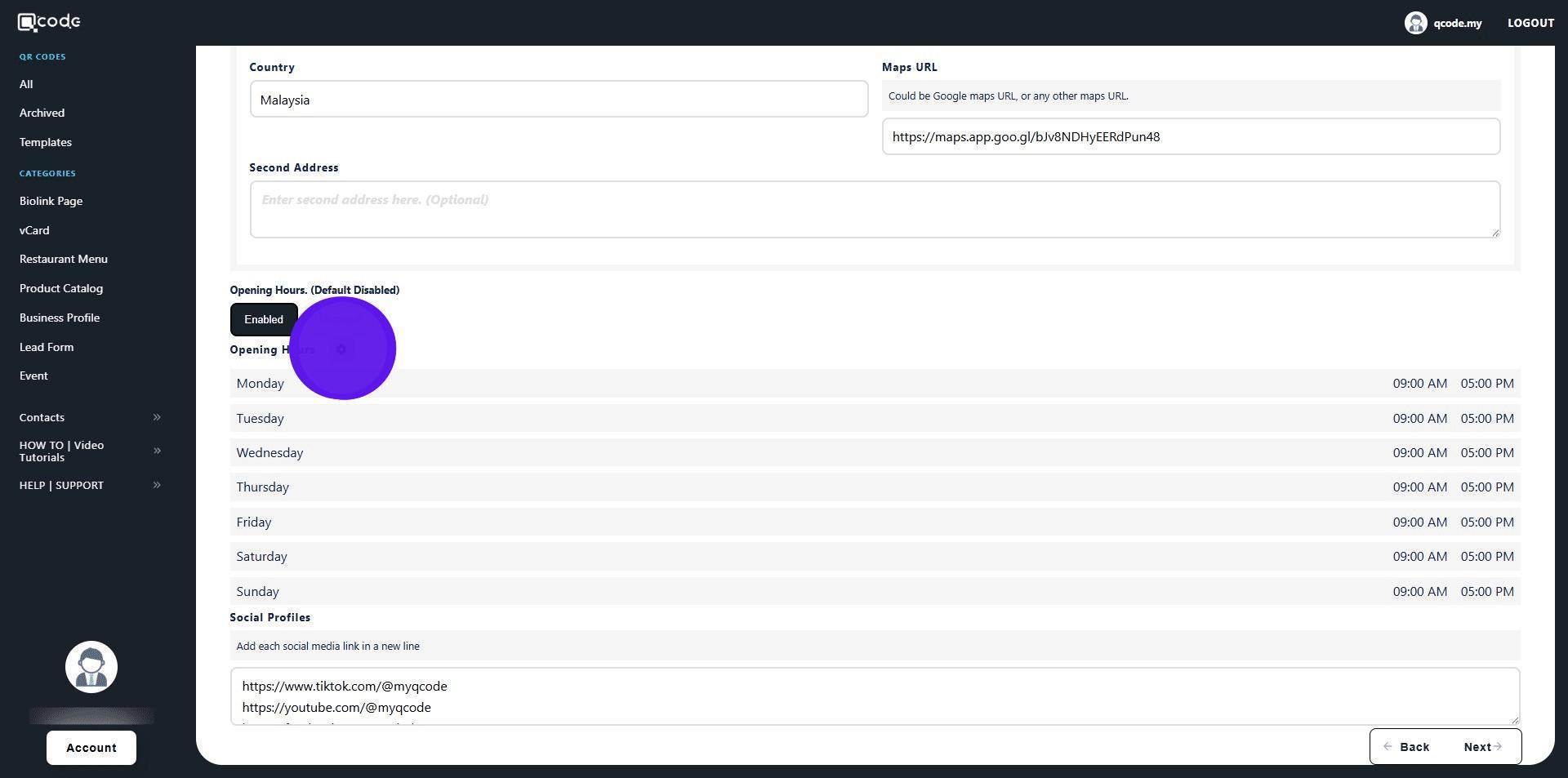
4. Click on the cog icon to open its settings
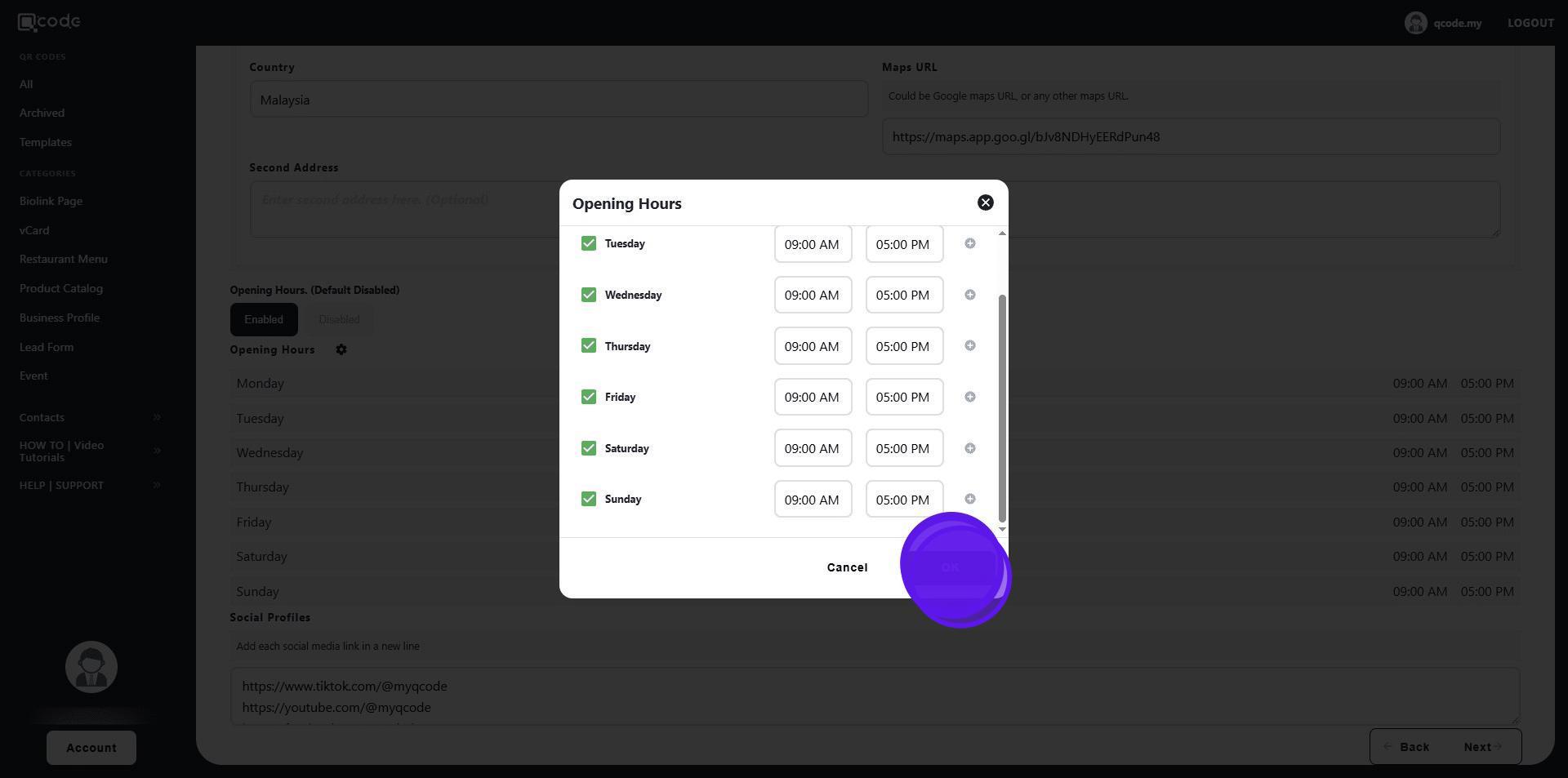
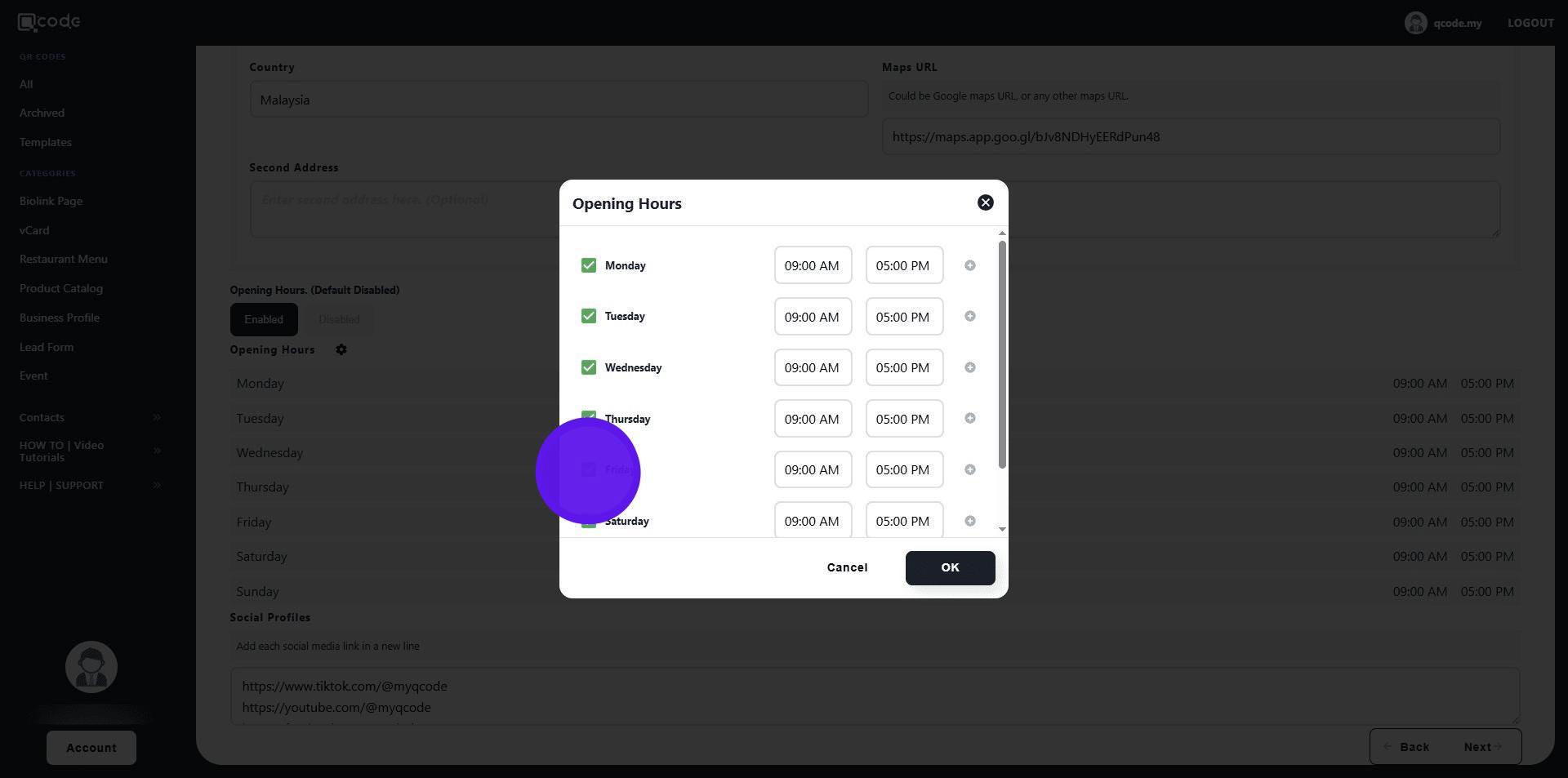
5. Click on the checkbox buttons to disable the following day
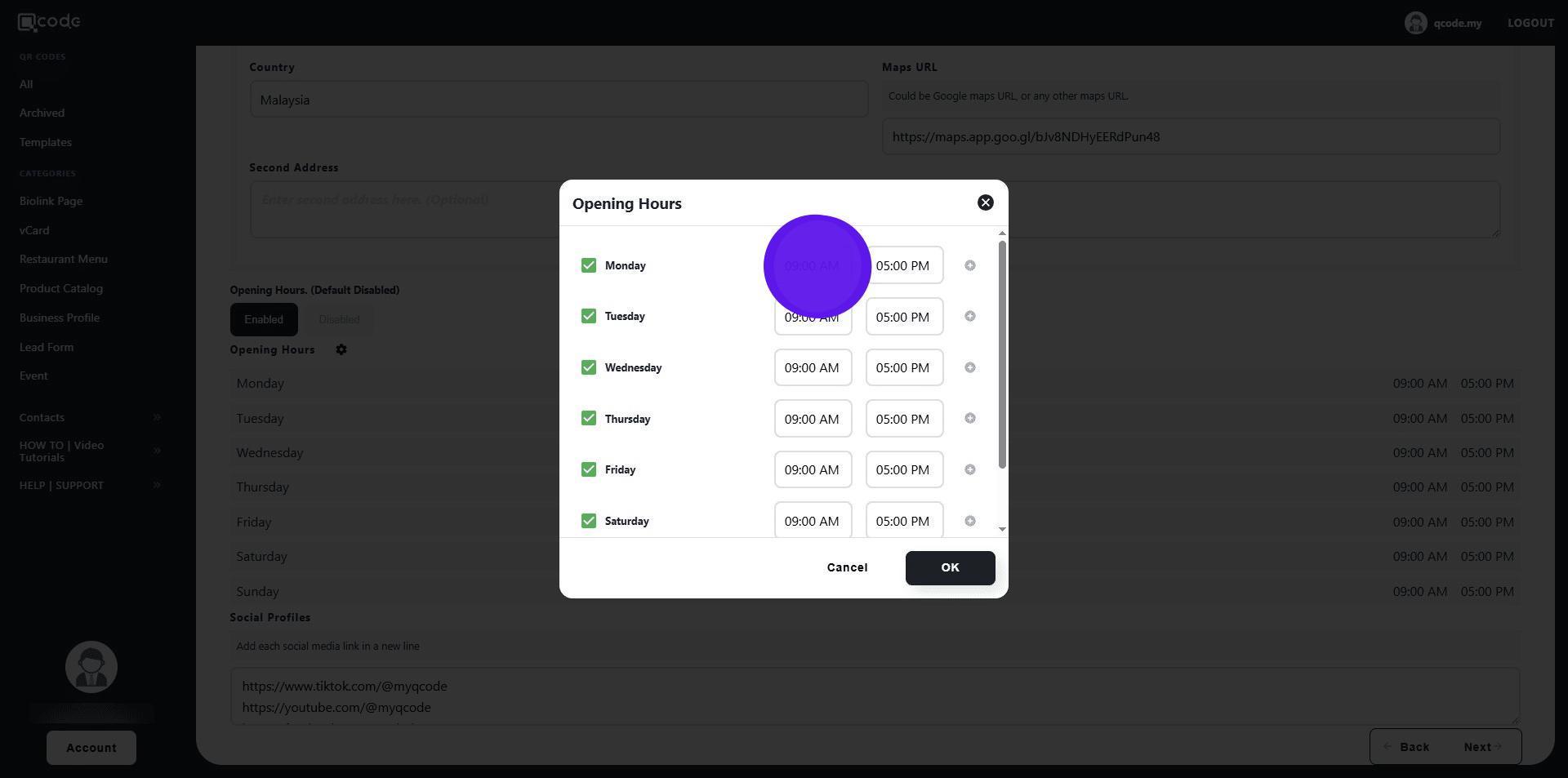
6. Type here to edit opening hours
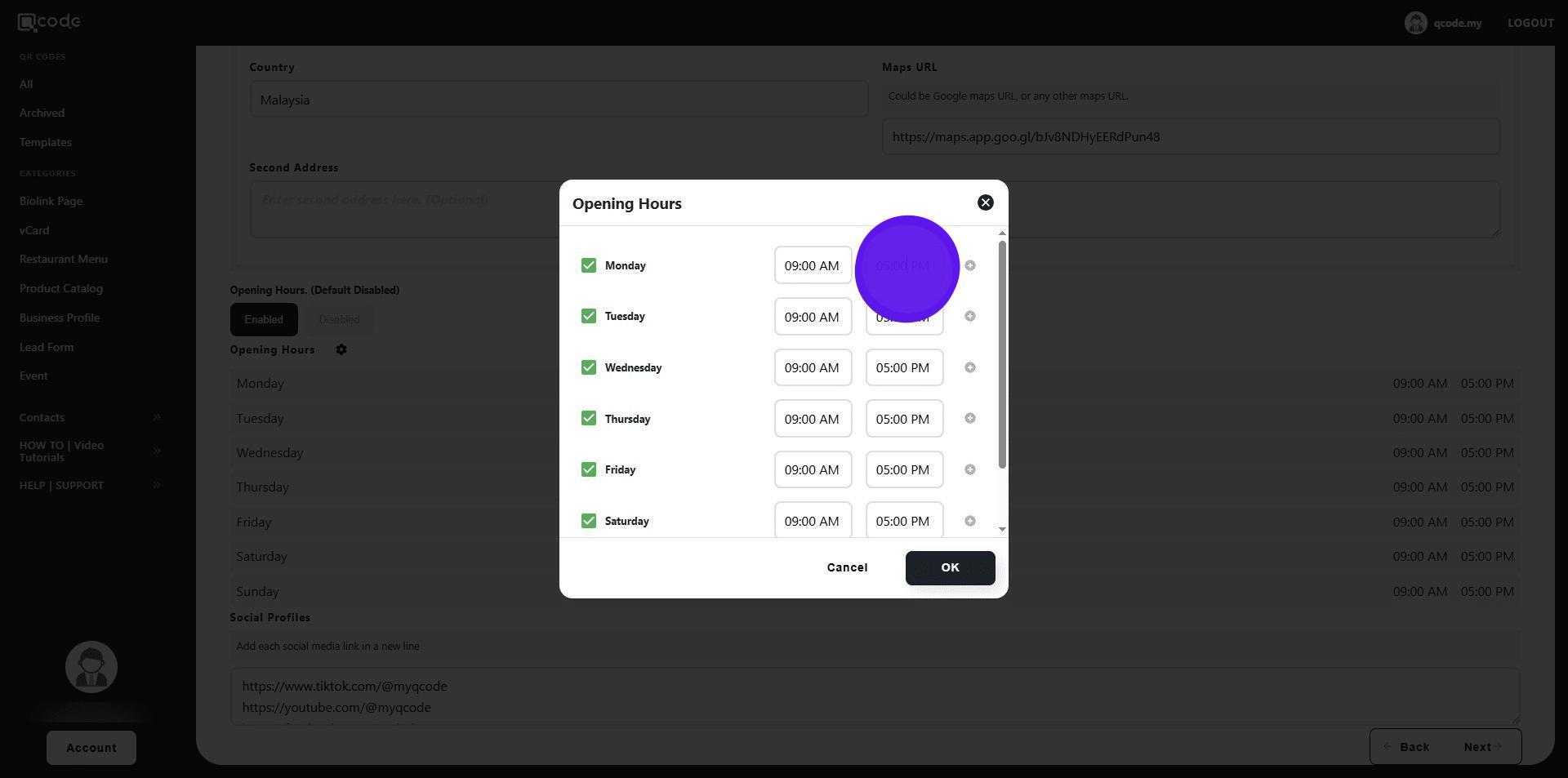
7. Type here to edit closing hours
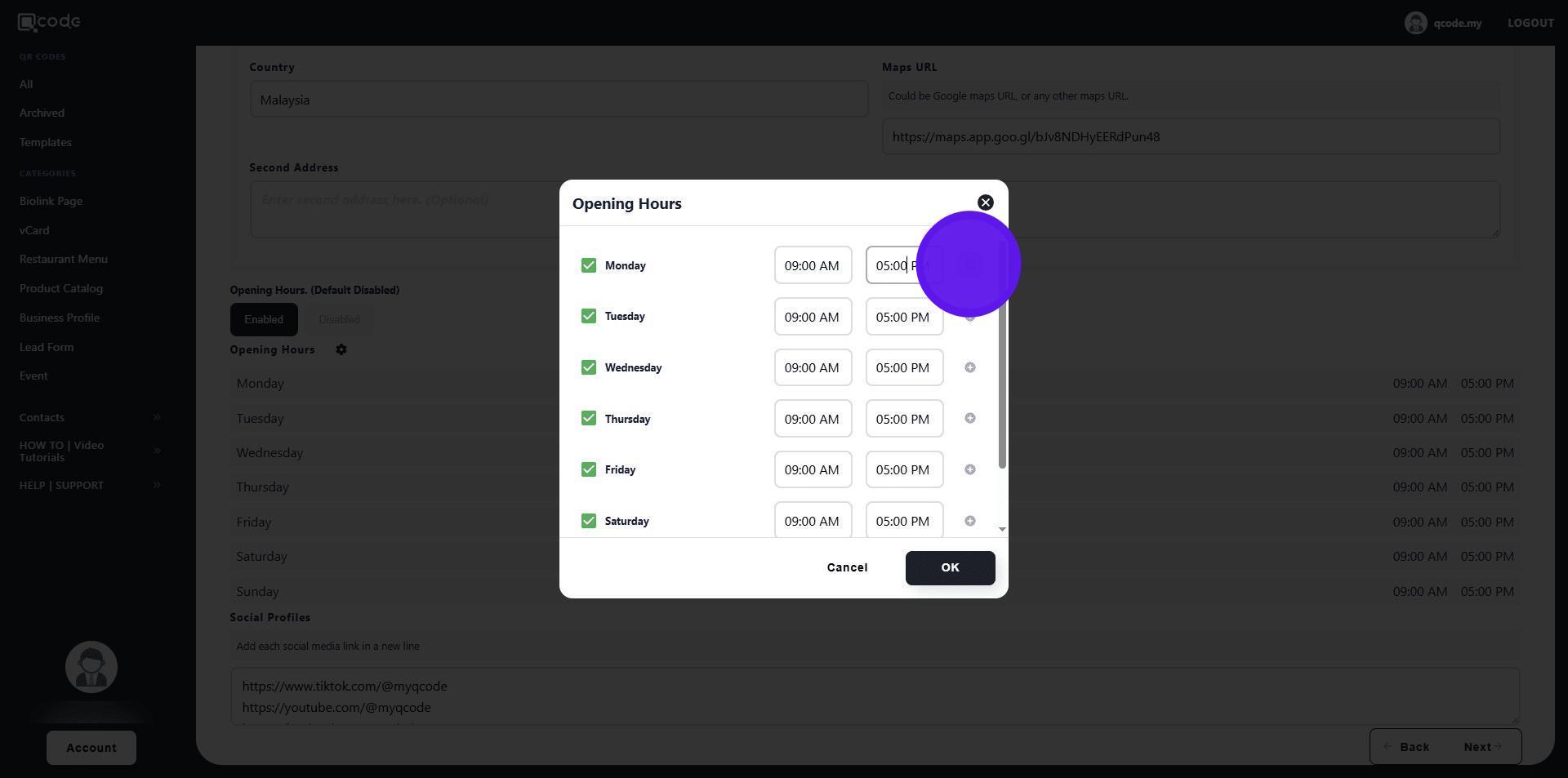
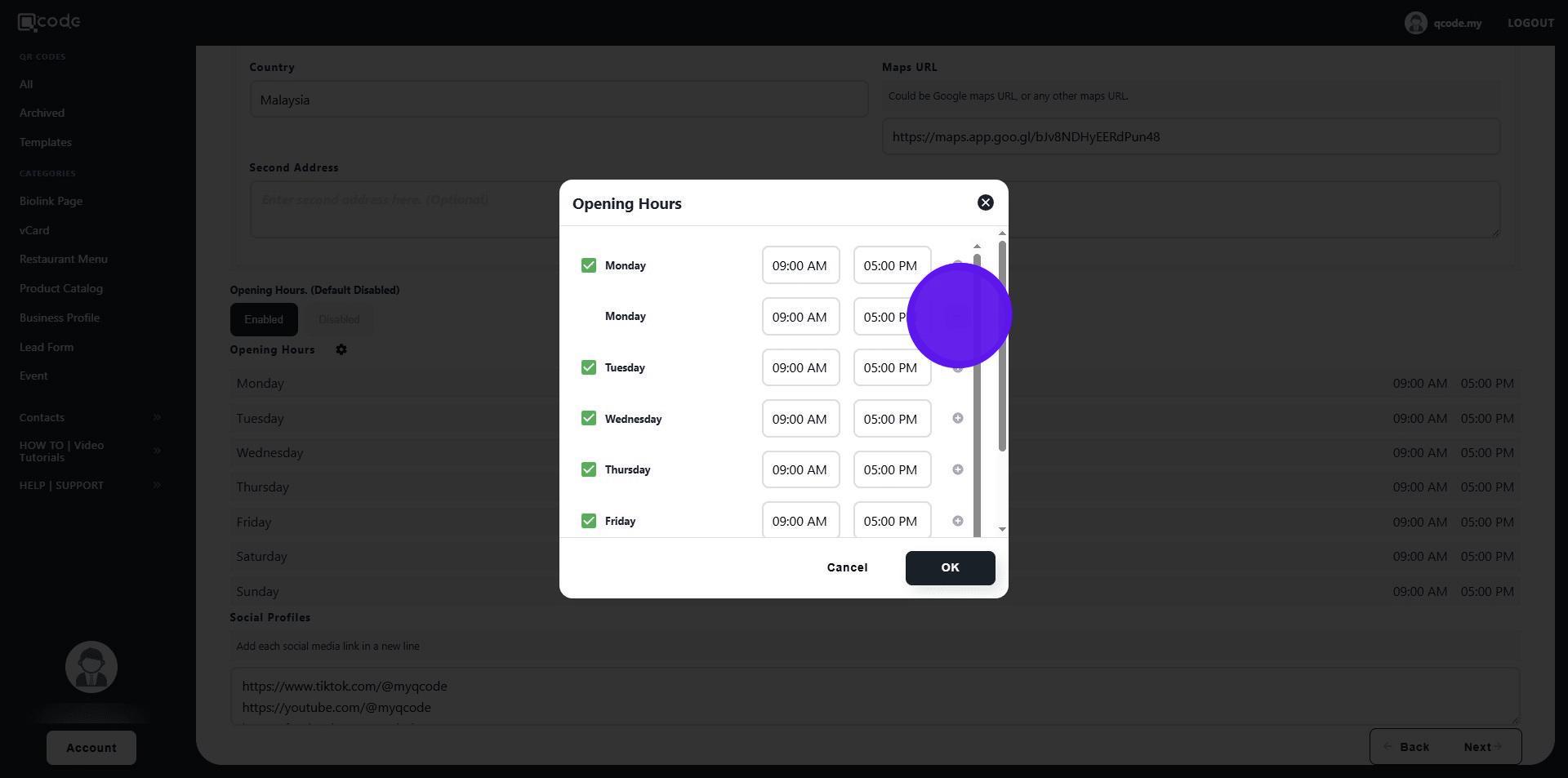
8. Click on the plus icon to add more working hours option to the following day
9. Click on the minus icon to remove it
10. Click on OK to finish editing working hours