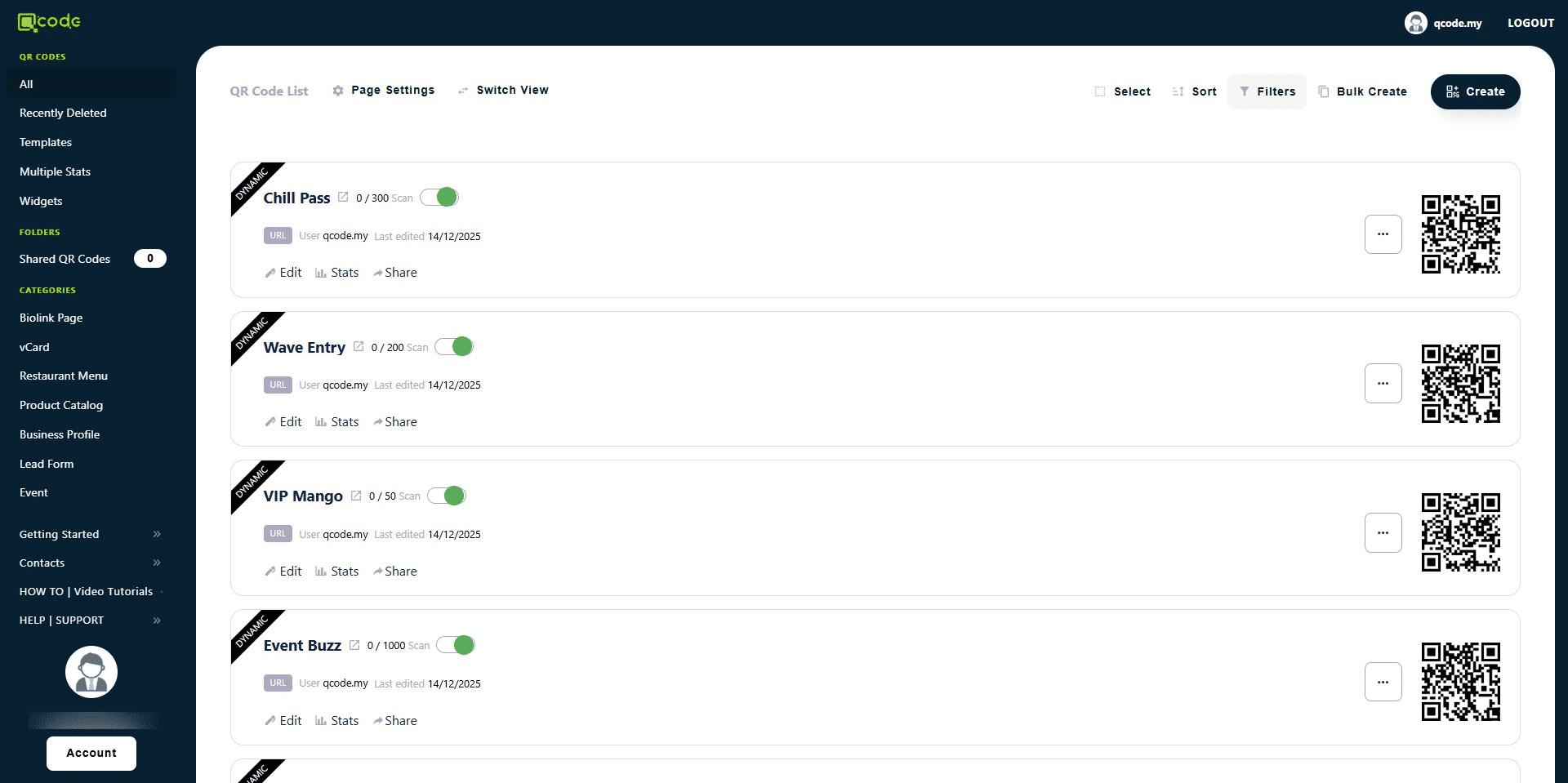
How to Bulk Create QR Code
1. Navigate to https://qcode.my/dashboard/qrcodes
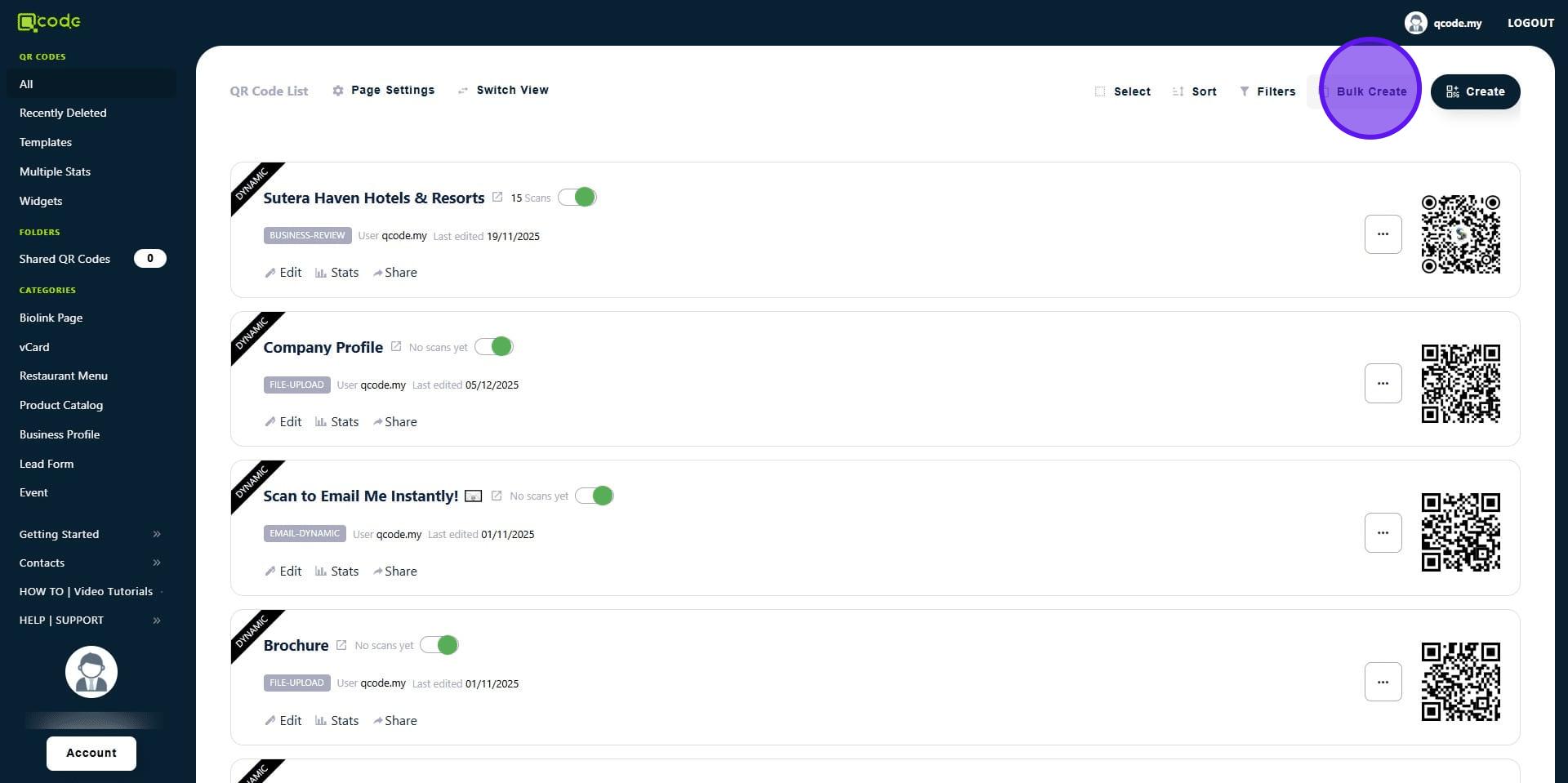
2. Click on Bulk Create
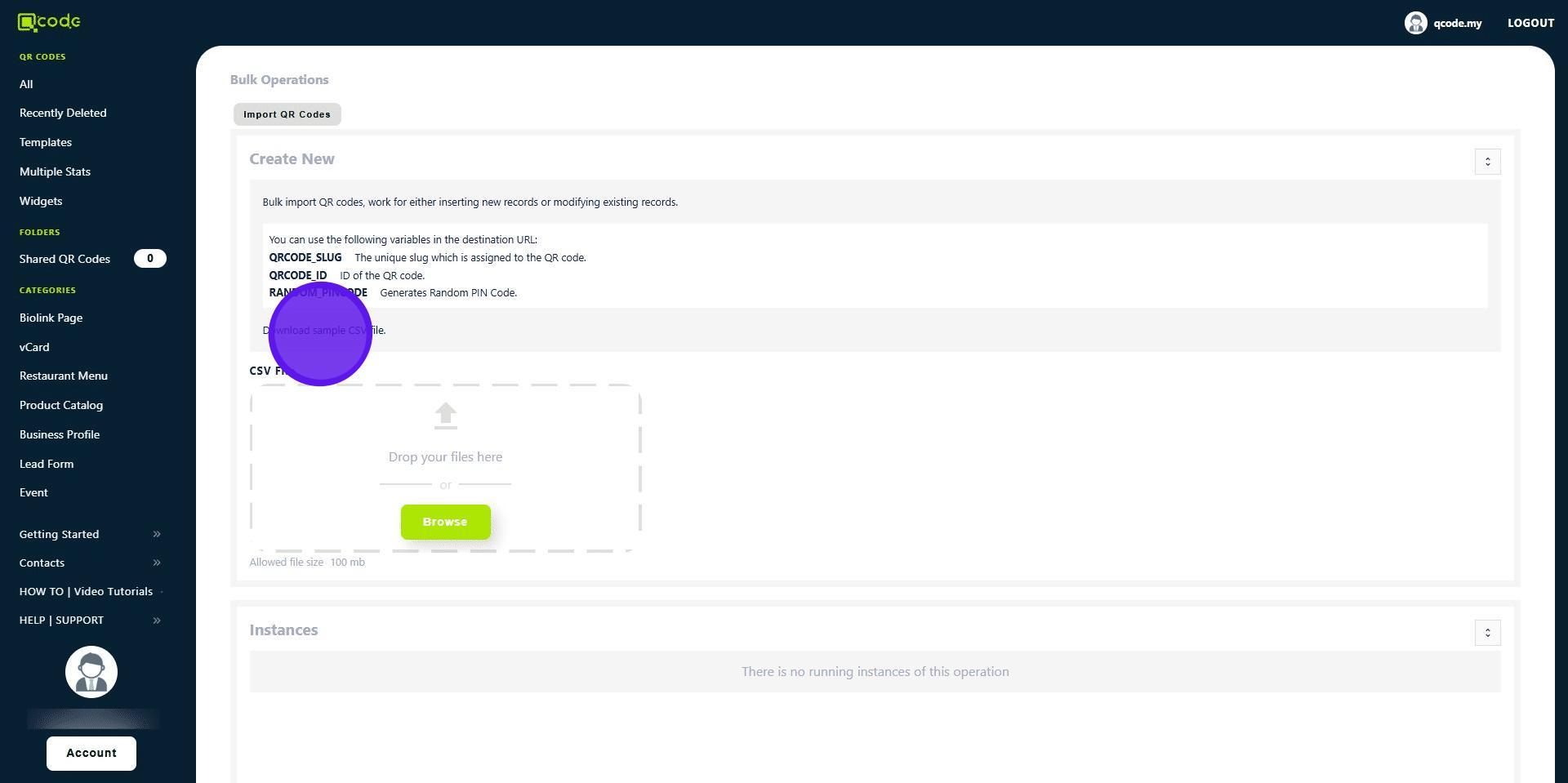
3. Click on Download sample CSV file to download the CSV file for you to fill
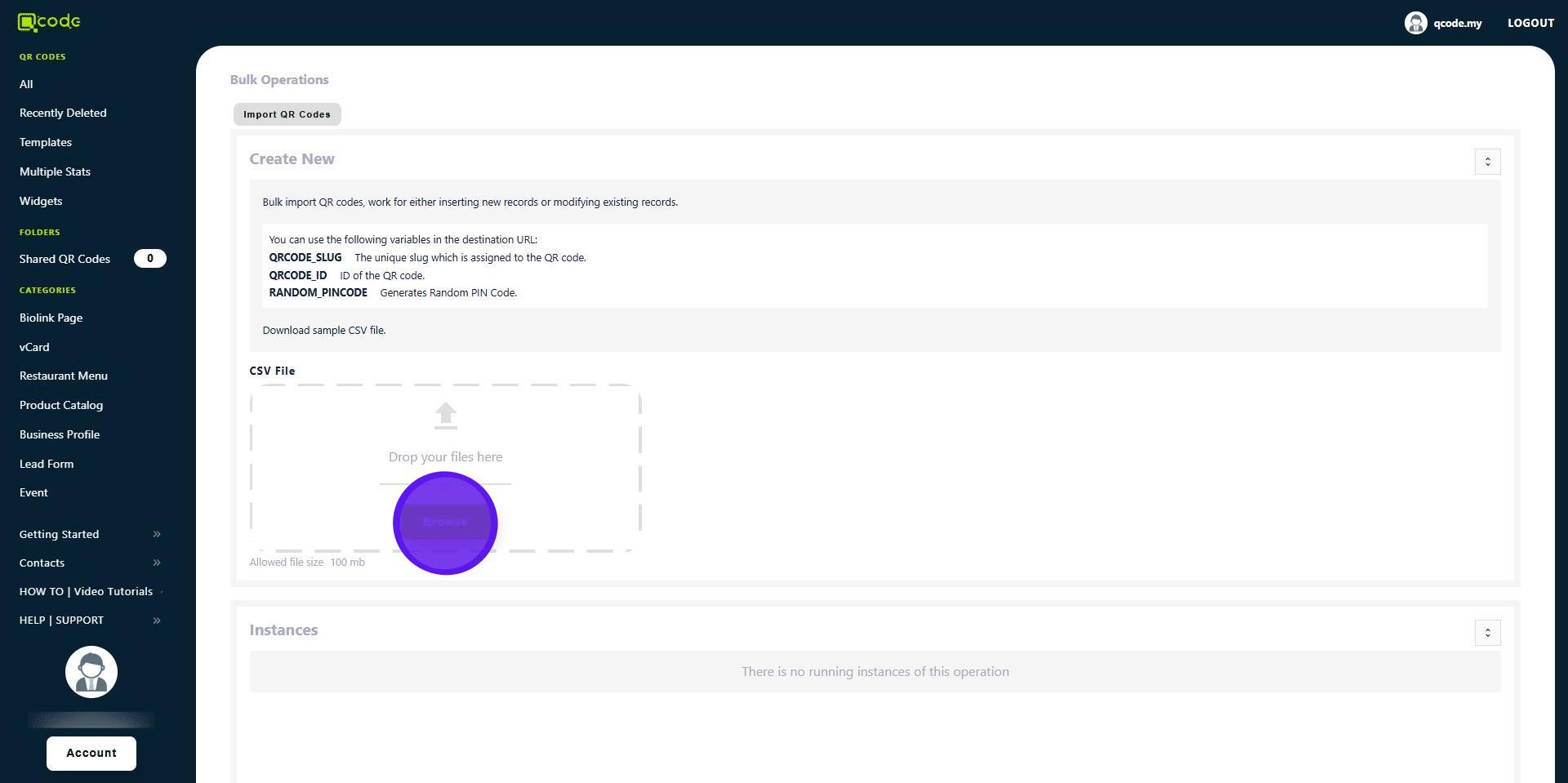
4. Click on Browse to upload the CSV file
5. Your QR Codes are being imported
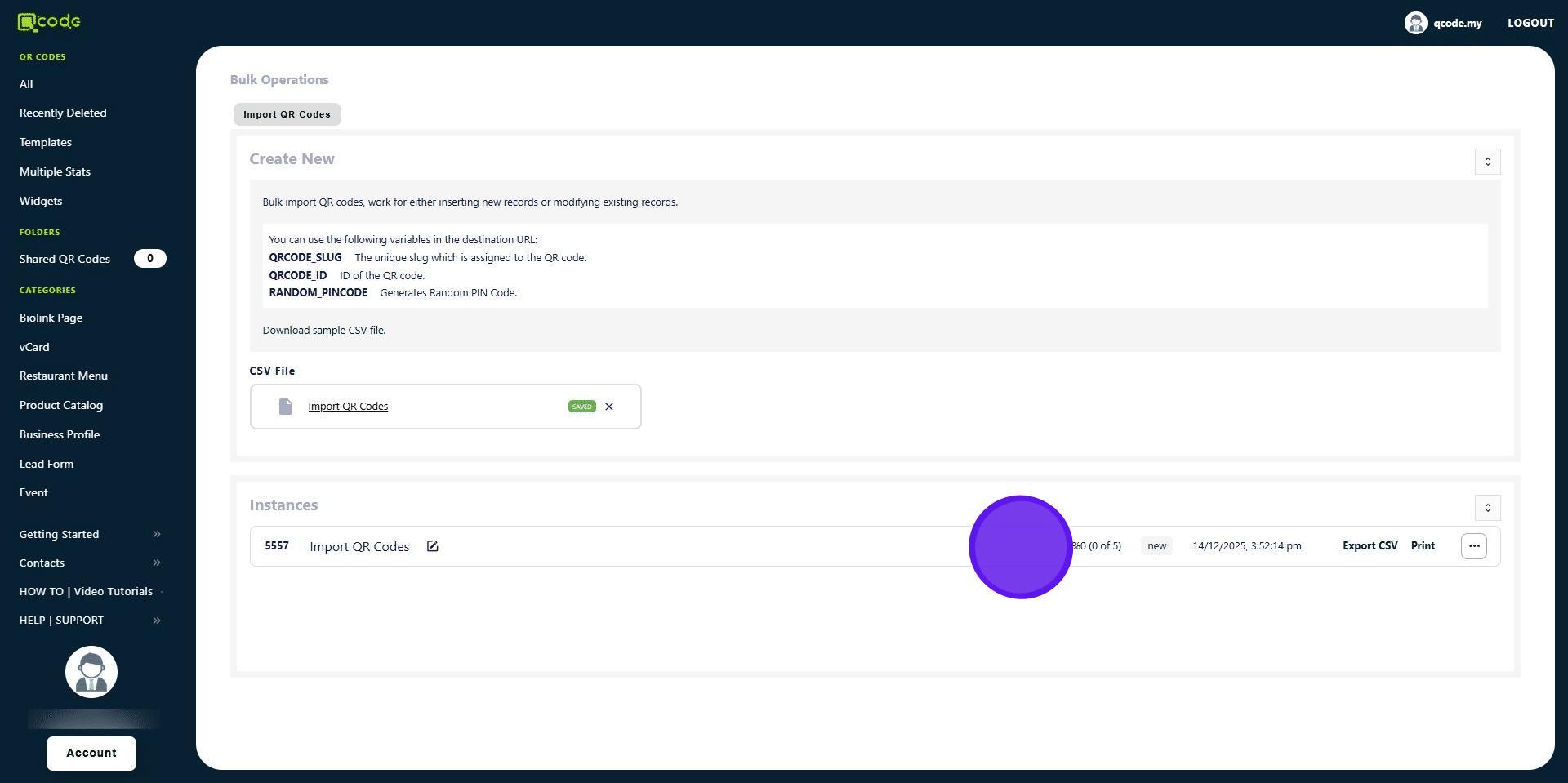
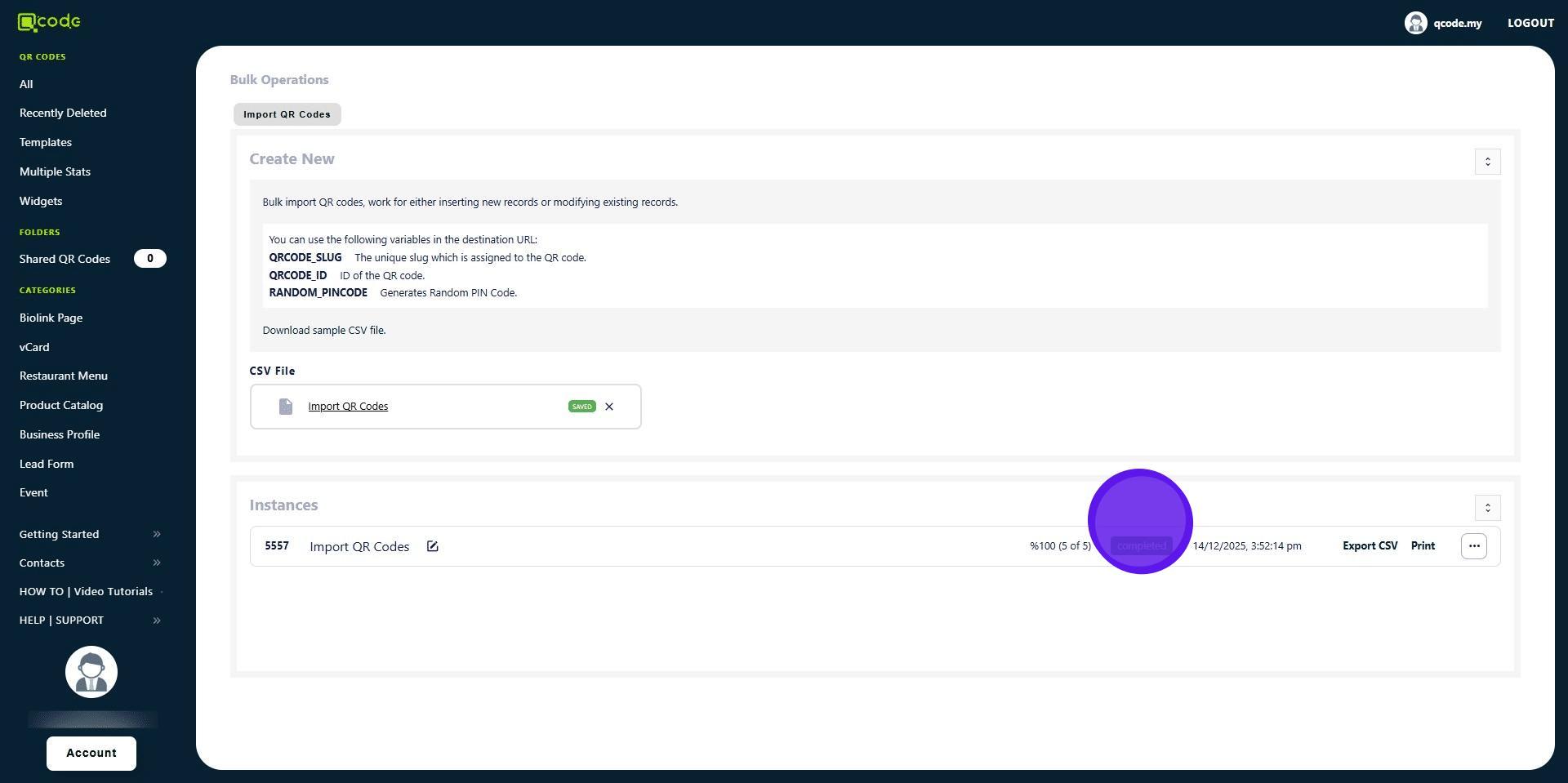
6. You have now imported your QR Codes
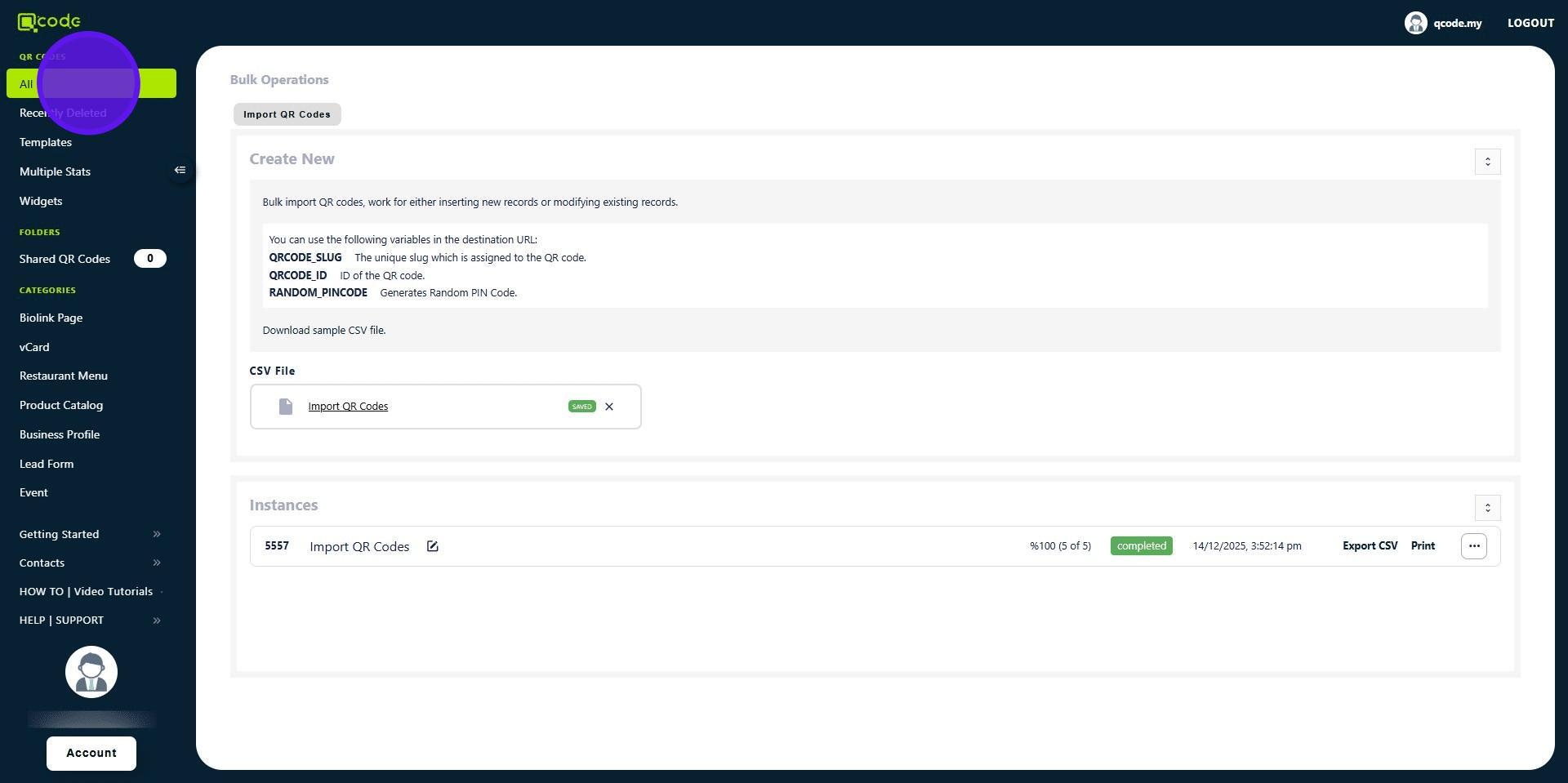
7. Click on All to view your imported QR Codes
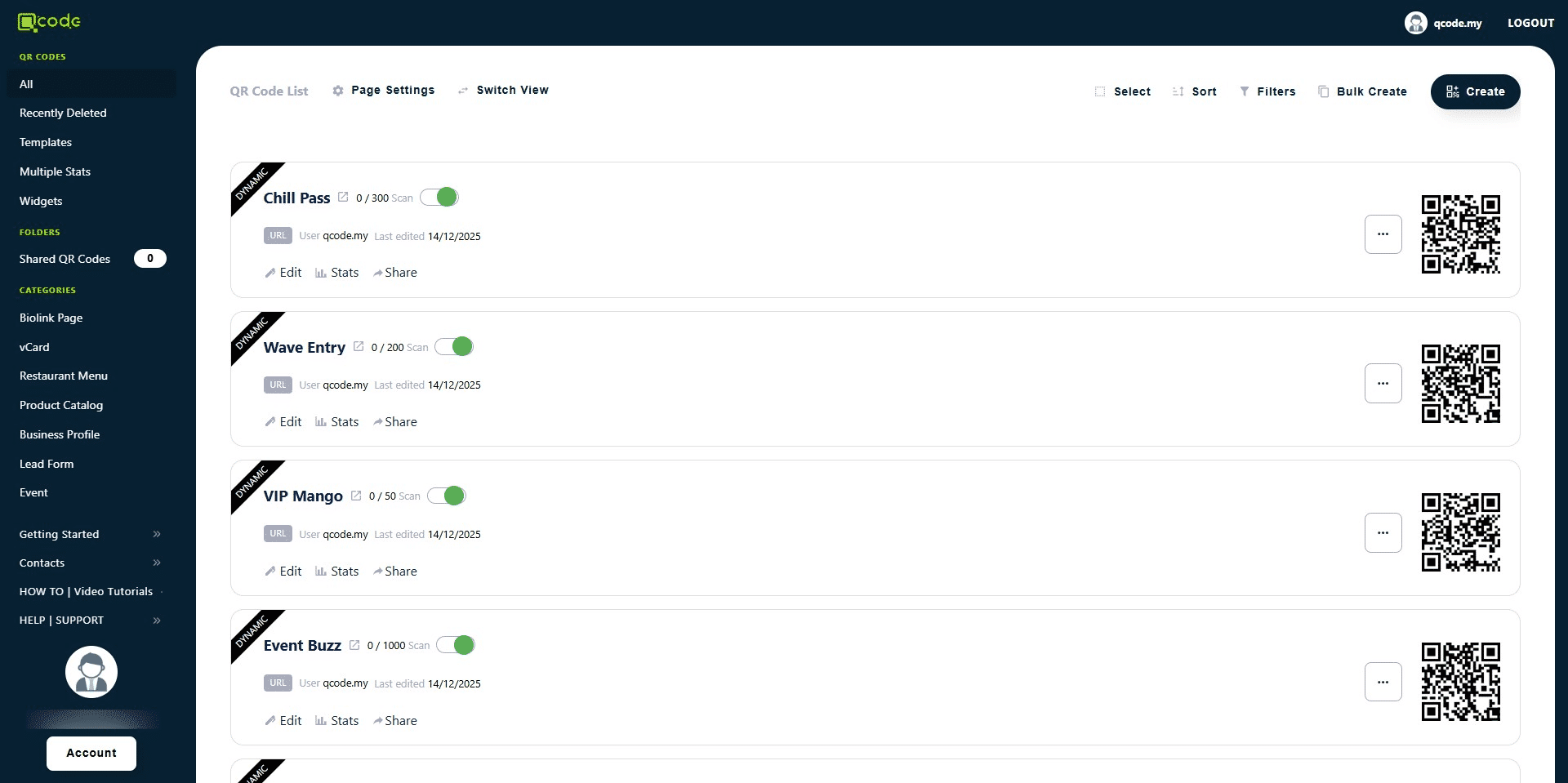
8. Here are all of your imported QR Codes
9. Well done 🚀