How to add WhatsApp order
1. Navigate to https://qcode.my/dashboard/qrcodes?page=1
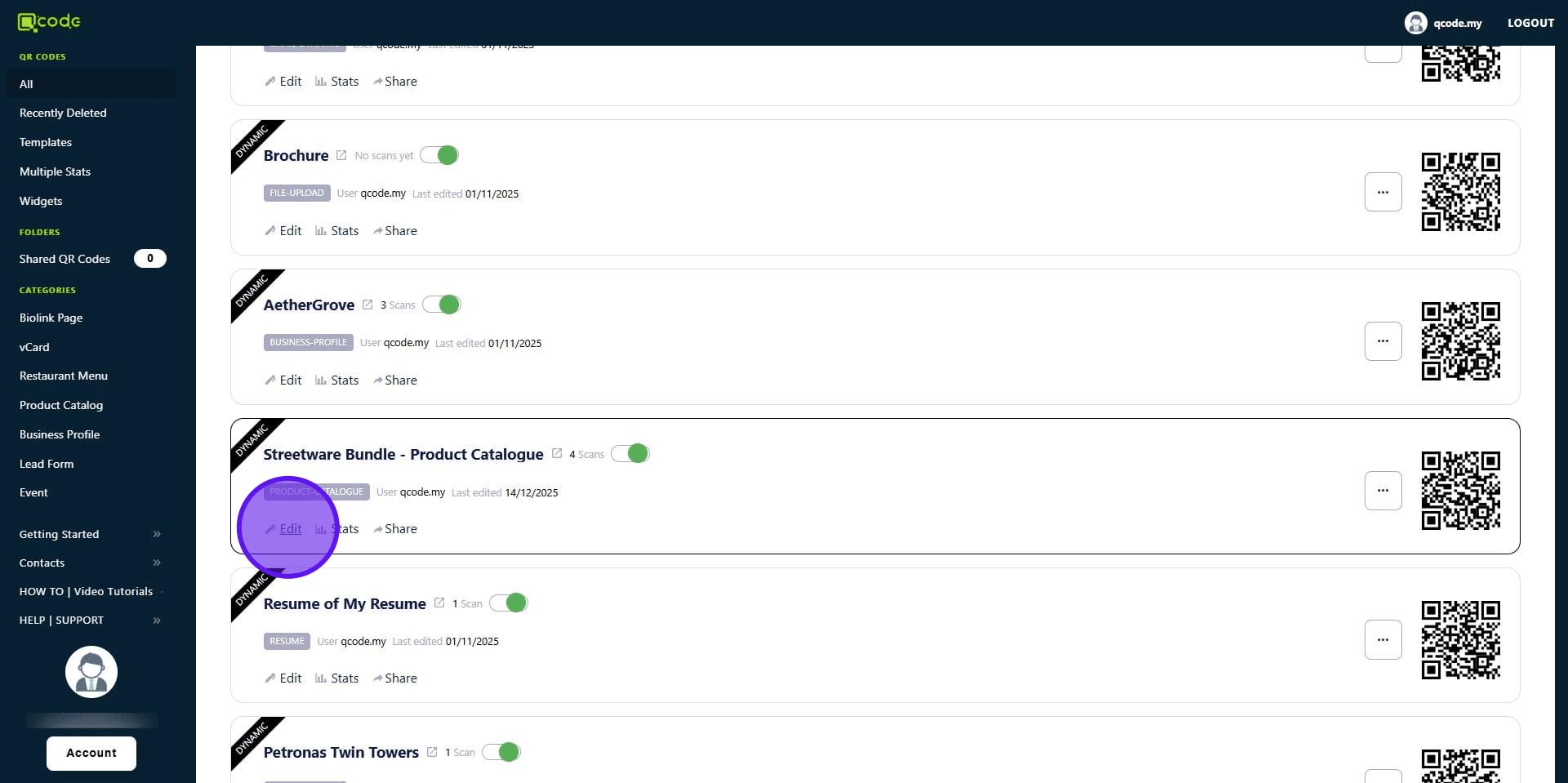
2. Click on Edit on your existing Restaurant Menu or Product Catalog
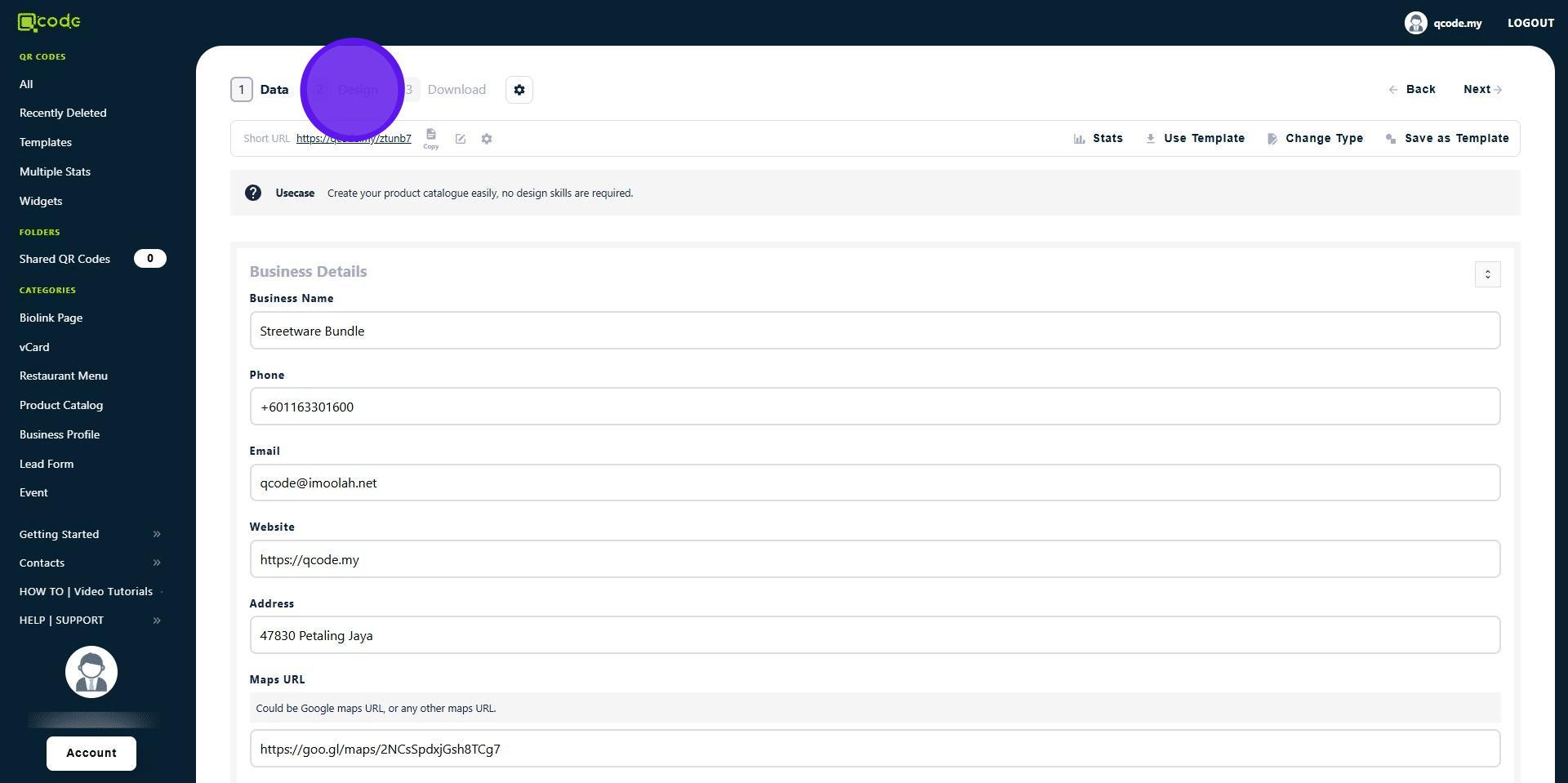
3. Click on Design
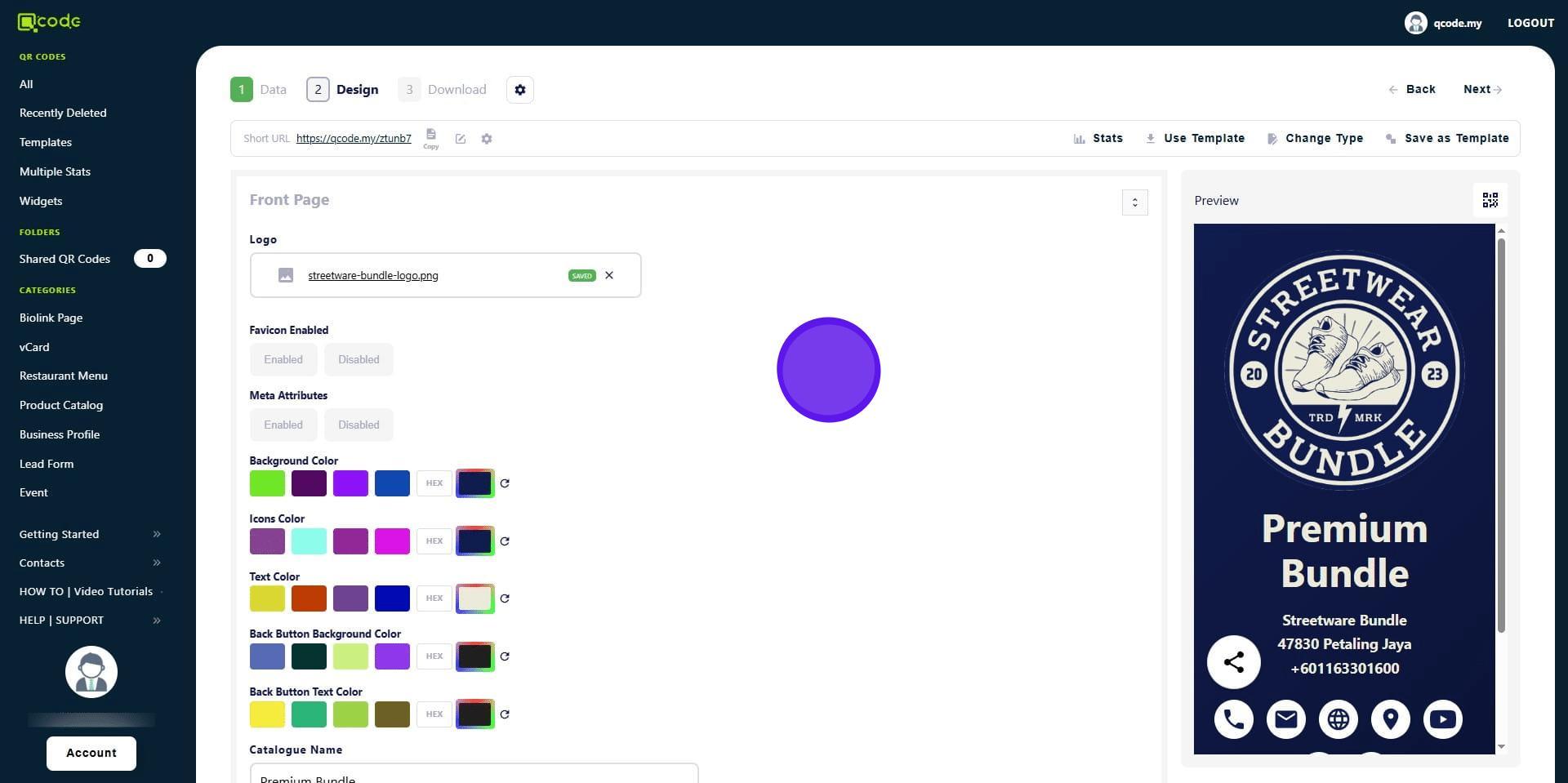
4. Scroll down
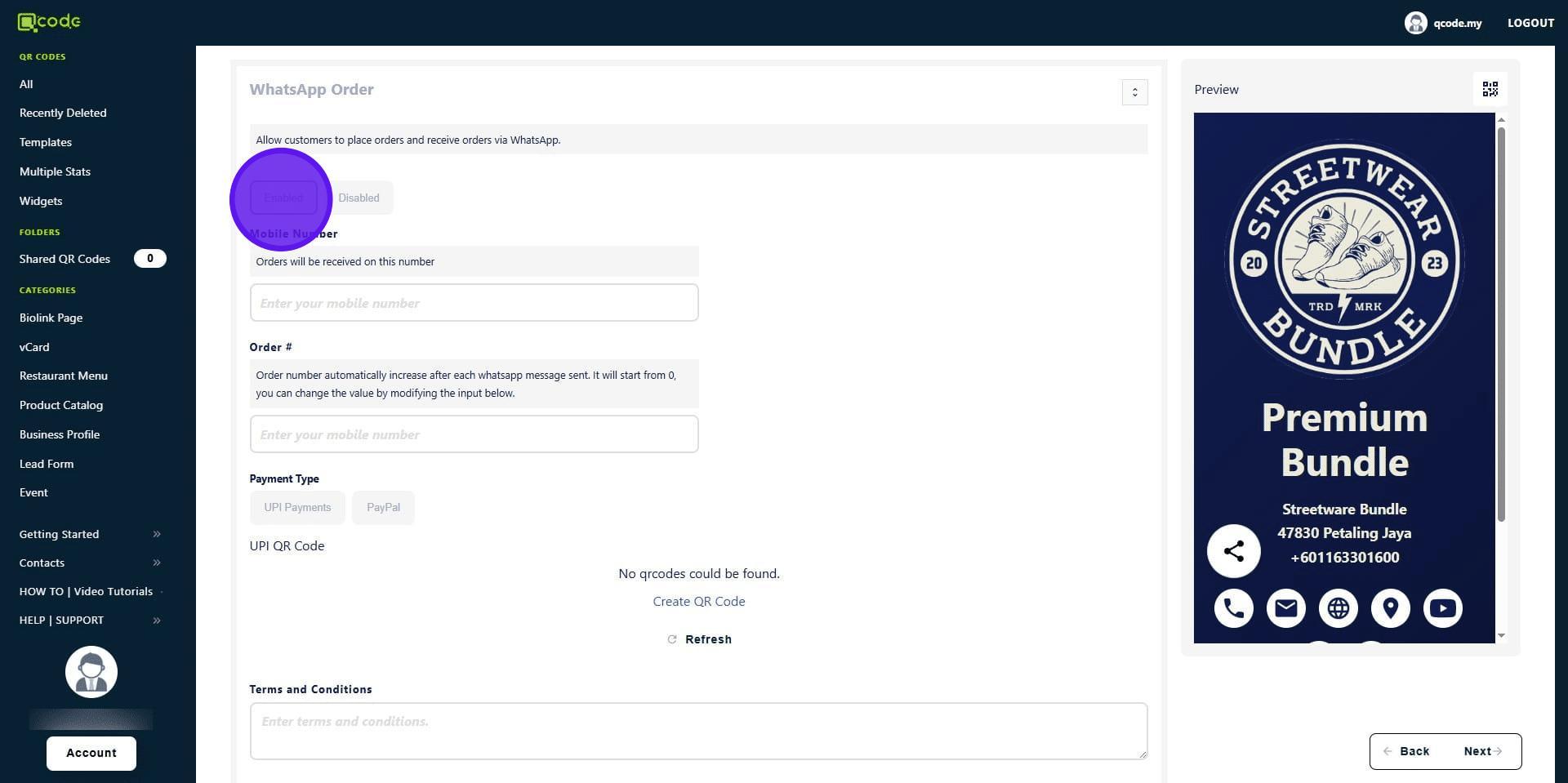
5. In the WhatsApp order section, click on Enabled to enable WhatsApp order function
6. Type in your Phone Number here
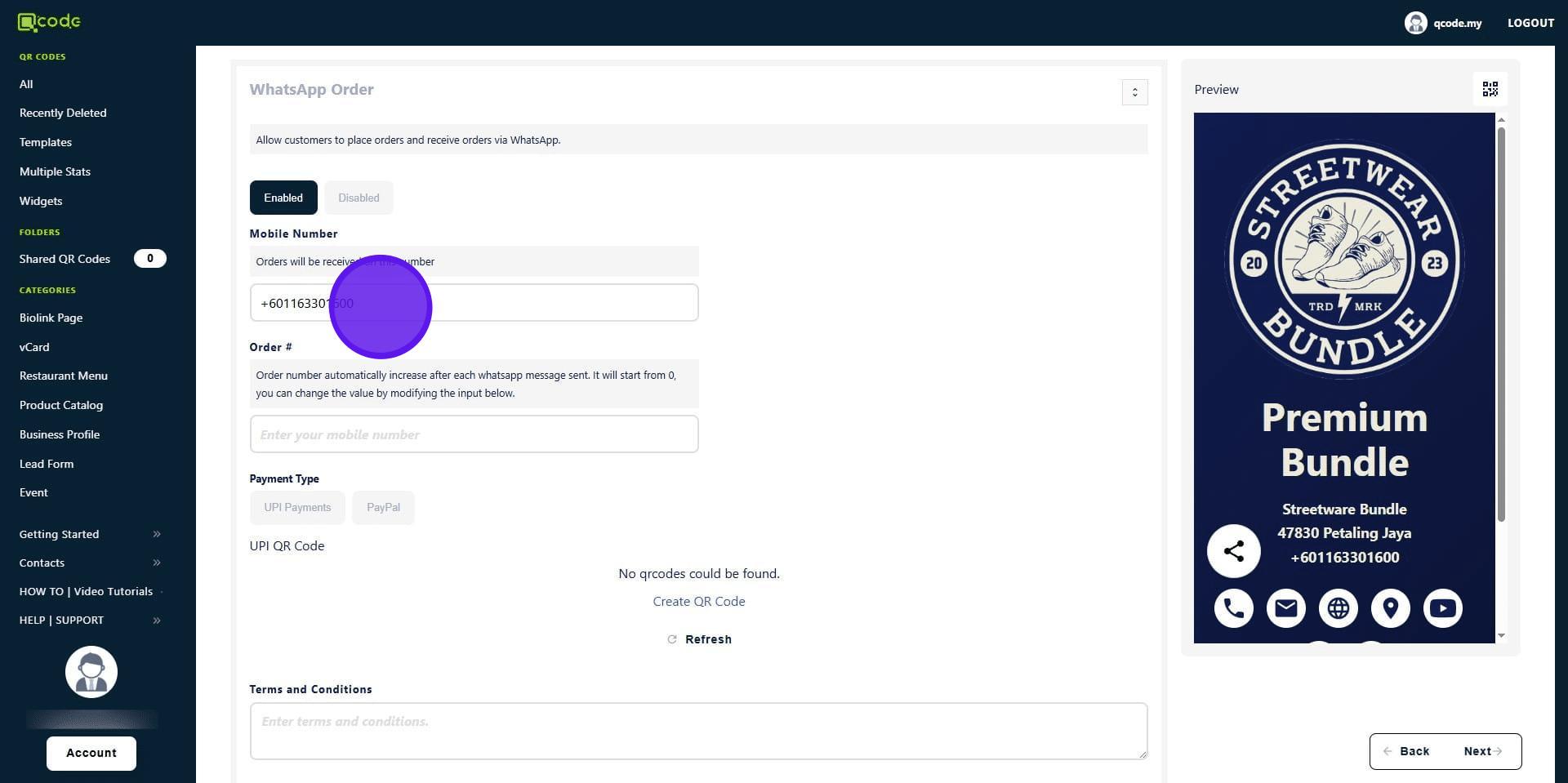
Congratulations! WhatsApp order function has been enabled!
Continue if you want to test the feature.
9. Click on your Slug/Username to view it
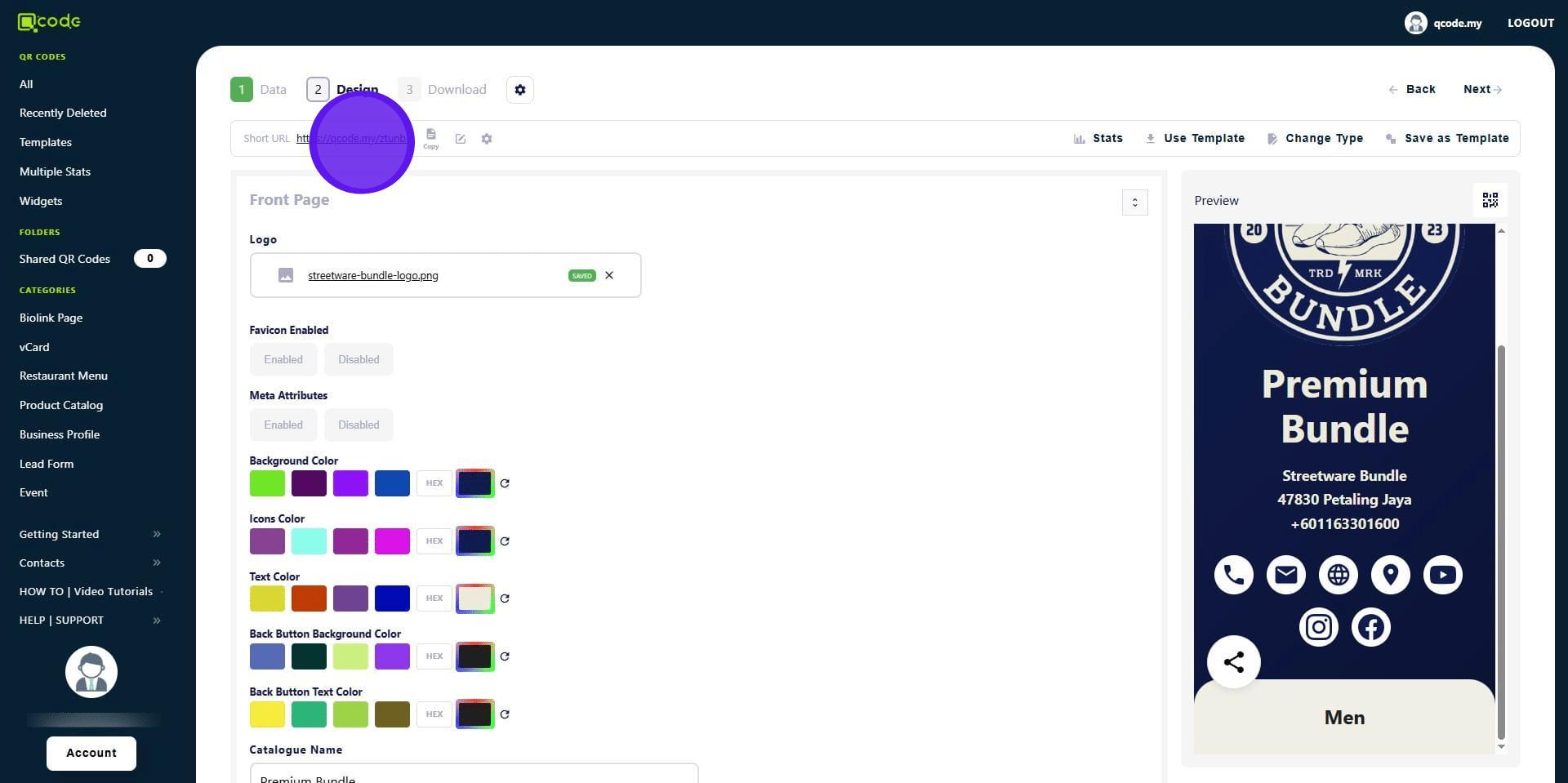
10. Click on a Category

11. Click on Buy
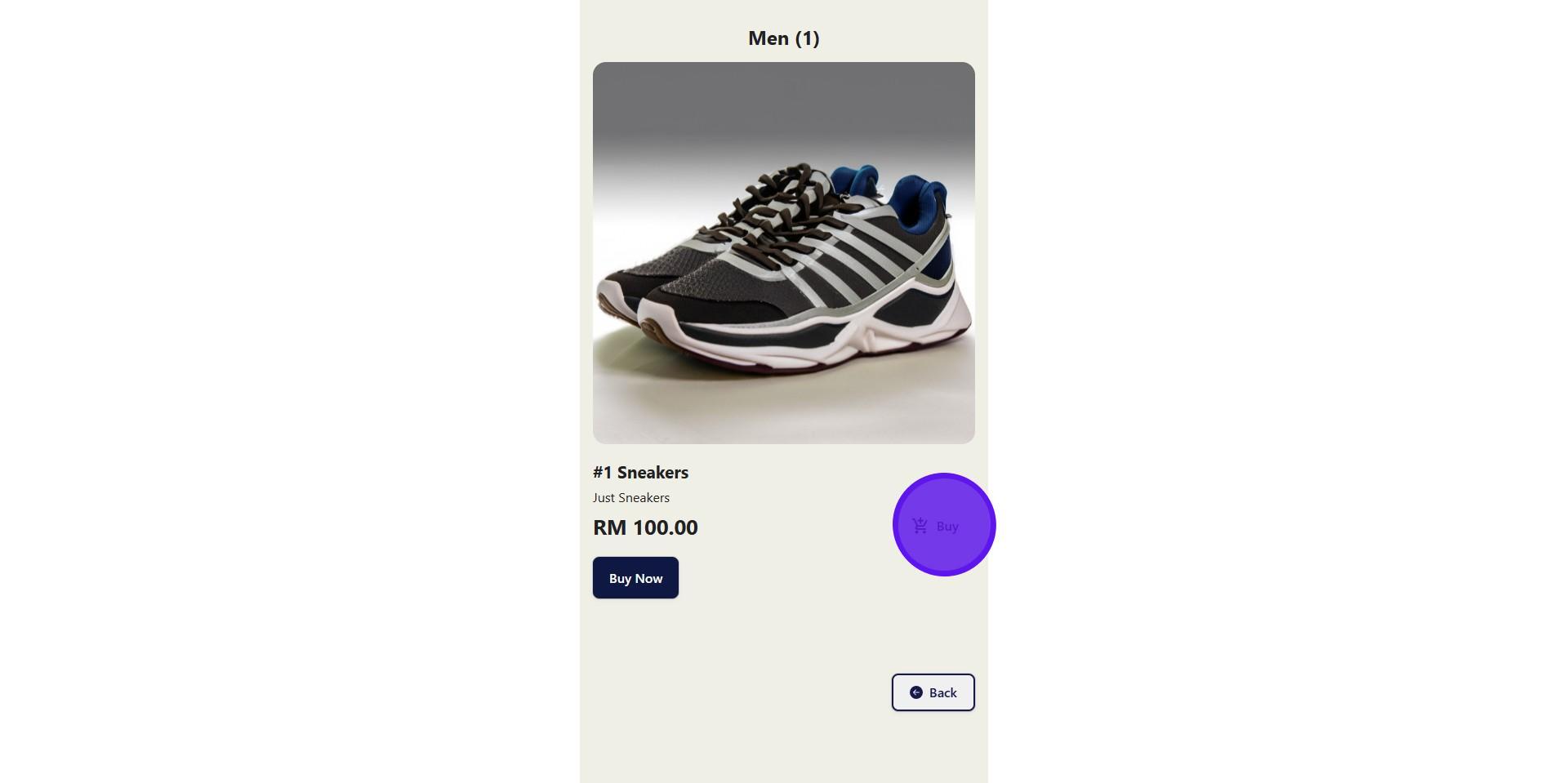
12. The selected item has been put into your cart.
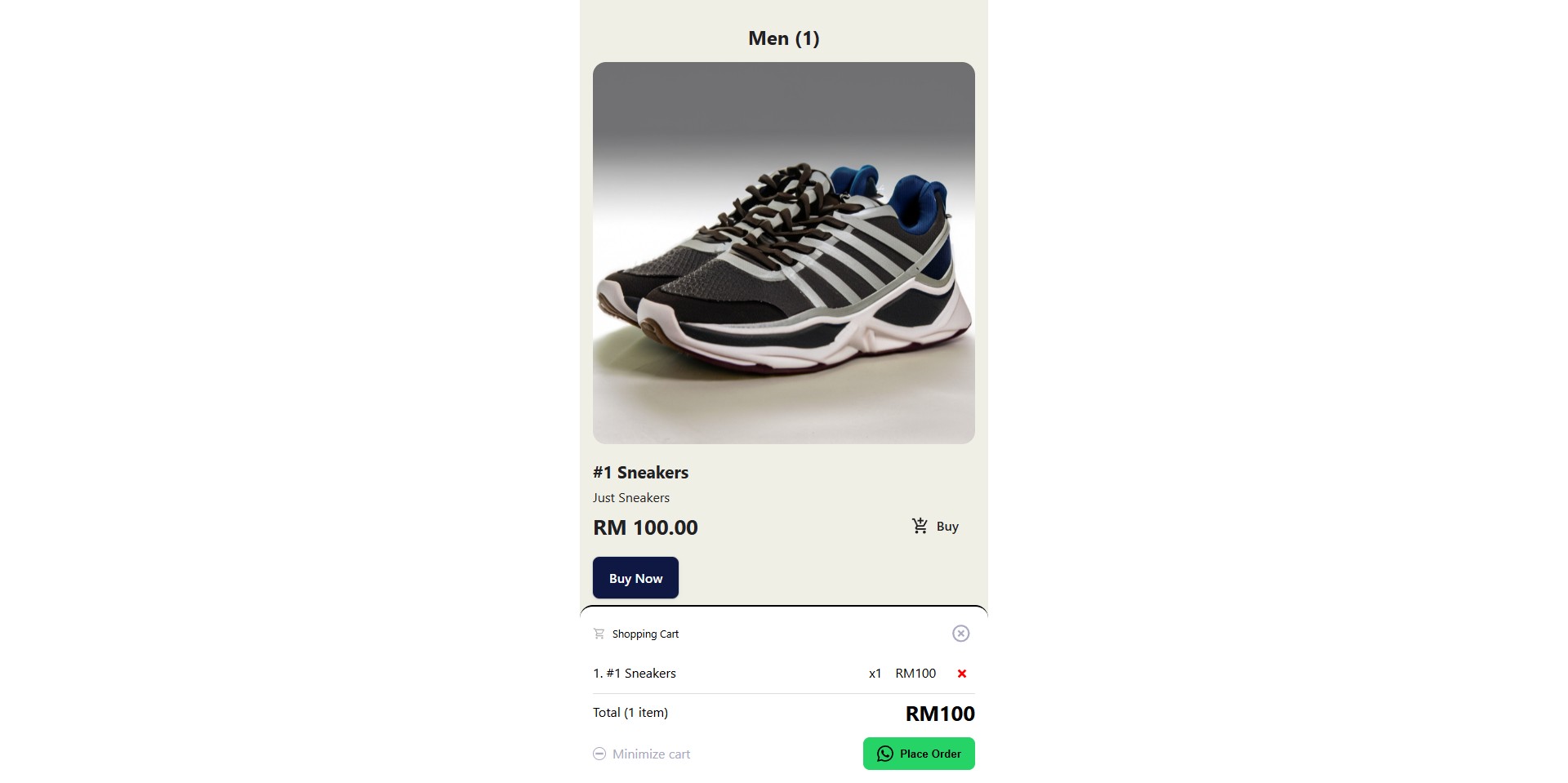
13. Click on Place Order
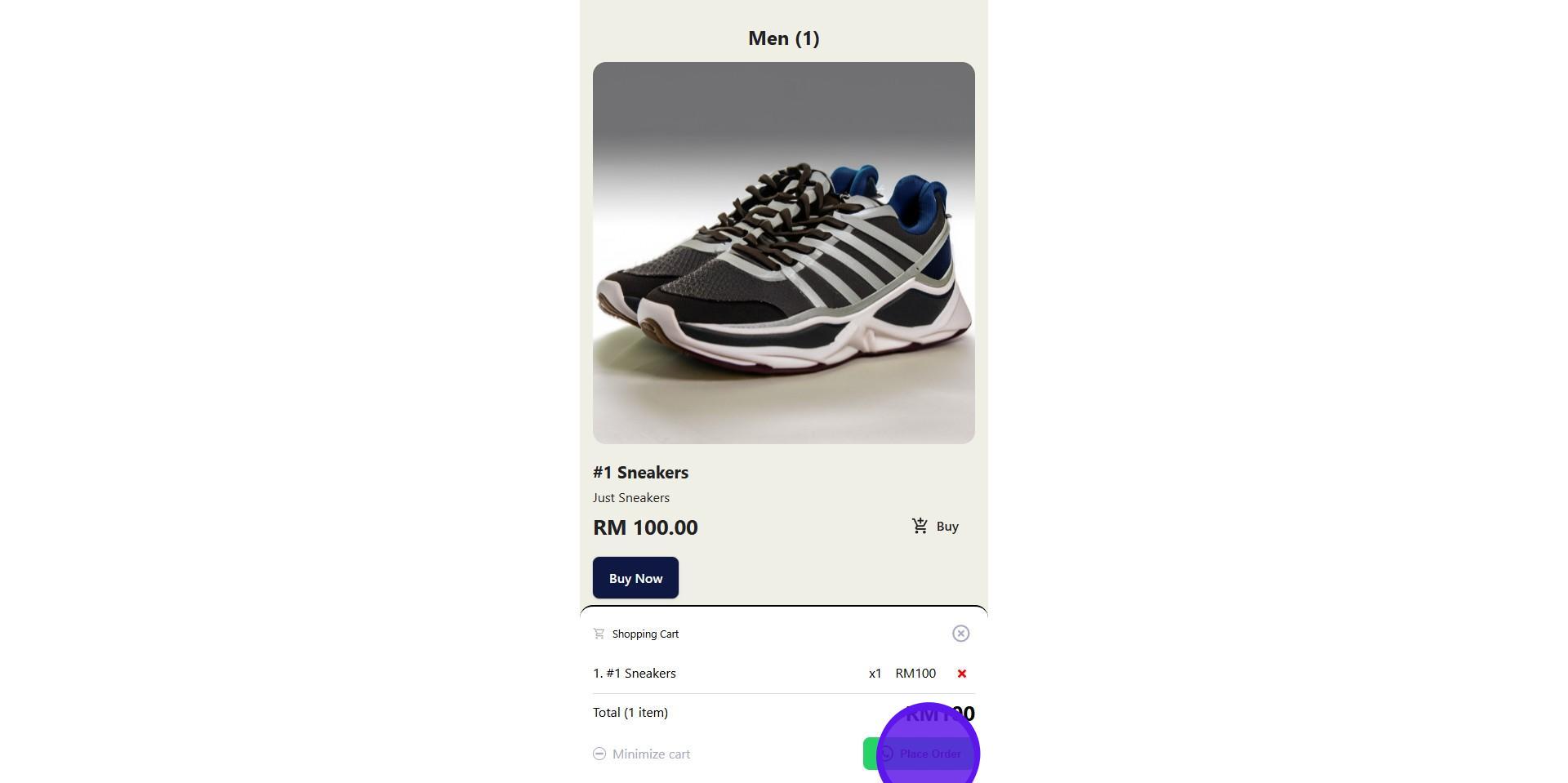
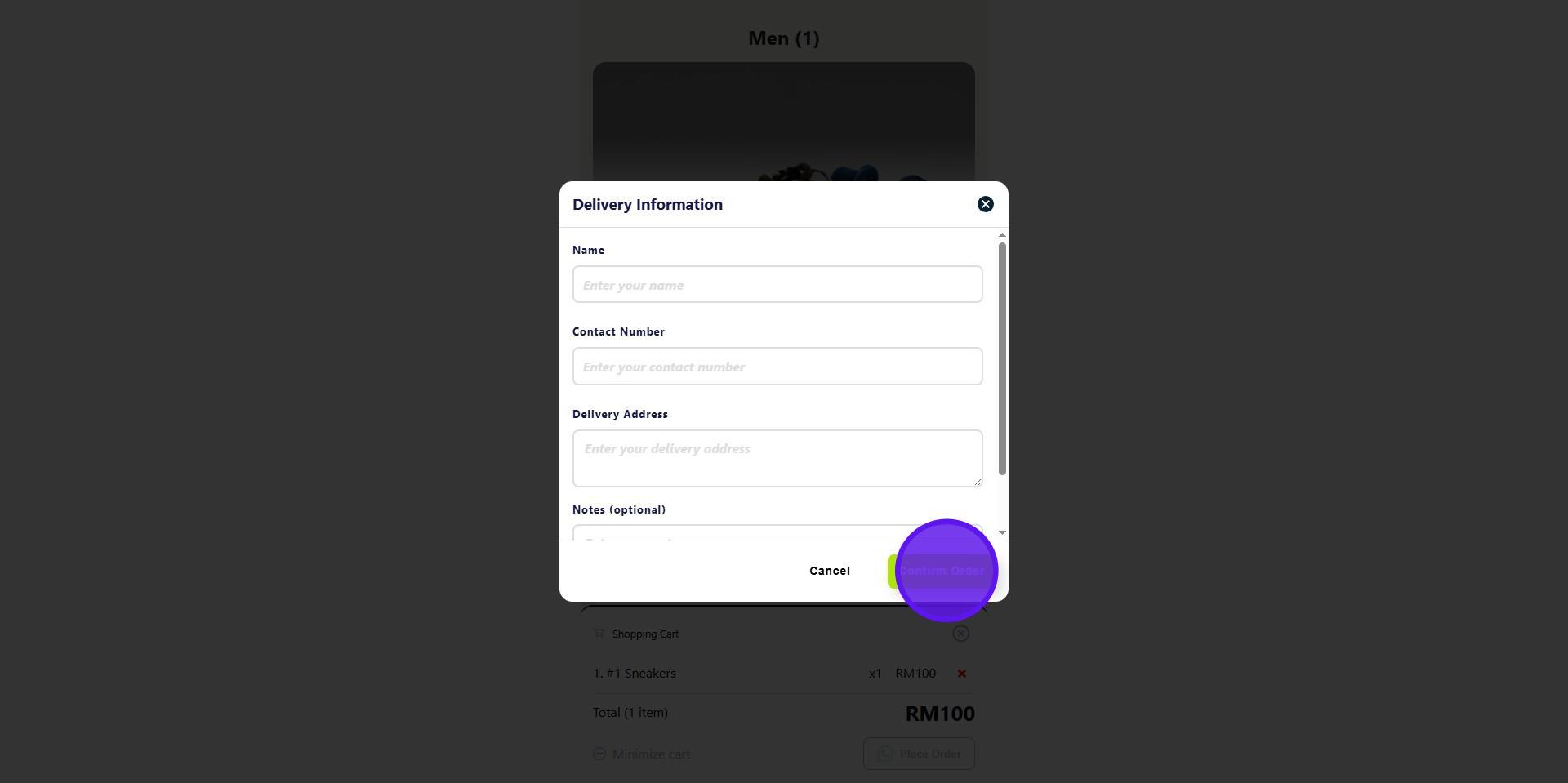
14. Fill in the delivery information for WhatsApp
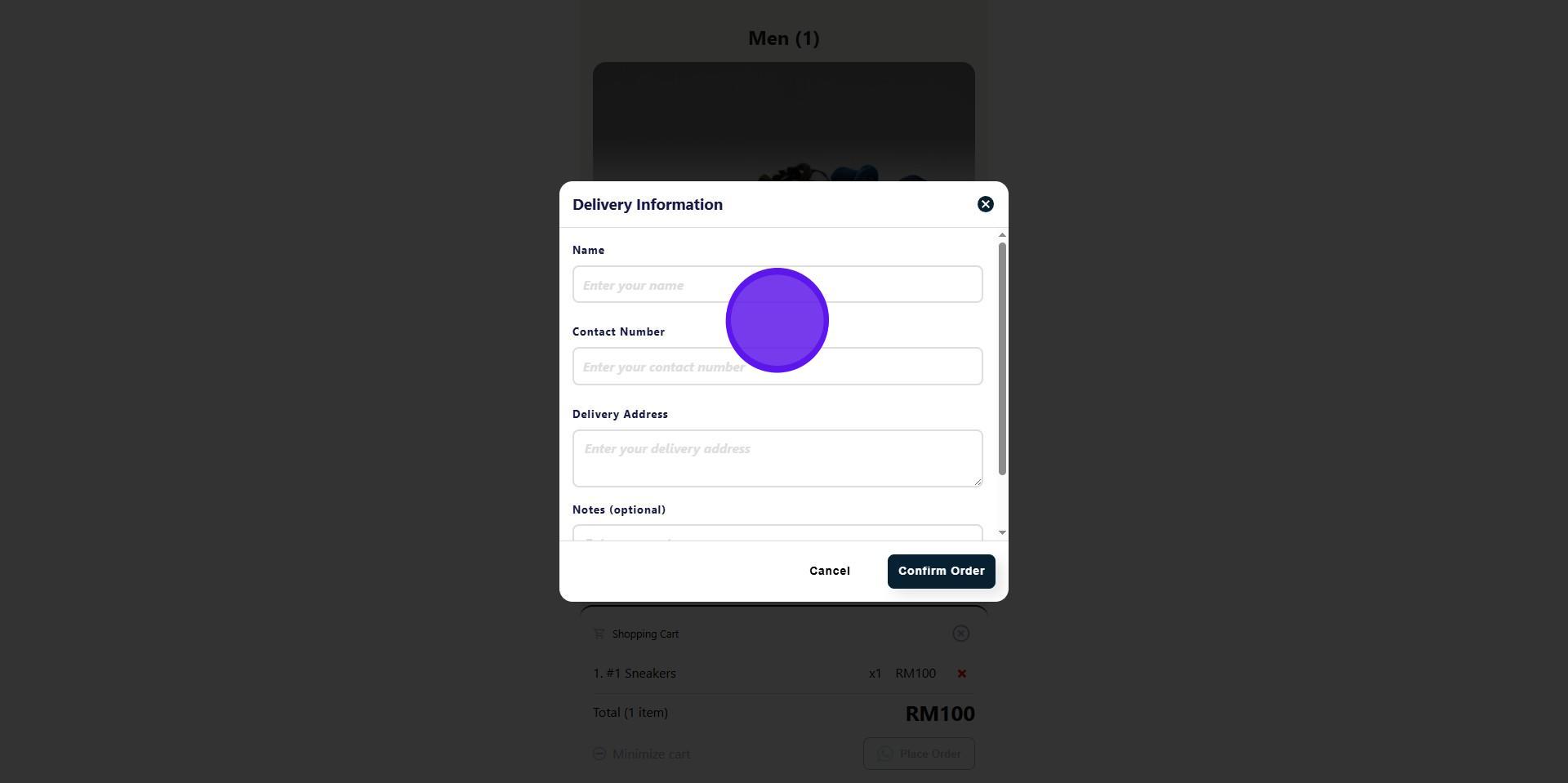
15. Click on Confirm Order to finish ordering.